Make your studio portraits look like this.
Rich colour, deep shadows, and skin that glows against dark, painterly backgrounds. Watch me build that look on seven portraits, from RAW file to finished photograph.
7 complete edits · 4 finishing styles · Presets included
30-day money-back guarantee · Instant access
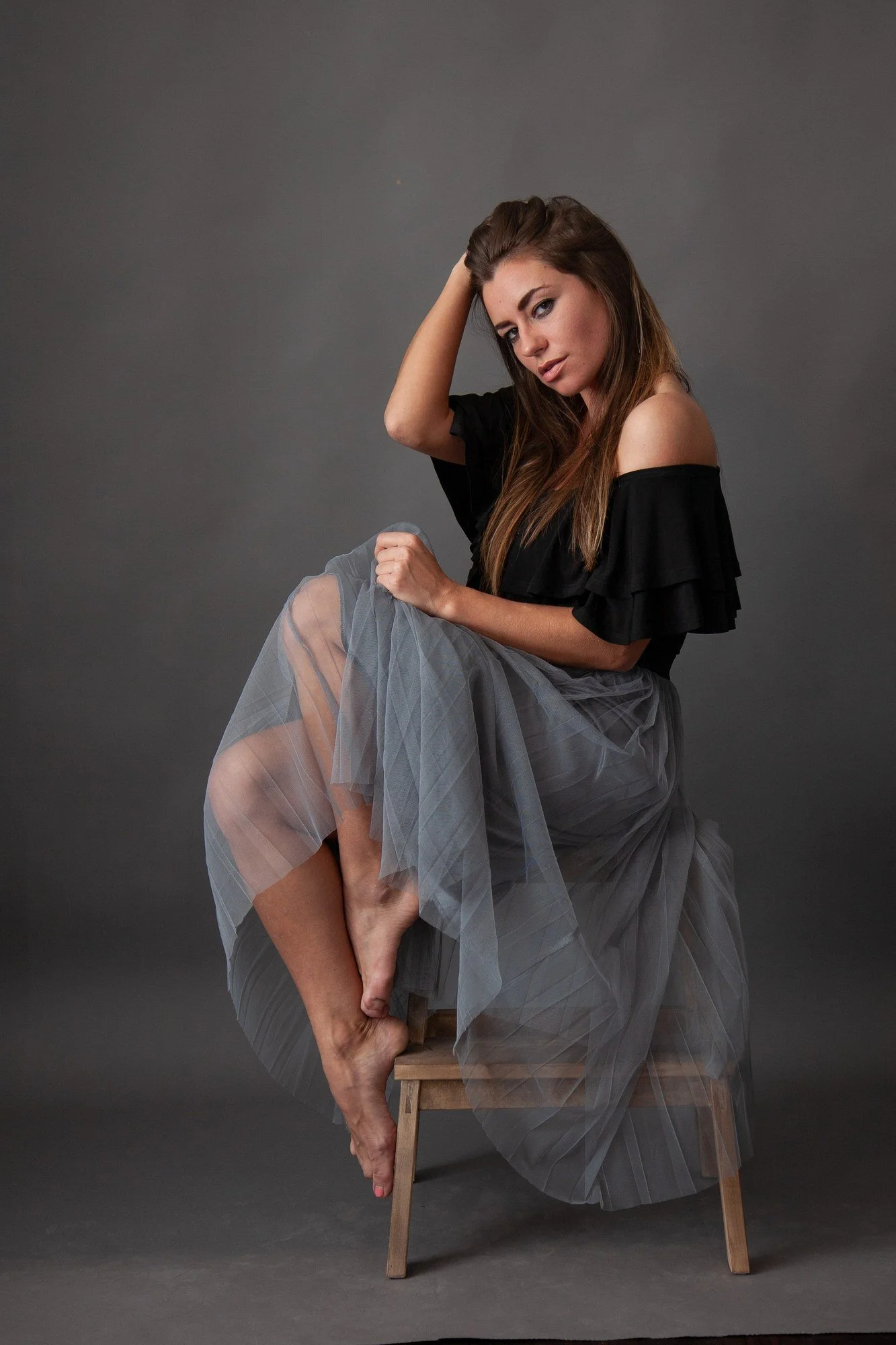
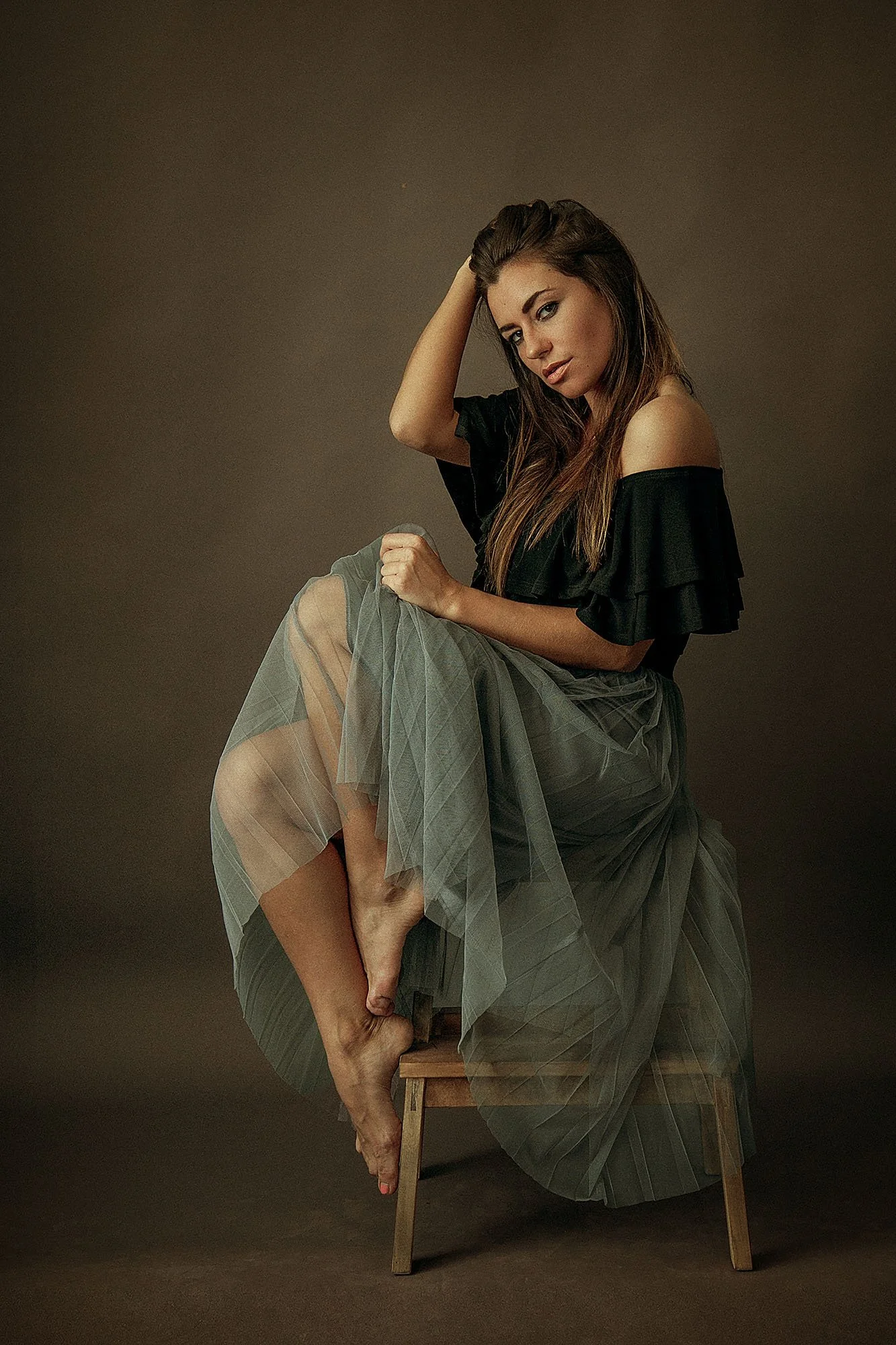
The light is only the start.
Every one of these started as a flat, grey RAW file. I'll show you how I turn that into deep colour, rich shadow and skin with life in it.
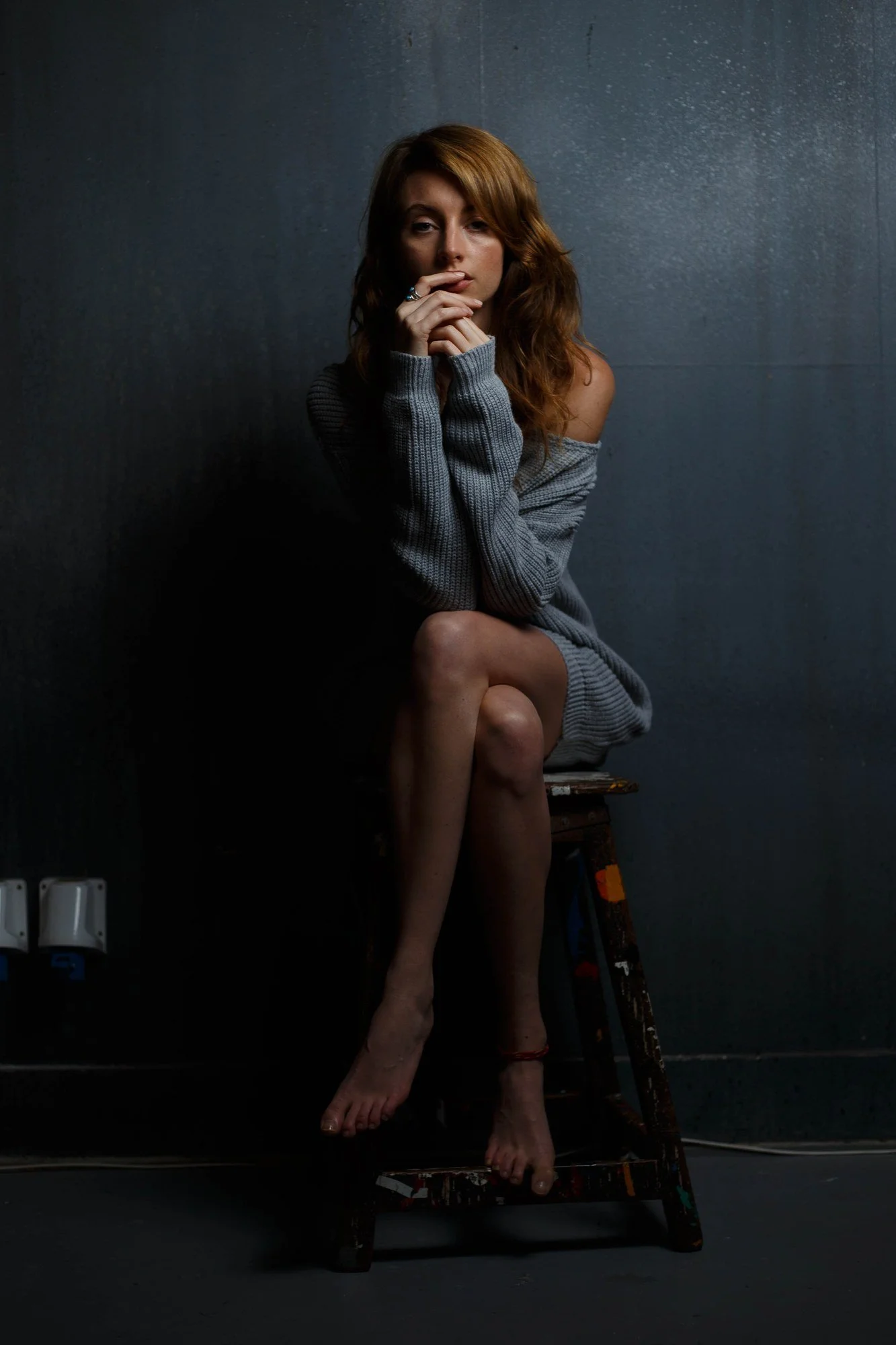
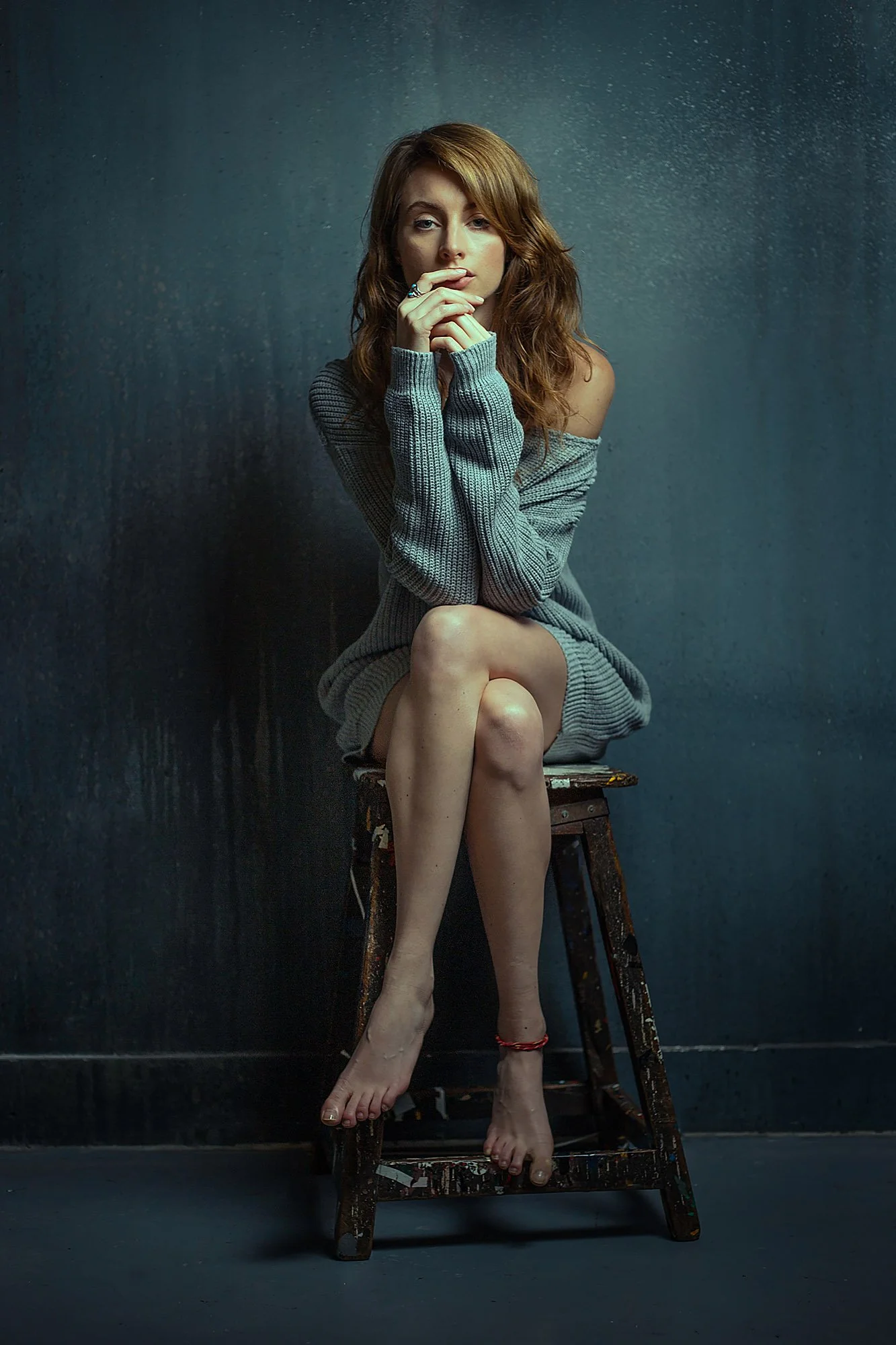
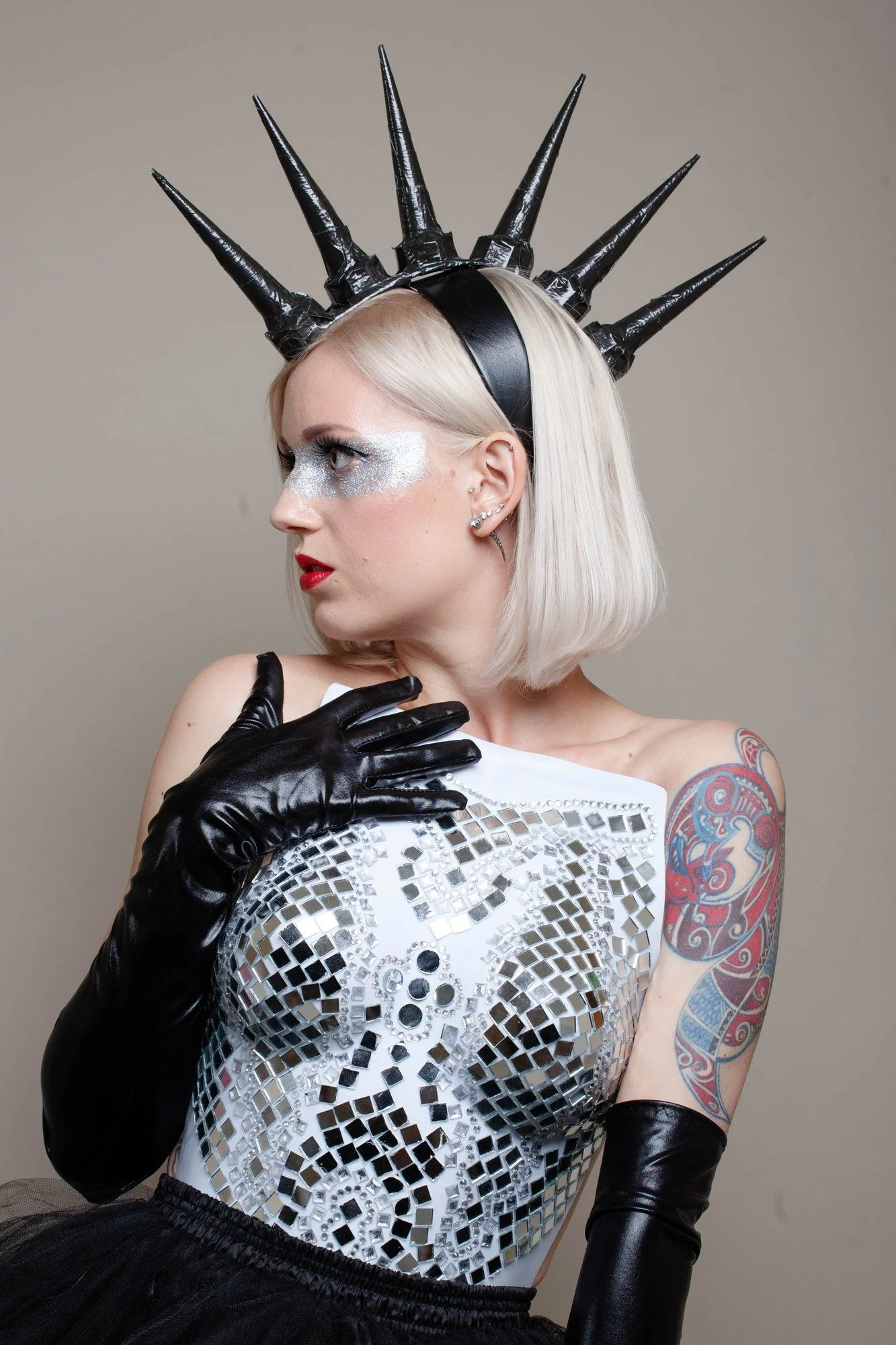
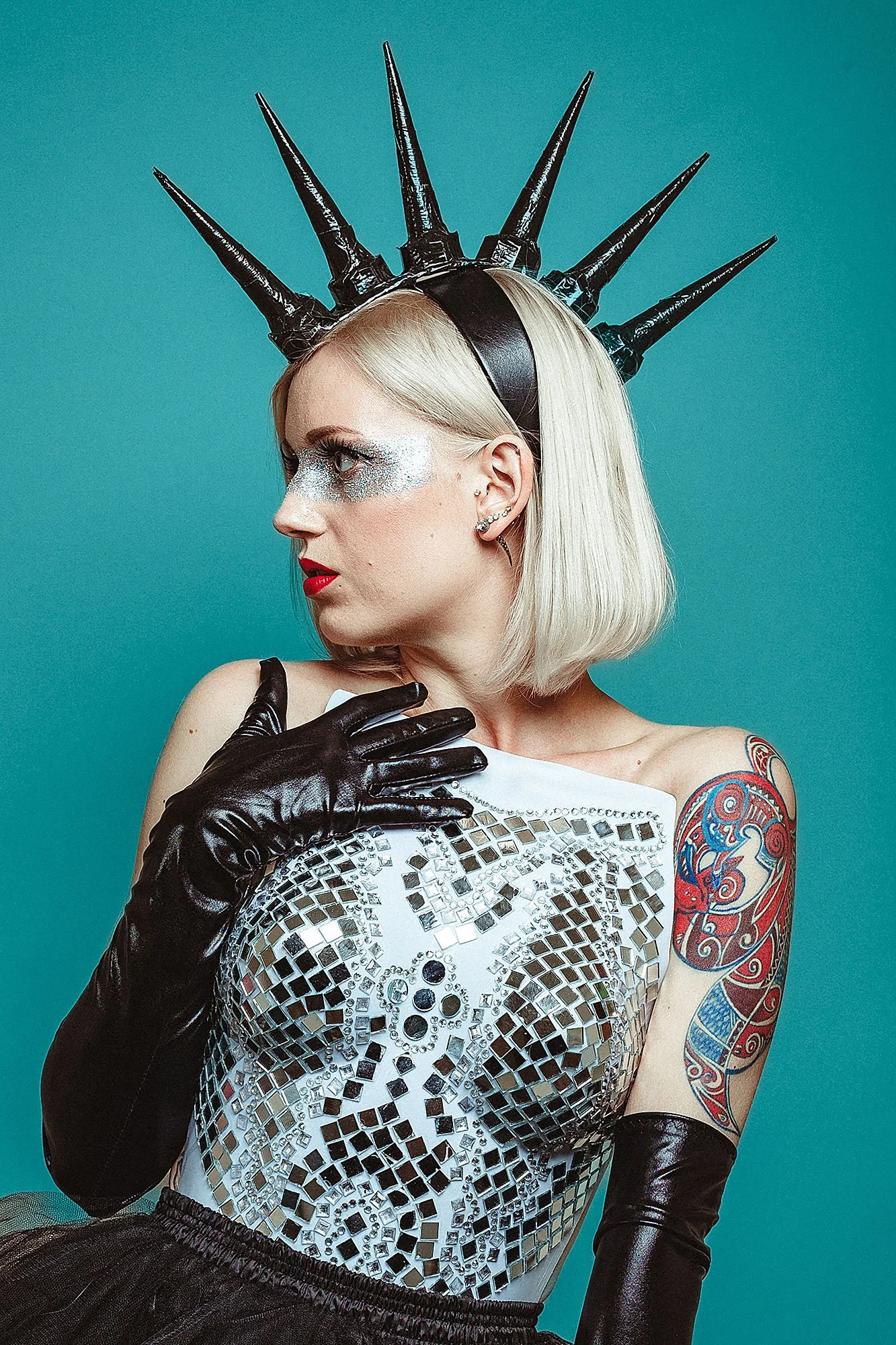
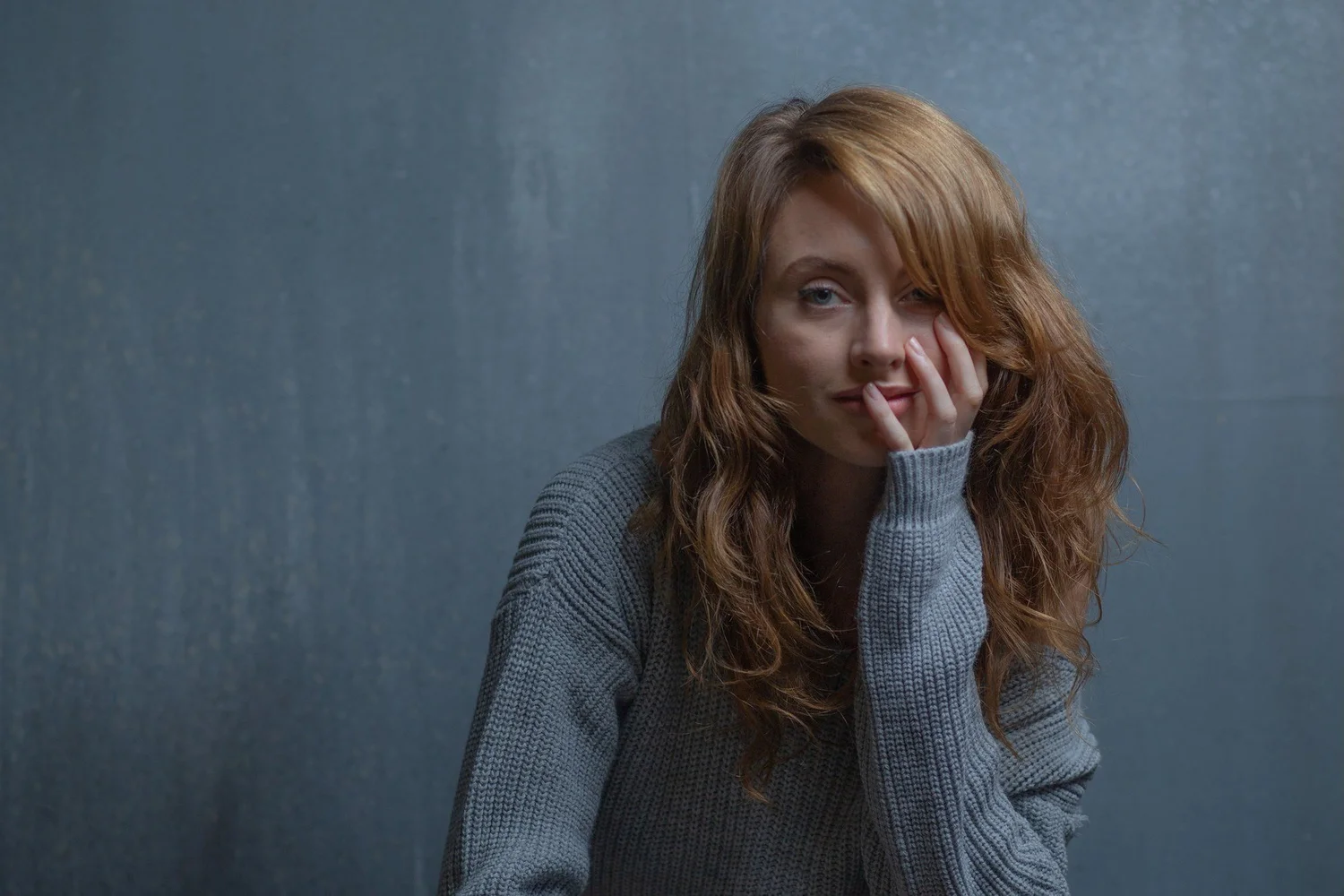
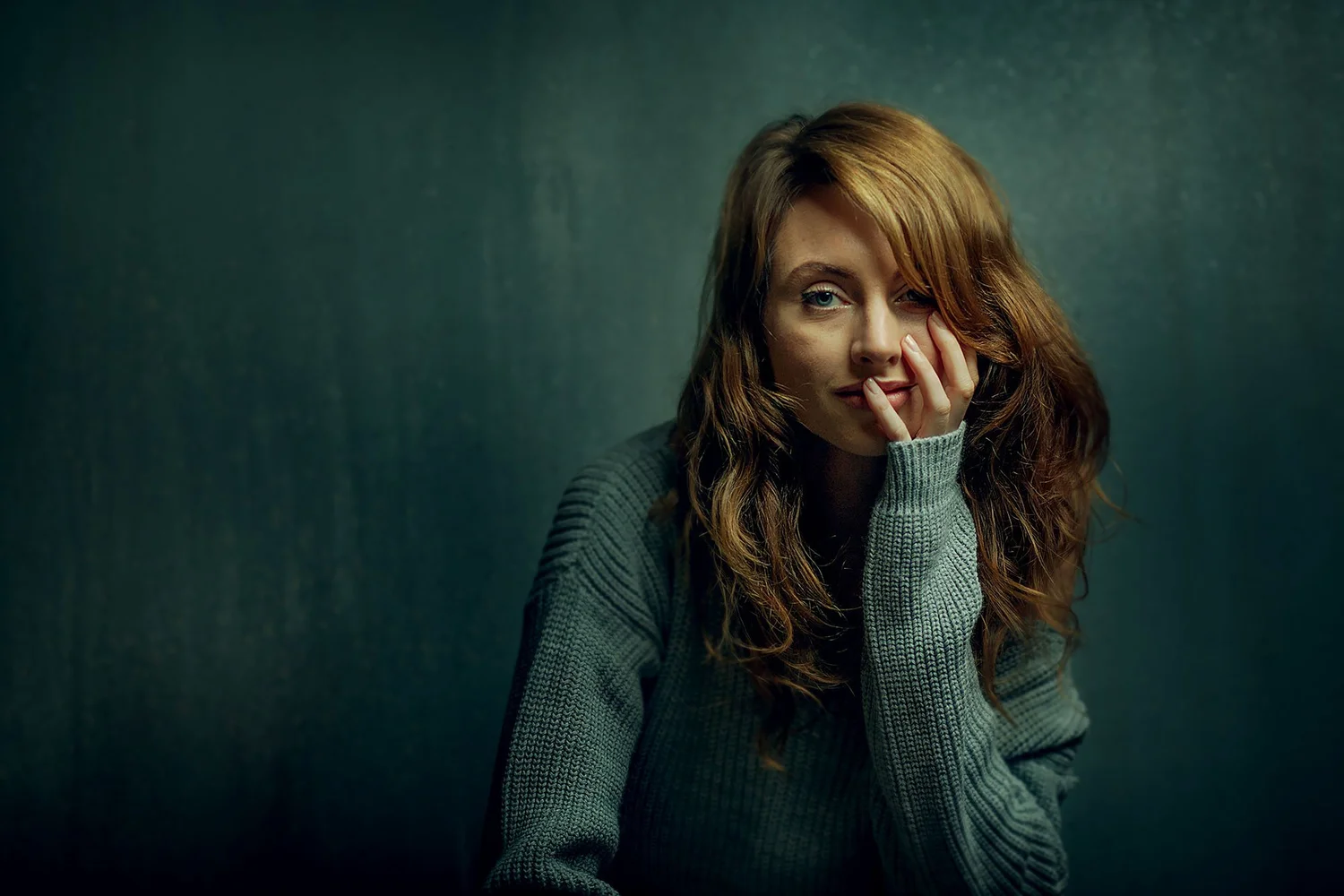
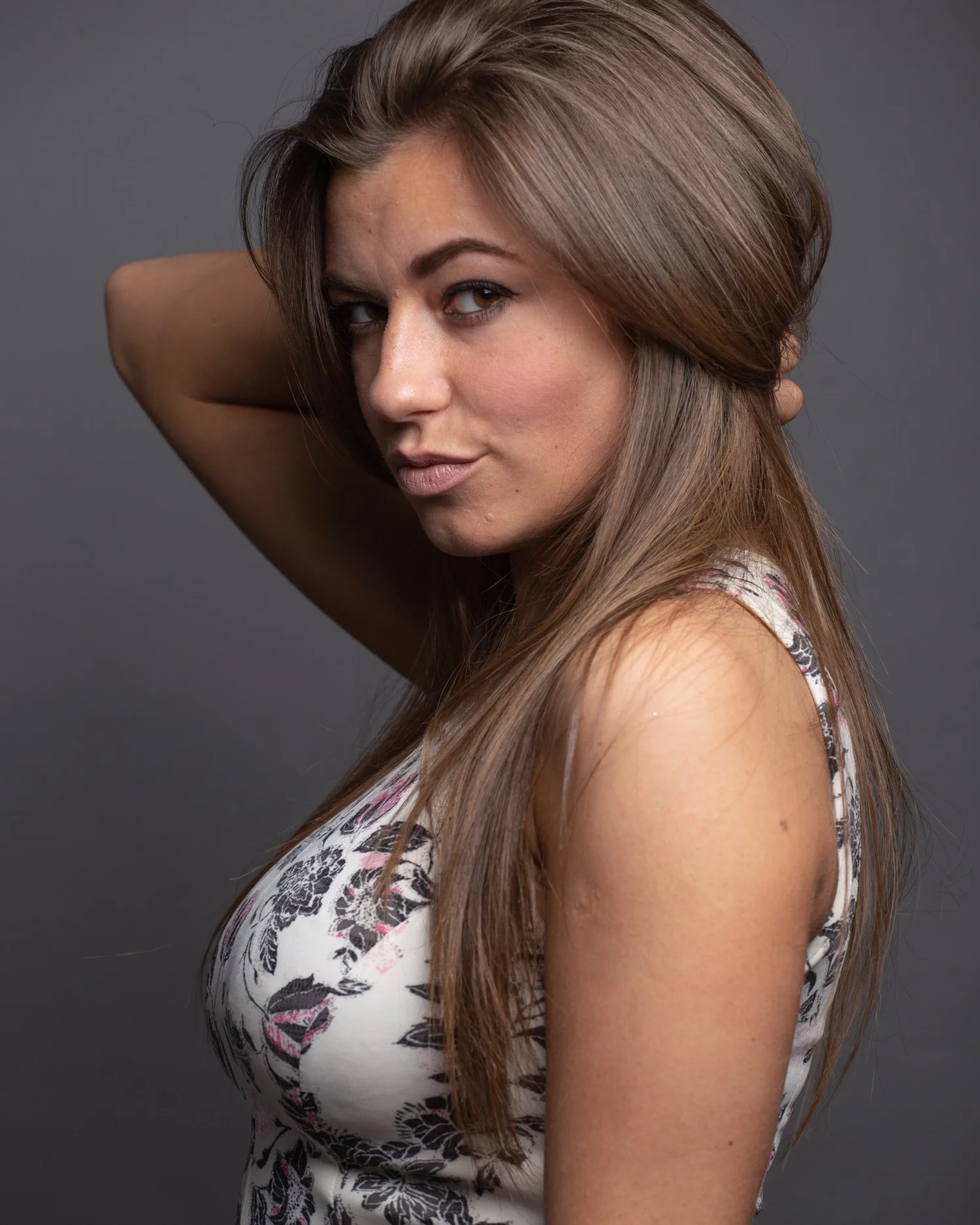
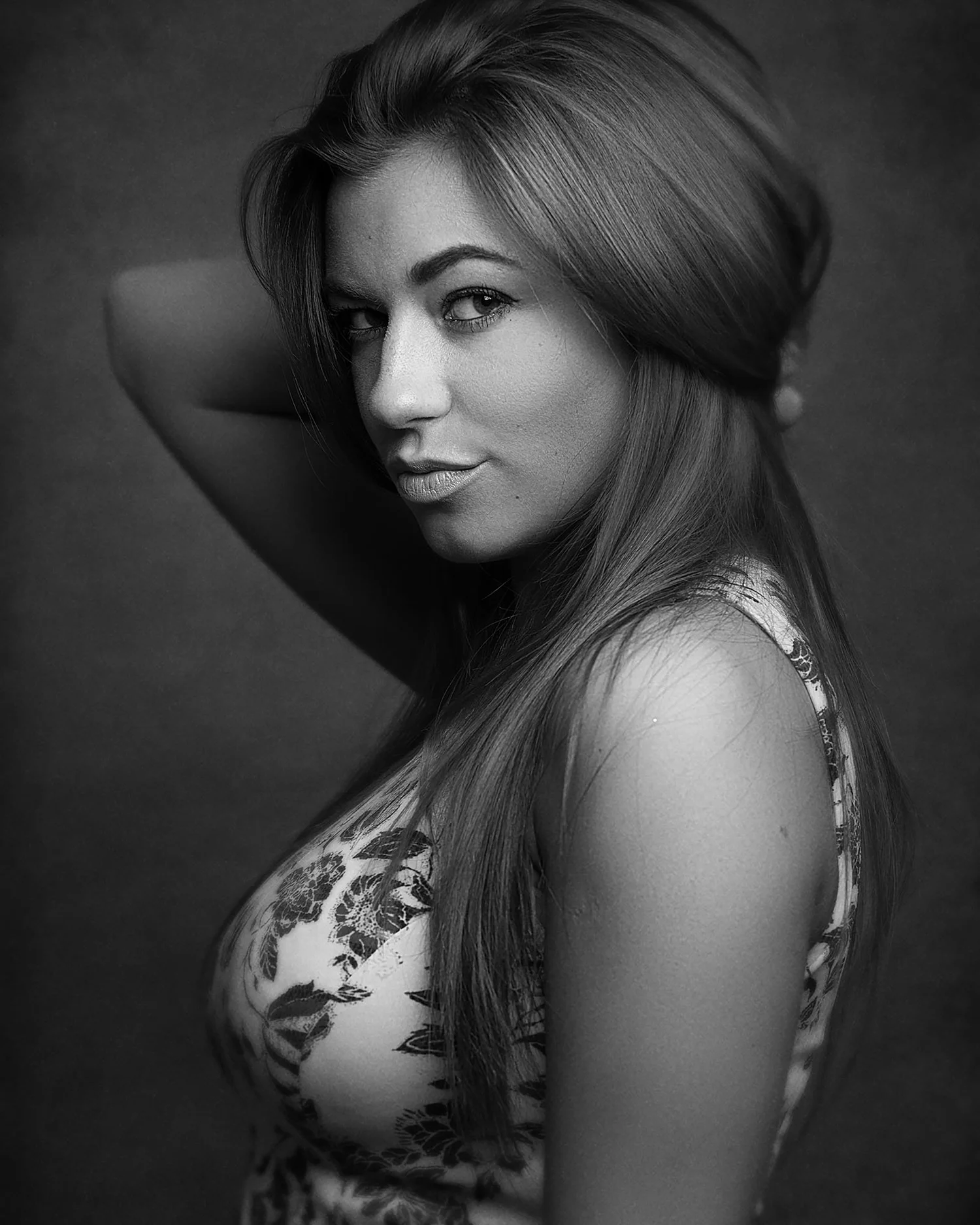
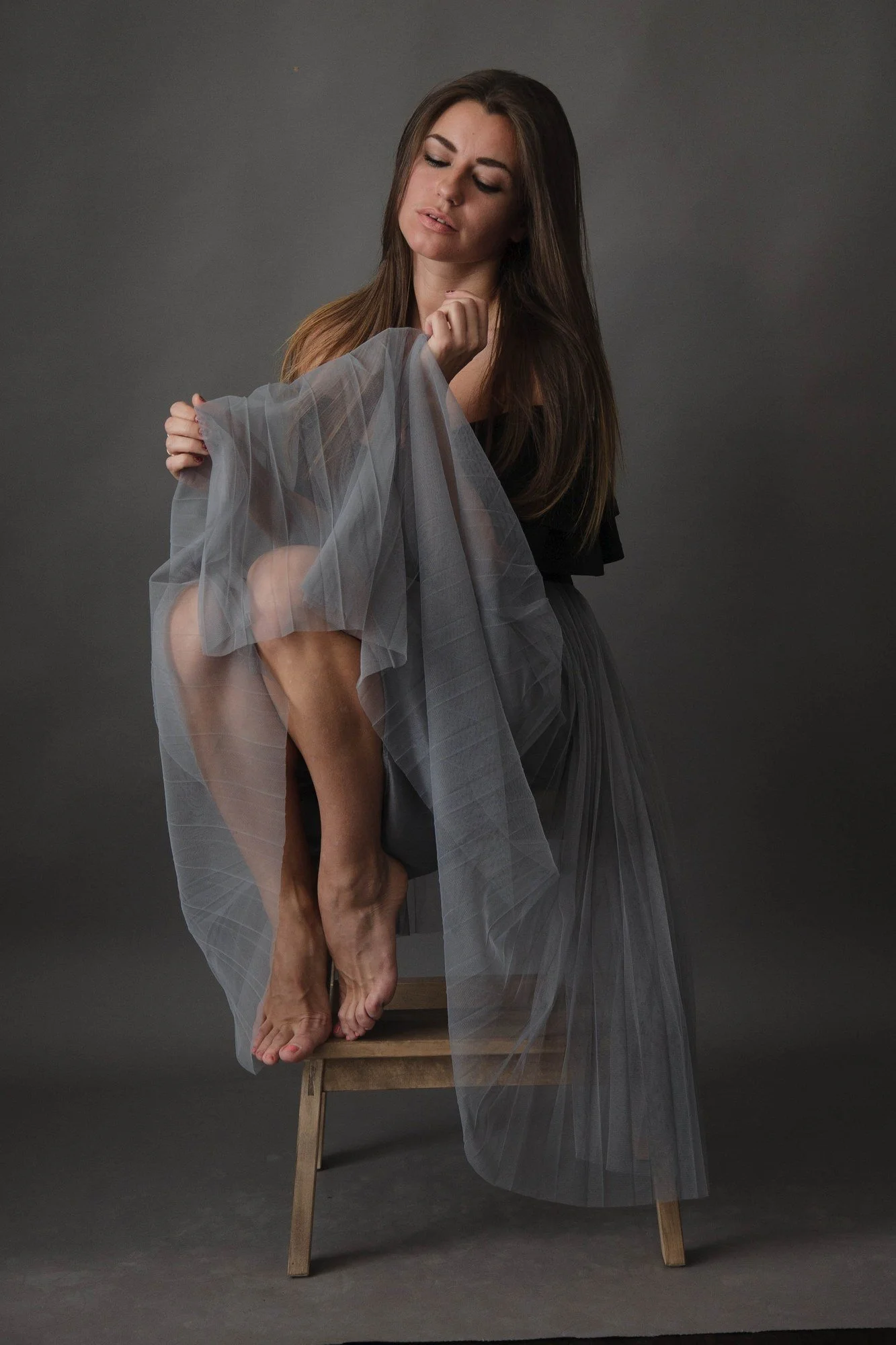
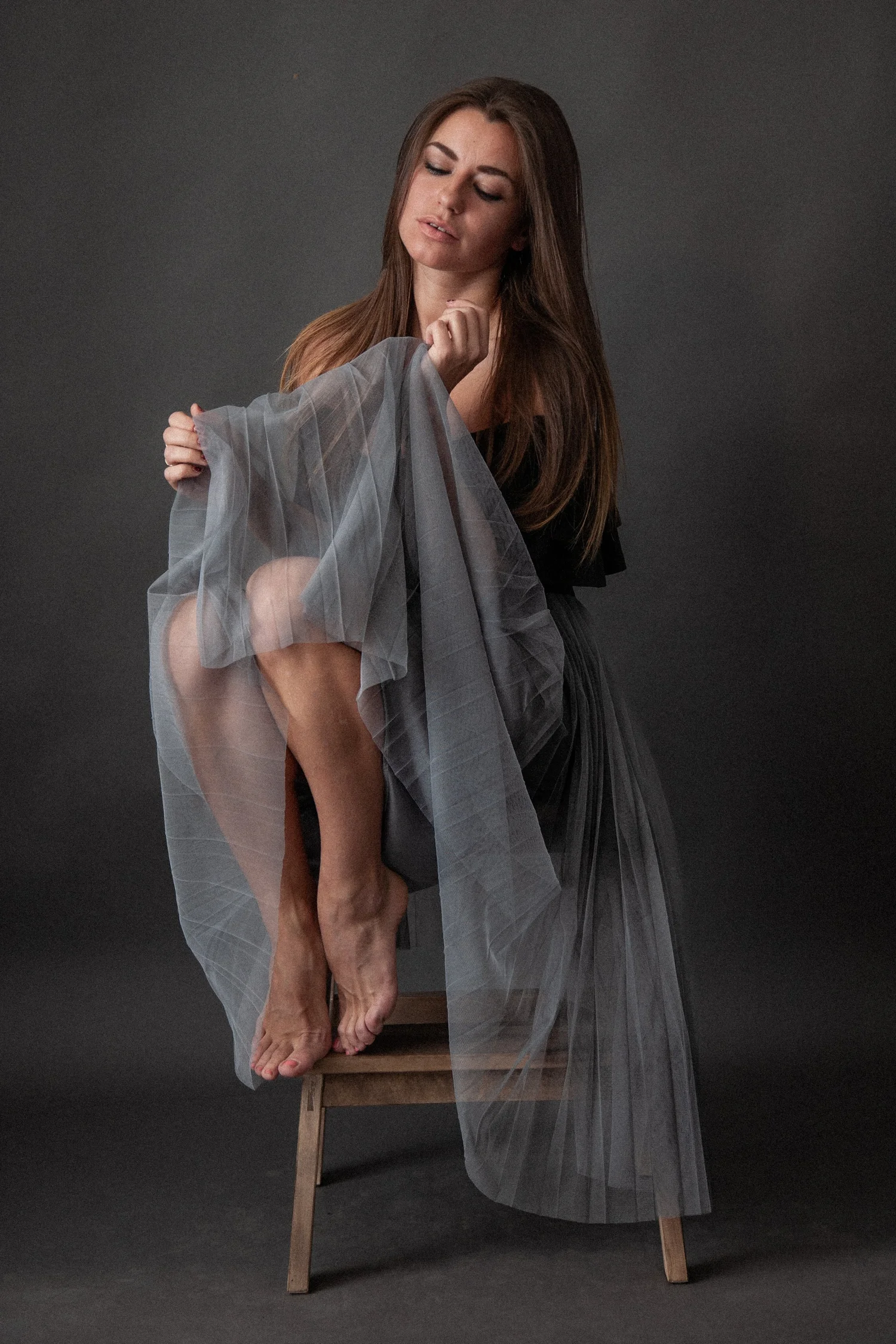
Four ways to finish a portrait.
Painterly and warm, cinematic and dark, soft and natural, or black and white with nothing but light and shadow. You'll learn which one a portrait is asking for, and how to take it there.
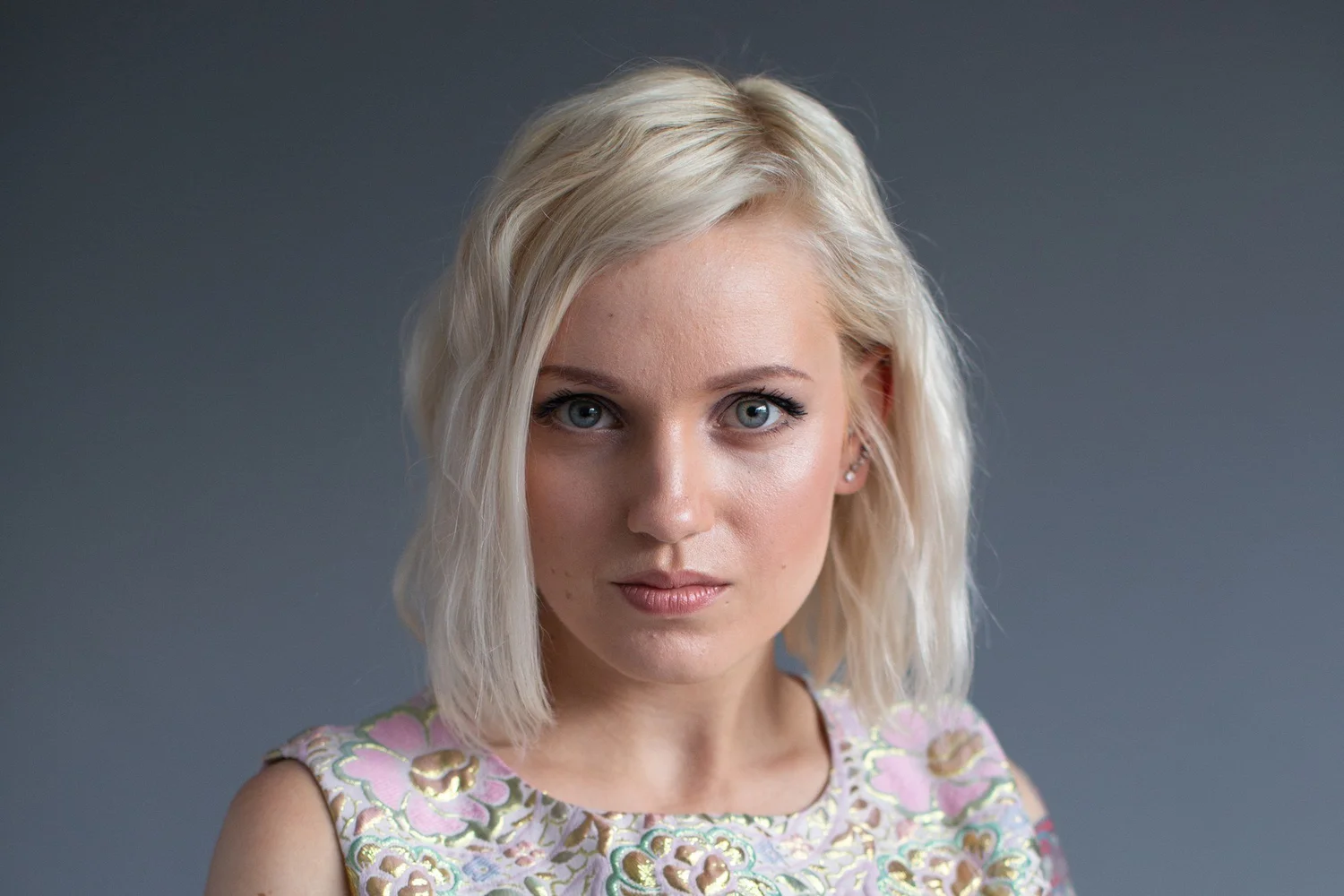
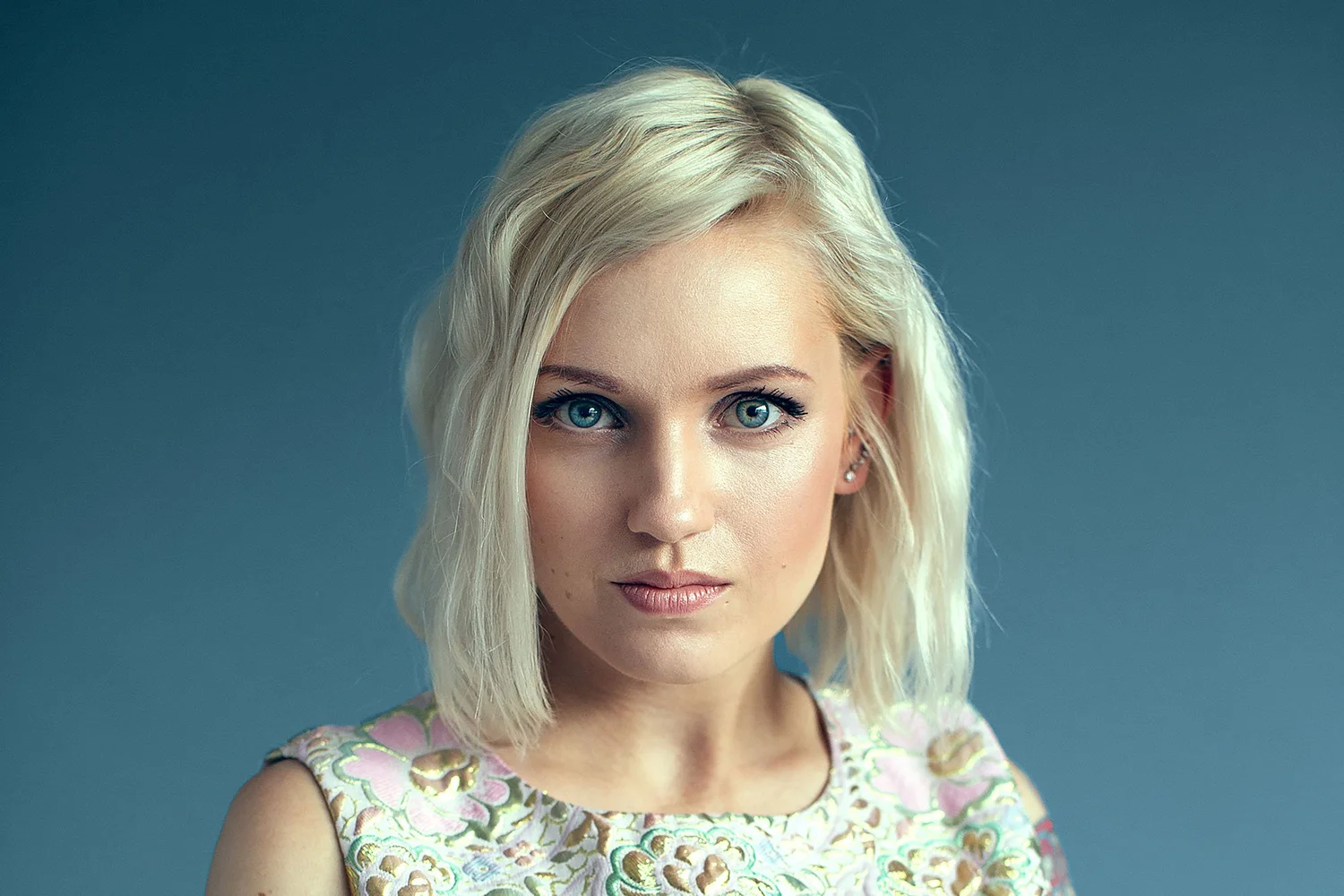
What changes in your own portraits
- Your portraits stop looking like test shots and start looking like finished work.
- Grey backdrops become deep, rich colour that frames the face.
- Skin glows warm against cool, moody backgrounds.
- Shadows get deeper without losing the face.
- You open a RAW file and already know if it's going painterly, cinematic or black and white.
- You end up with photos you'd put at the top of your portfolio.
The tools are on YouTube. The decisions aren't.
My videos get cut down to one idea. Here you see whole edits, start to finish, every decision in order, including the moments I change my mind.
What's inside
7 complete edits
Each portrait from RAW file to finished photograph, every decision explained.
Four finishing styles
Natural, fine-art, cinematic and black and white.
Presets included
Starting points, and how to adjust them properly rather than hoping they fit.
The lighting, explained
How each portrait was lit, so you can see what happened in the studio and what happened in the edit.
Lightroom Classic and Photoshop
Masks, brushes, layers, blending modes and colour, as I use them.
Lifetime access
Watch on any device, at your own pace. Watch-along: you see every edit from the RAW file, but the RAW files aren't included.
This is for you if…
- You look at portraits like these and think, "I want mine to look like that."
- You want a portfolio that looks finished, not just correctly lit.
- You'd love your studio work to have mood, not just good light.
It isn't for you if…
- You're brand new to editing software. Start with the basics, then come back.
- You want a one-click finish.
Start with Studio, or get all three
- 7 complete edits, start to finish
- Four finishing styles
- Presets included
- Lifetime access
- Studio Portrait, Outdoor Portrait and Landscape
- 30 complete edits across all three
- $477 bought separately, so you save $118
- $58 less than all three on sale
Questions
What software do I need?
Lightroom Classic and Photoshop. If you use Capture One or something else, the thinking still applies, but you'll need to translate the tools.
What level is it for?
You should know your way around Lightroom. I explain the tools as I use them, and the focus is on the decisions: what each portrait needs, and why.
Are RAW files included?
No. It's watch-along: you see every edit from the RAW file to the finished photograph, but the RAW files aren't included. The aim is to apply the same decisions to your own portraits.
Are presets included?
Yes. Some edits start from a preset and some from scratch, and you'll see how to adjust a preset properly rather than leaving it as a one-click look.
Does it teach lighting?
It's an editing workshop, but it explains the studio lighting used for the portraits, so you can see what was done in the shoot and what was shaped in the edit.
How long do I have access?
For life. No renewals, no expiry. If I ever stop offering the workshop, existing customers get download access so you keep the lessons.
What if it isn't right for me?
Email me within 30 days and I'll refund you in full. No forms, no justification needed.
Make studio portraits you're proud of.
Seven complete edits, from flat RAW file to rich, moody, finished photograph.
30-day money-back guarantee · Instant access