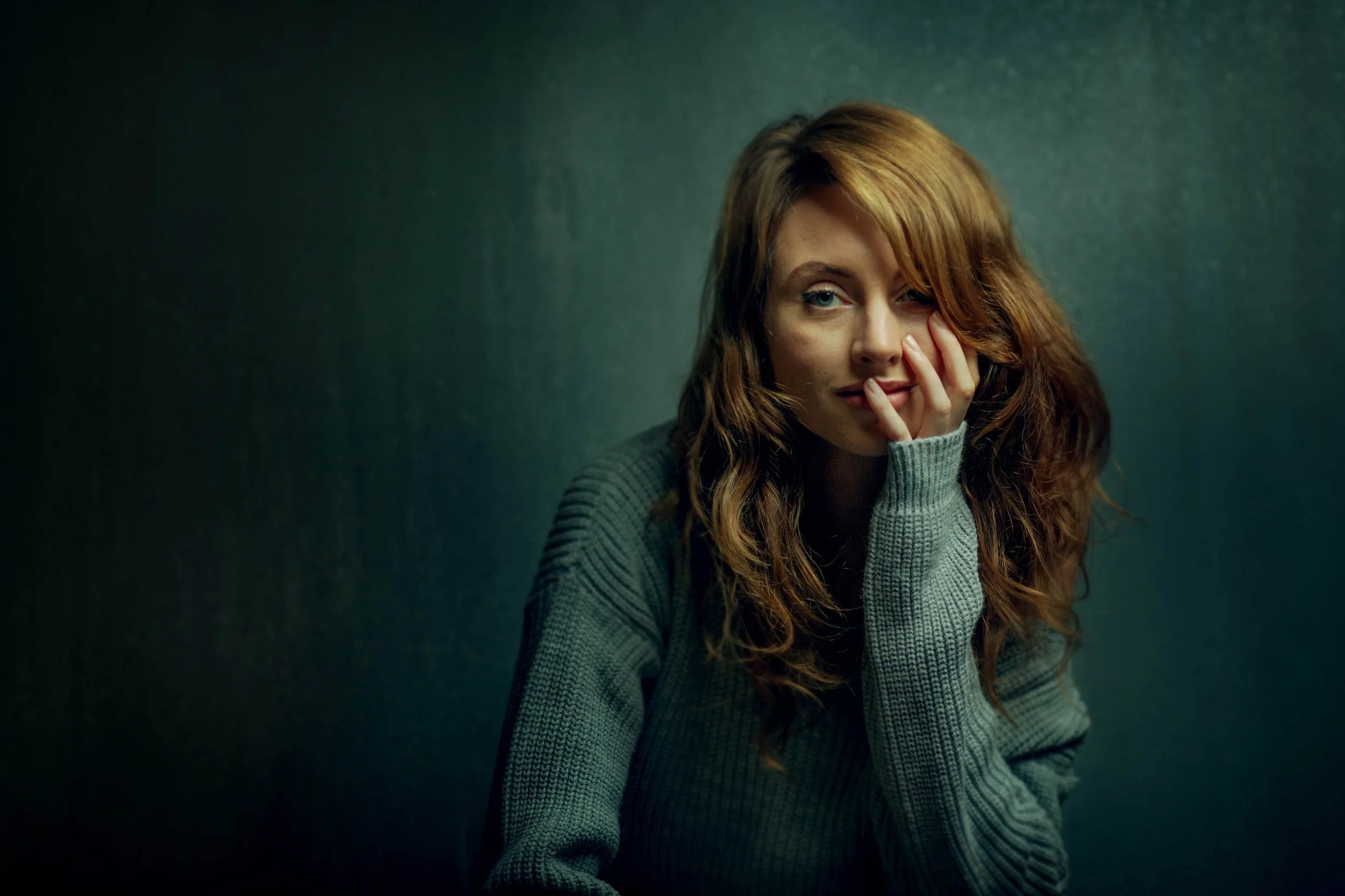
Studio Portrait Editing Workshop
Most studio portrait RAW files look flatter, harsher, or less atmospheric than the portrait you imagined.
That does not mean the lighting or photograph failed.
Learn how I turn studio portrait RAW files into finished photographs with stronger skin tones, colour, depth, mood, and atmosphere.
Finishing a portrait is learnable.
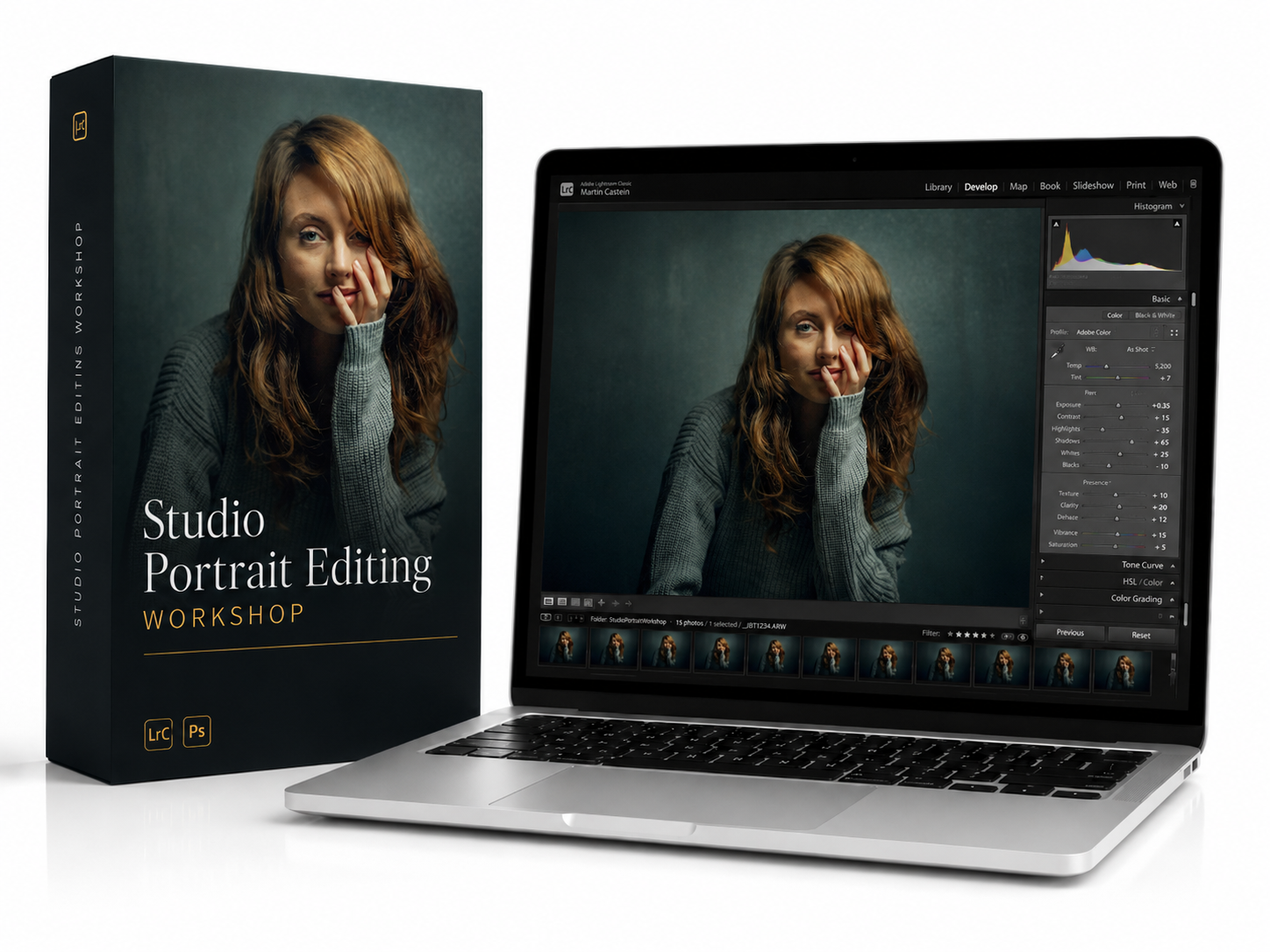
Studio Portrait Editing Workshop
$159
One-time purchase • Lifetime access
🔒 Secure checkout · Instant access
RAW File → Finished Portrait
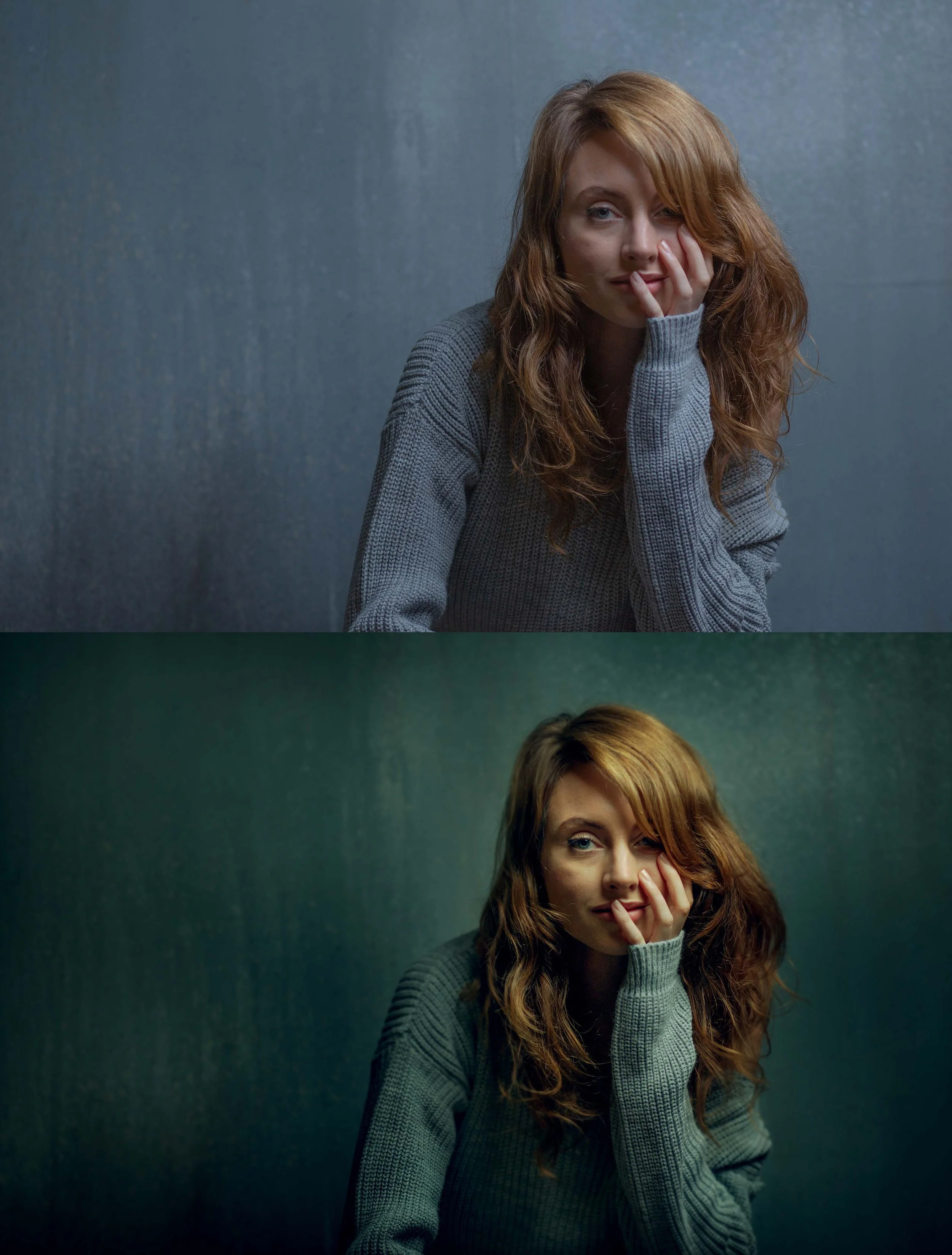
A RAW file holds far more than the initial preview reveals, including greater colour, tonal depth, and atmosphere waiting to be shaped.
The lighting may already be there, but the edit decides how that light feels, how the subject separates from the background, and where the viewer looks first.
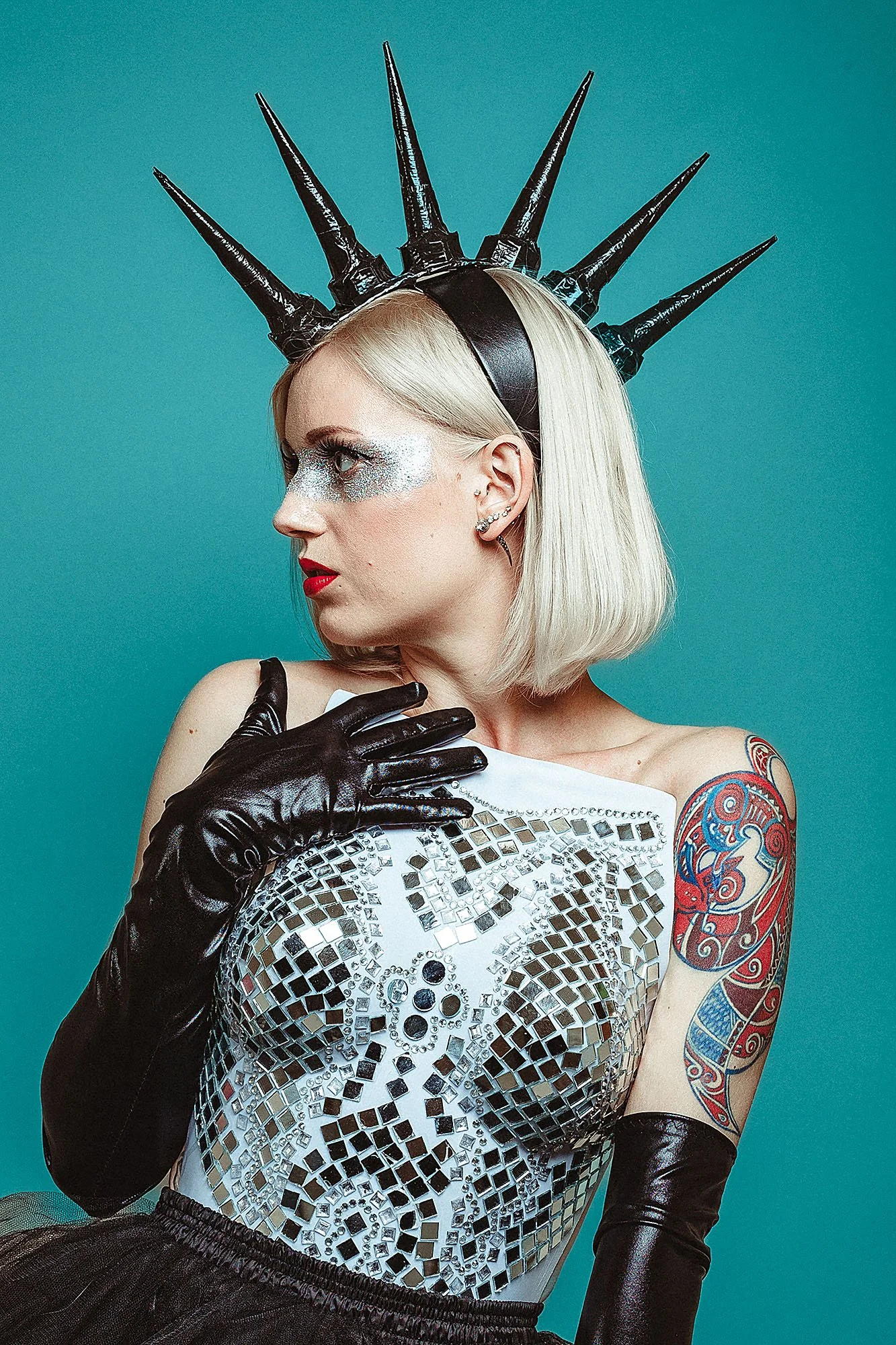
Inside the workshop, you’ll see how I edit this exact portrait from start to finish using skin editing, colour control, tonal shaping, dodge and burn, and final refinements.
This is where the portrait becomes finished.
The Tools Are Only The Beginning
A lot of photographers already know the basic Lightroom and Photoshop tools.
The missing layer is learning how to use them together to create a portrait with a clear visual direction.
When I begin an edit, I’m not simply correcting the RAW file. I’m deciding what I want the portrait to feel like.
Should it look natural and understated, soft and painterly, dark and cinematic, or timeless in black and white?
That decision changes how I treat the skin, colour, contrast, background, and light.
Inside the workshop, you’ll see how I build mood, create depth and separation, control colour, shape light, and edit skin without making it look artificial.
These are repeatable techniques you can understand, practise, and apply to your own portraits.
Not just which tools I use.
How I use them and why.
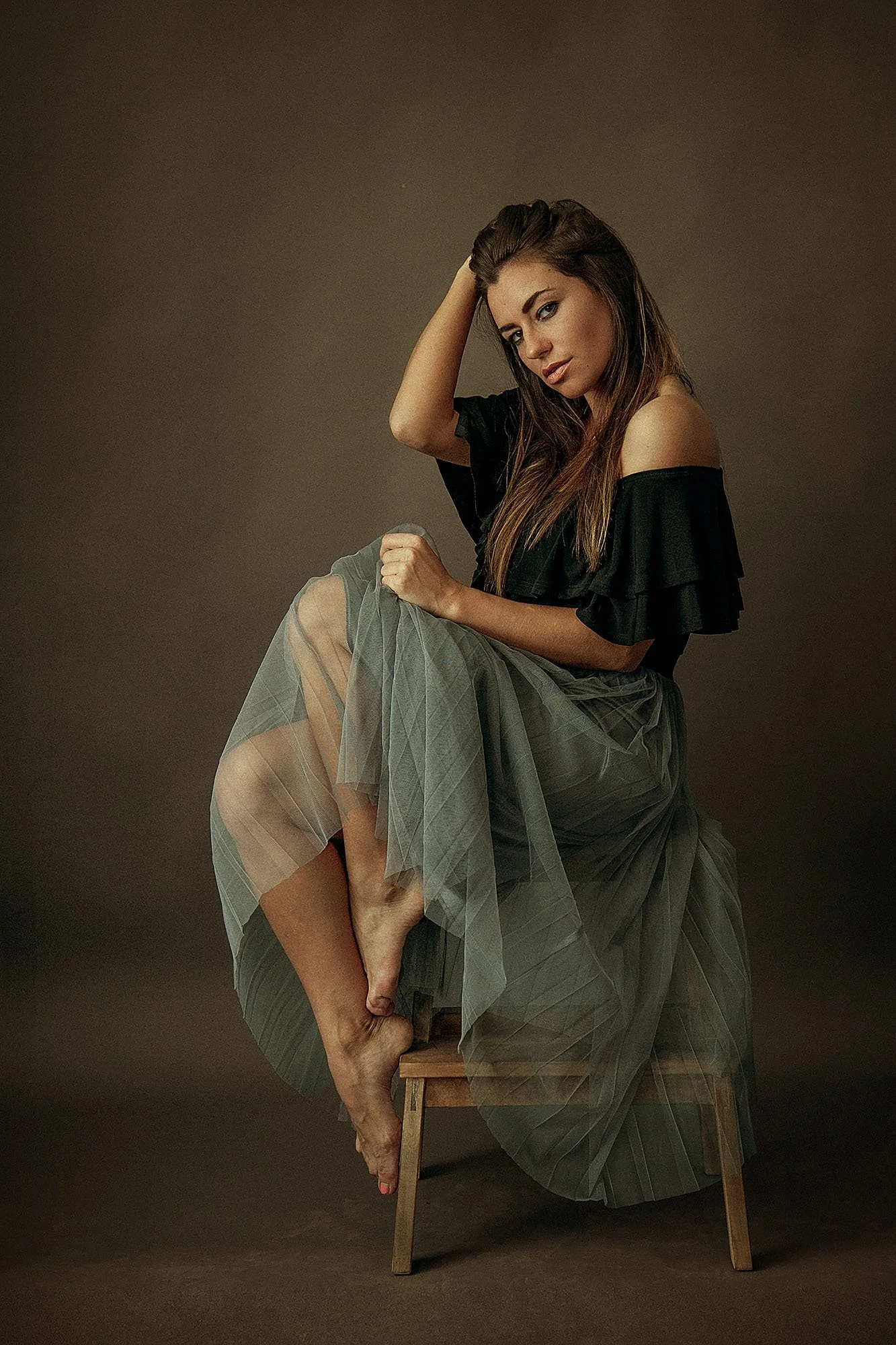
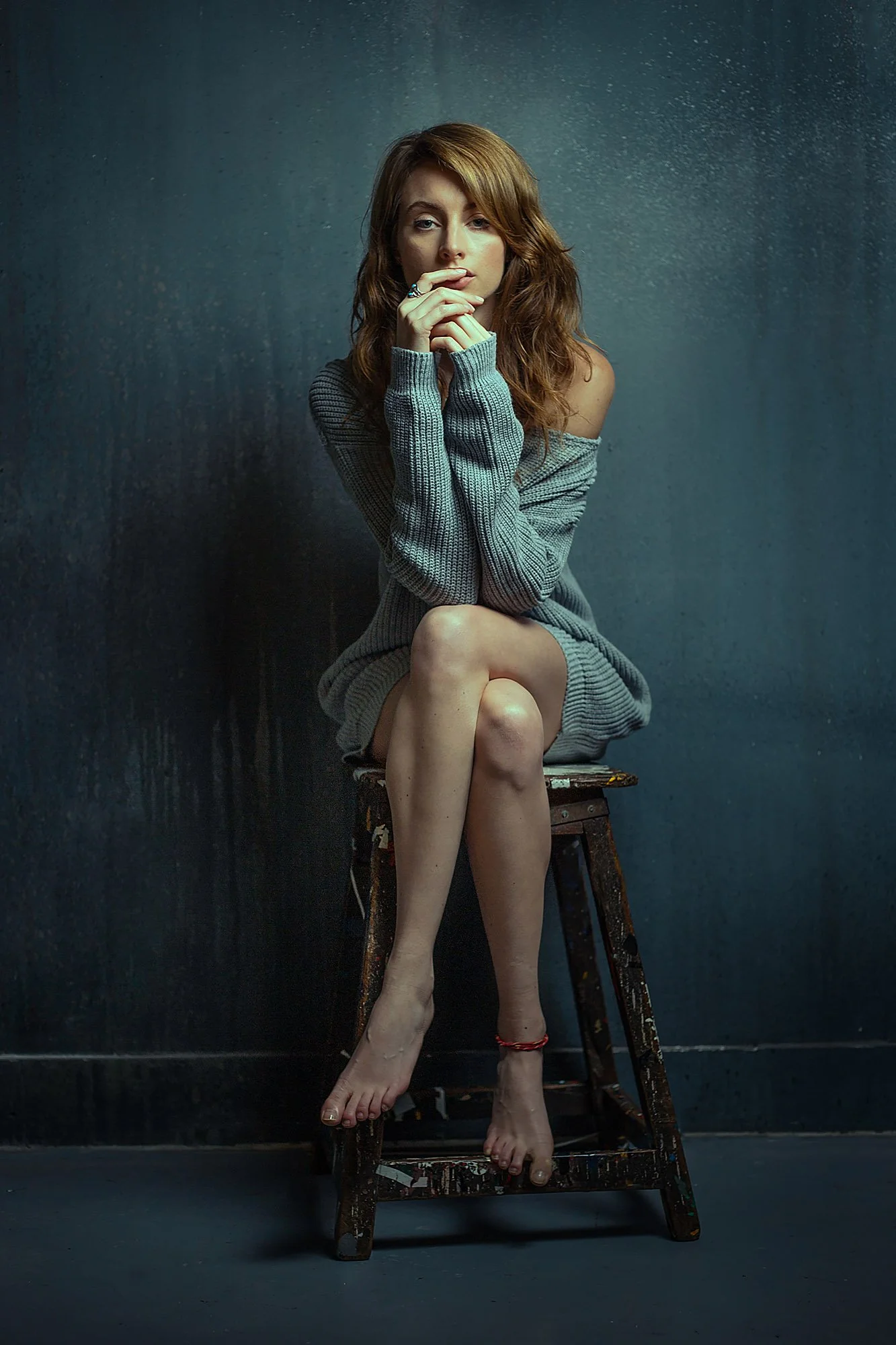
Inside The Studio Portrait Editing Workshop
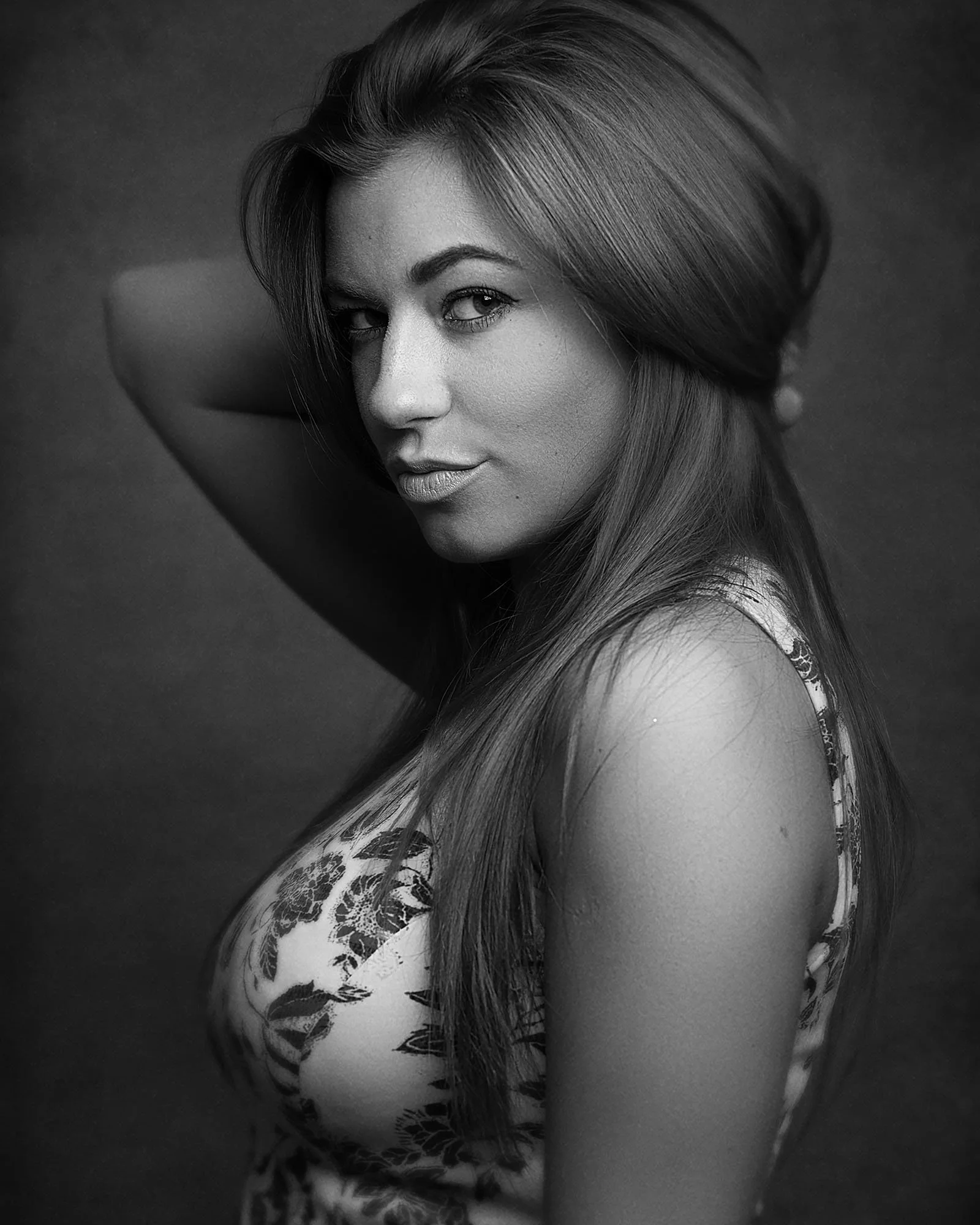
7 complete studio portrait edits
Watch each portrait develop from RAW file to finished photograph.
Four distinct editing styles
Learn natural, fine-art, cinematic, and black-and-white approaches.
Two complete skin-editing workflows
See a practical Lightroom method for speed and a more detailed Photoshop technique for portfolio images.
Presets included
Use my presets as starting points, then learn how to adjust the edit properly.
Lightroom and Photoshop workflow
See how I use both programs to shape colour, skin, light, depth, and atmosphere.
Lifetime access
Learn at your own pace and revisit the lessons whenever you need.
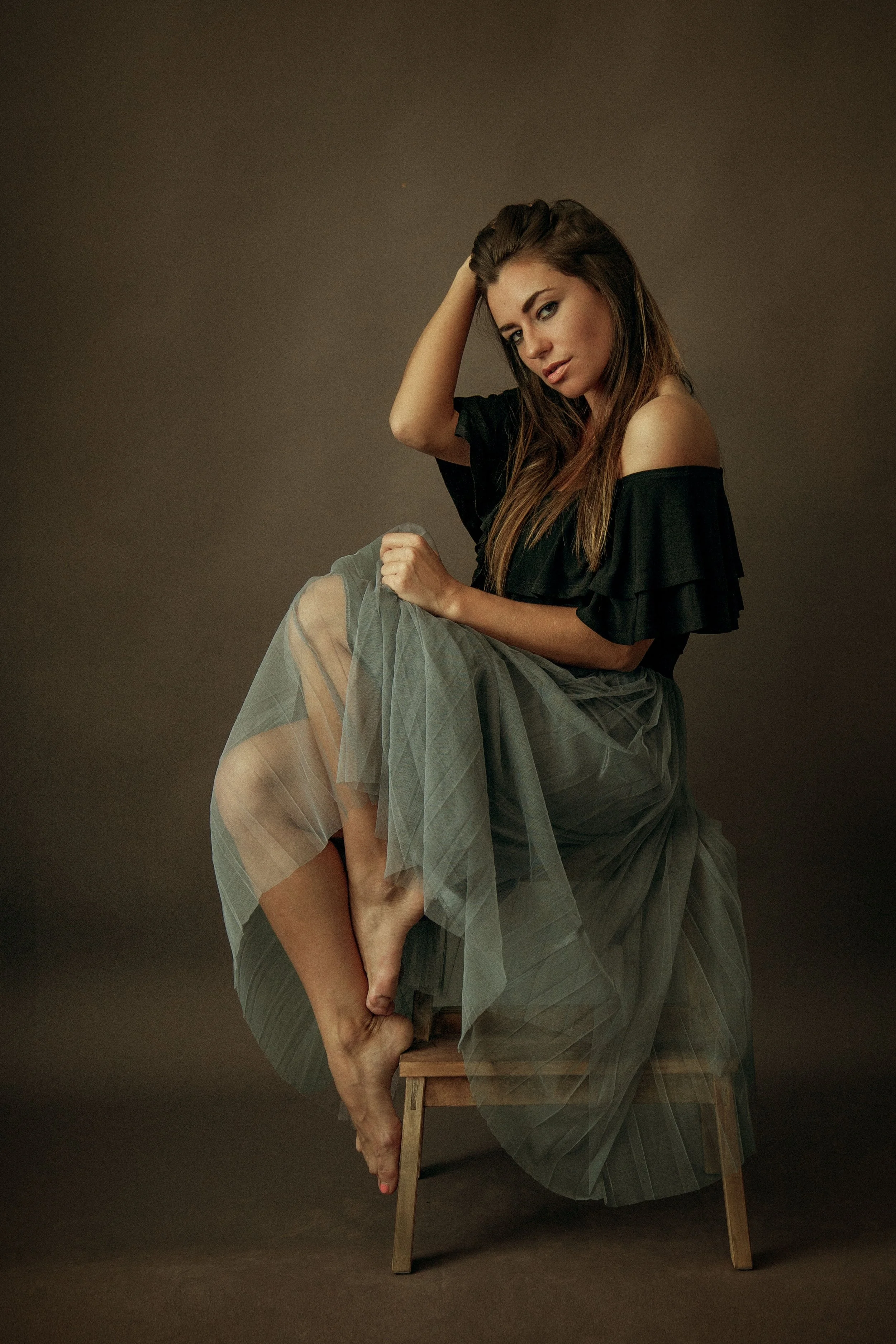
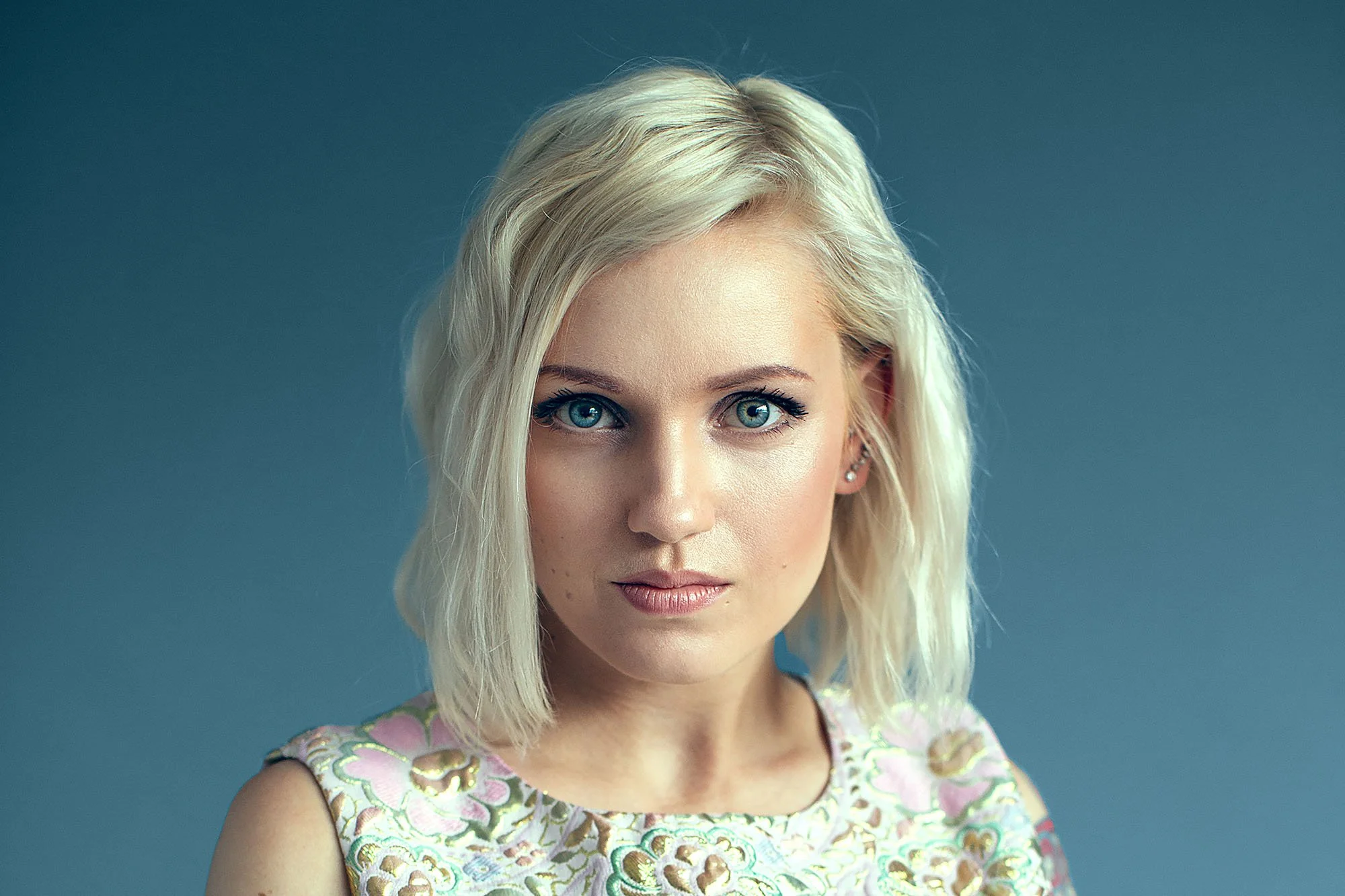
Seven Complete Studio Portrait Edits
Watch each image go from RAW file to finished photograph, with every major editing decision explained along the way.
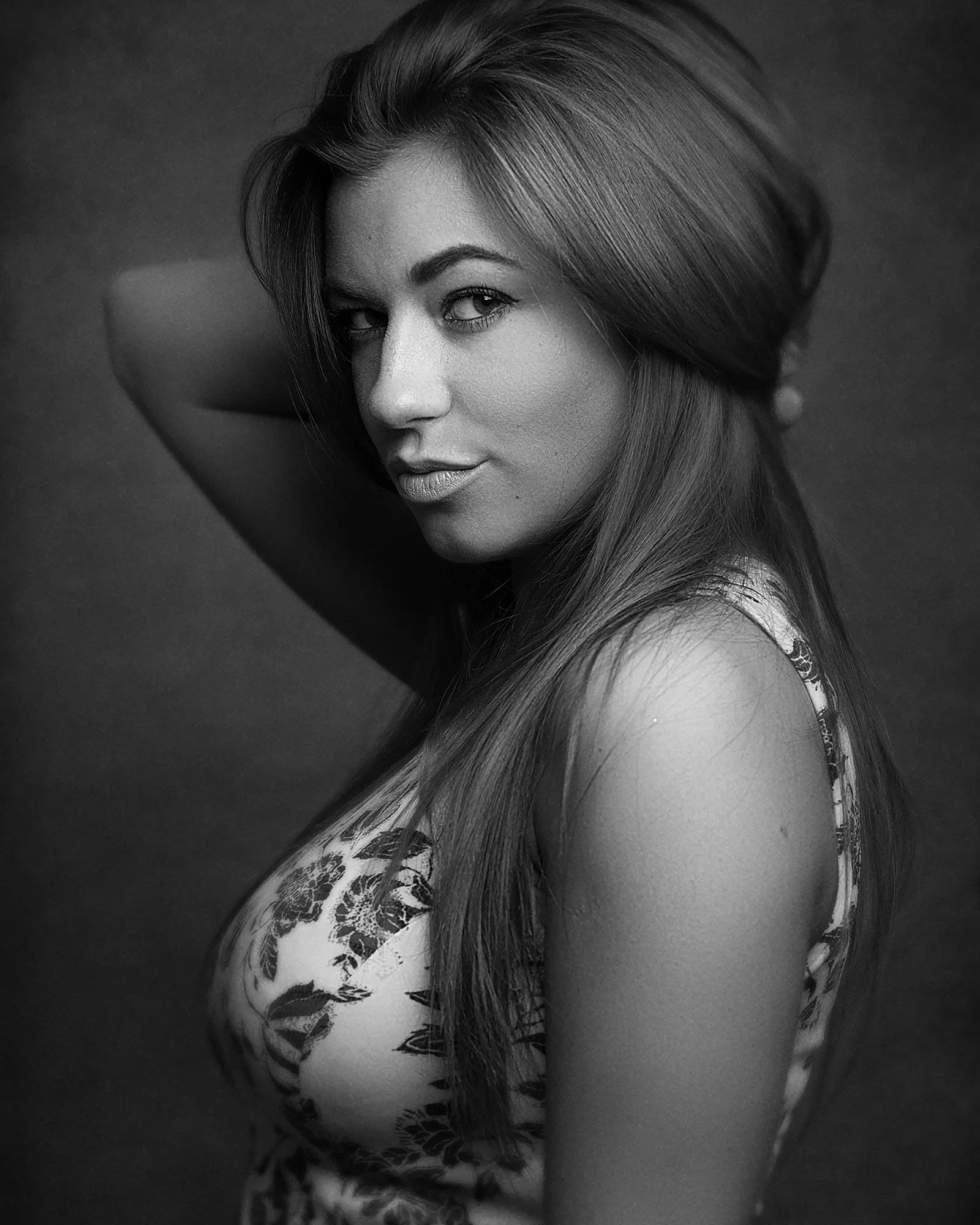
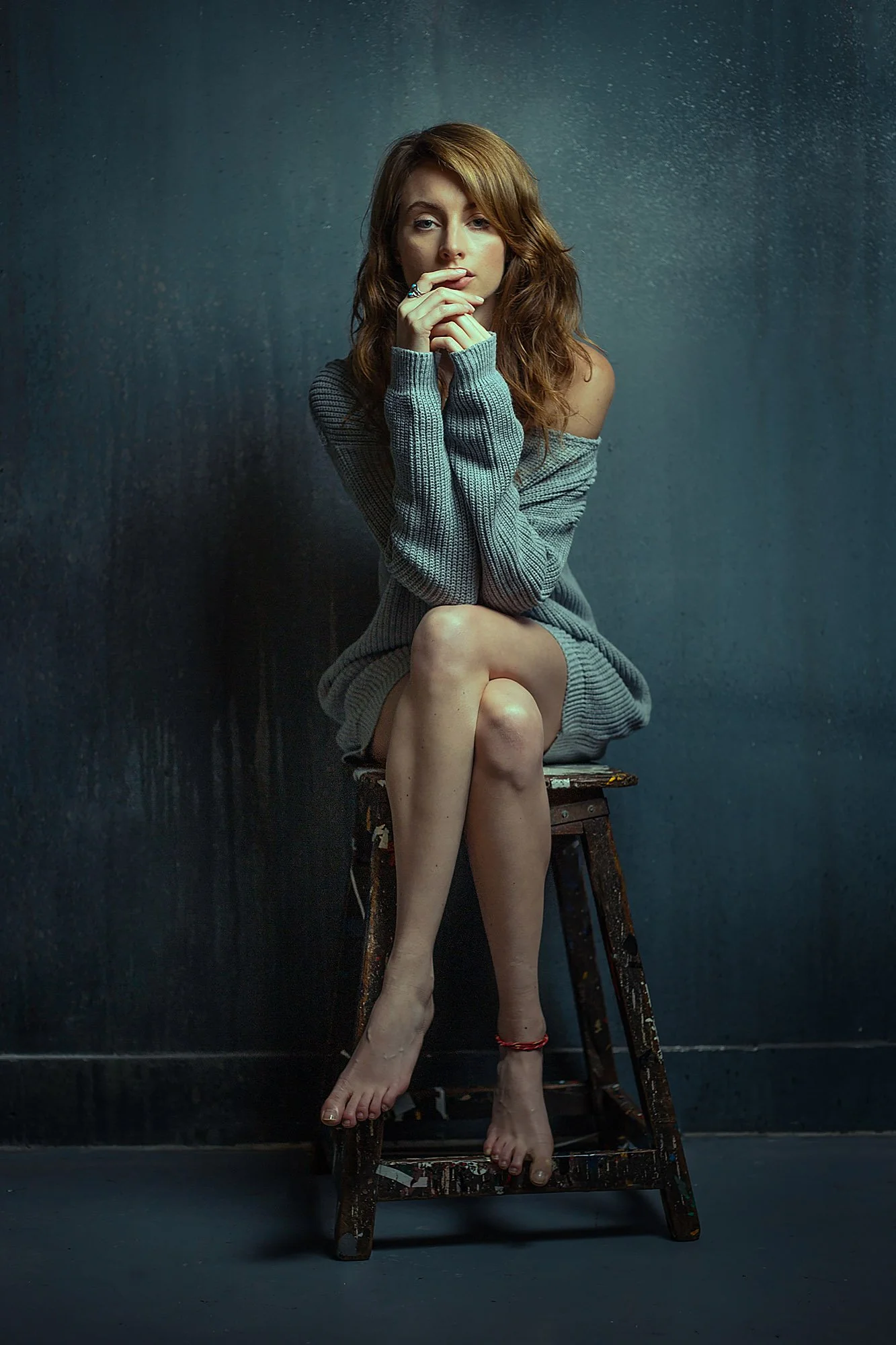
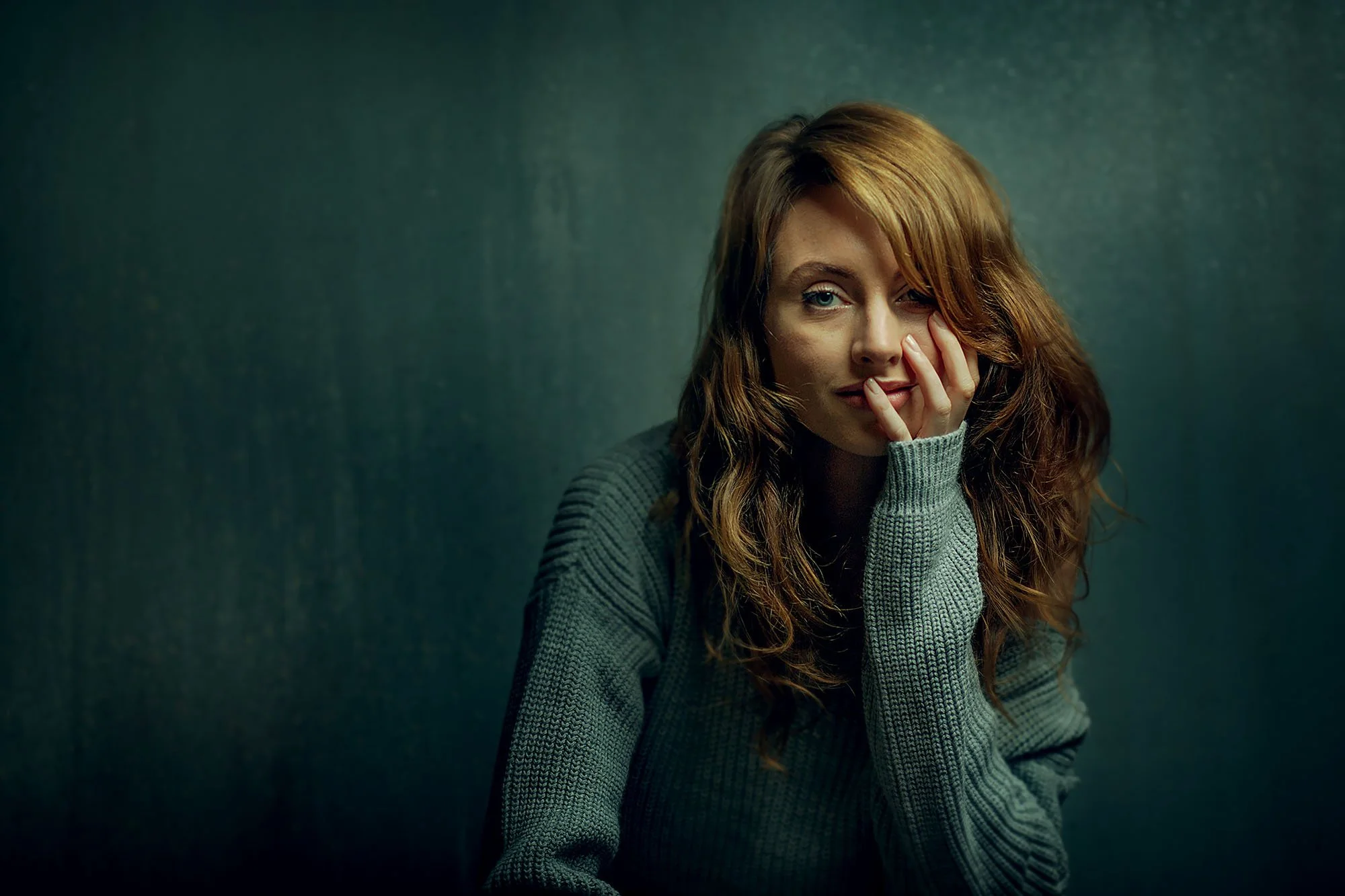
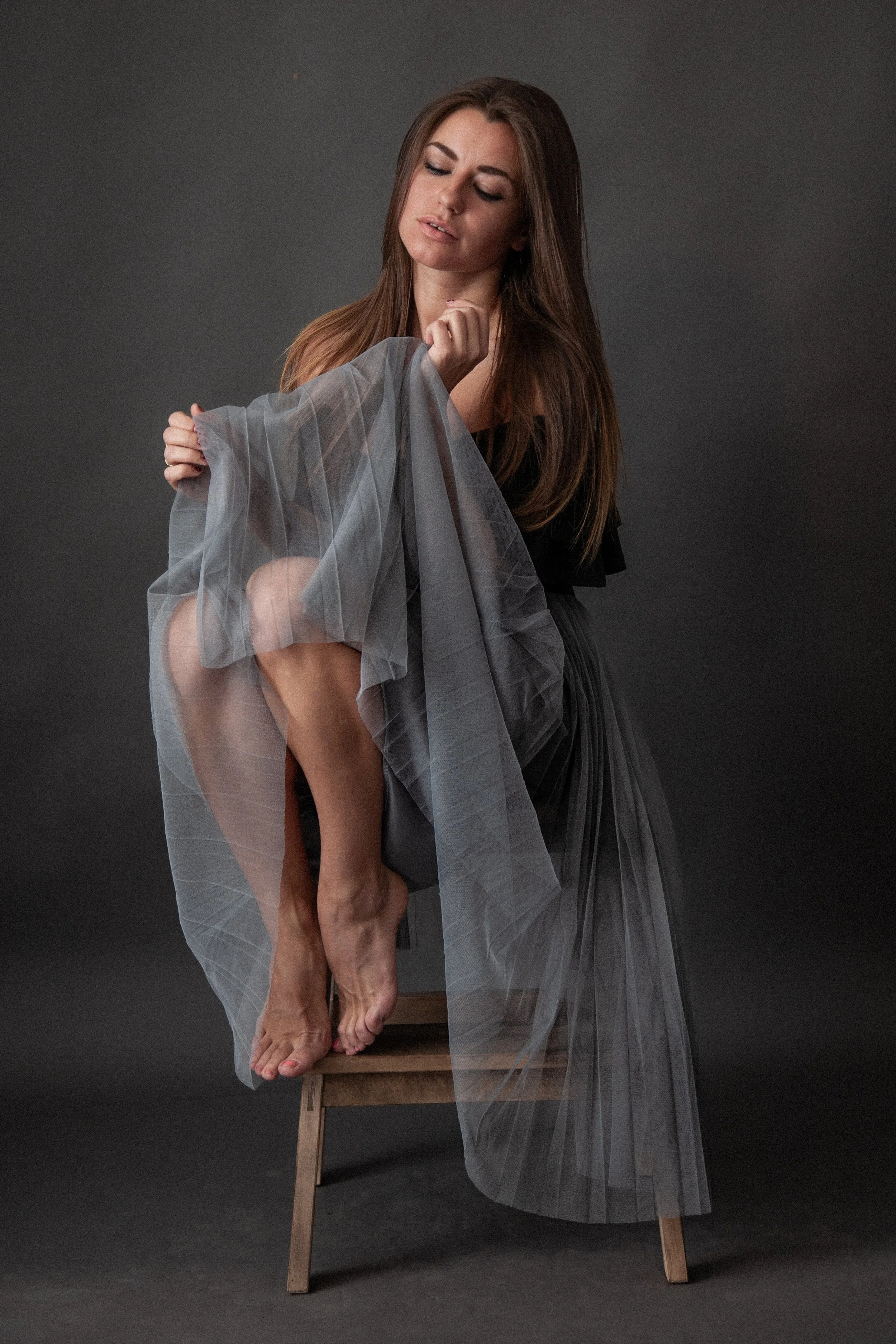
This Workshop Is For You If…
✓ Your studio portraits often look flatter or less atmospheric than you intended.
✓ You know the basic editing tools but still feel unsure what the portrait needs next.
✓ You want to edit skin naturally without making it look plastic or over-retouched.
✓ Your edits sometimes look technically correct but lack depth or visual direction.
✓ You want to understand how colour, contrast, and tone affect the mood of a portrait.
✓ You want to create natural, fine-art, cinematic, and black-and-white finishes.
Ready to start the workshop?
Get instant access to the Studio Portrait Editing Workshop and watch seven complete portrait edits from RAW file to finished photograph.
You’ll see my full Lightroom and Photoshop workflow, including skin editing, colour grading, light shaping, presets, and final refinements.
$159
Instant access · Lifetime access
Frequently Asked Questions
What software is used in this workshop?
Lightroom and Photoshop are used throughout the workshop.
You’ll see the sliders, masks, layers, blending modes, adjustment tools, and skin-editing techniques I use during each edit.
Do I need to be an experienced editor to follow this?
No.
The workshop explains the concepts and tools as I use them, including how I decide what each portrait needs.
It is designed for photographers who want a clearer, more intentional way to edit their studio portraits.
Are RAW files included?
No.
This workshop is designed to teach you the thinking, decisions, and techniques behind each edit so you can apply them directly to your own portraits.
You’ll see every edit demonstrated on screen from the original RAW file through to the finished photograph.
Are presets included?
Yes.
The presets reflect the colour and tonal approaches I use in my own portrait work.
Some edits begin with a preset and others are created entirely from scratch. You’ll learn how to use presets as adjustable starting points rather than one-click fixes.
Does the workshop cover skin editing?
Yes.
You’ll learn two different approaches.
The first is a practical Lightroom workflow for editing skin quickly and naturally across a larger shoot.
The second is a more detailed Photoshop workflow for portraits that need a careful, portfolio-level finish.
What editing styles are covered?
The workshop covers four different approaches:
Natural portrait editing, fine-art portrait editing, cinematic colour grading, and black-and-white portrait editing.
This will help you choose an editing direction based on the portrait rather than applying the same look to every image.
Does the workshop teach lighting?
The workshop is focused primarily on editing, but it includes an explanation of the studio lighting setup used to create the portraits.
This helps you understand what was achieved during the shoot and what was shaped later during editing.
Will this work if I use Capture One or other non-Adobe software?
You’ll still get value from the principles behind colour, tone, skin, depth, light shaping, and atmosphere.
However, the demonstrations use Lightroom and Photoshop, so you’ll need to translate some of the tools into your own editing software.
How long do I have access?
Lifetime access. No renewals, no expiry.
If I ever stop offering the workshop, I’ll give existing customers download access so you can keep the lessons.
What if the workshop isn't right for me?
If you buy the workshop and genuinely feel it isn’t right for you, email me within 30 days and I’ll refund you in full.
No forms, no justification needed. I’d rather you had the refund than felt stuck with something that wasn’t what you hoped for.
Finish Your Studio Portraits With Mood, Depth And Intention
If your studio portraits often lack the atmosphere, polish, or visual direction you imagined when you photographed them, this workshop will show you how I take a portrait from RAW file to finished photograph.
Watch seven complete studio portrait edits from start to finish, including skin editing, colour grading, light shaping, and four different finished styles.
$159
Instant access · Lifetime access
Want the full editing bundle?
Get Studio Portrait Editing, Outdoor Portrait Editing, and Landscape Editing together in the Complete Editing Bundle.