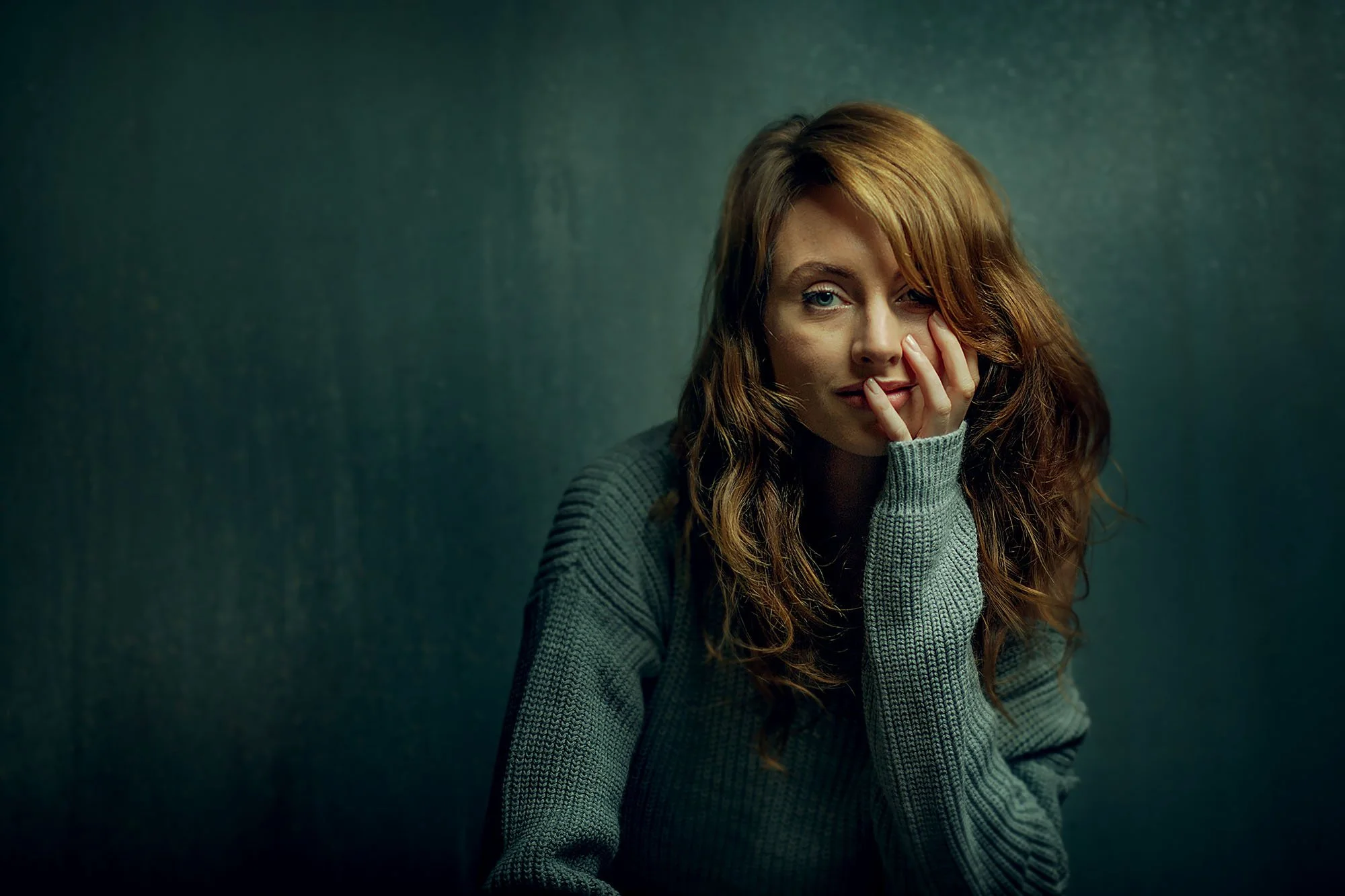
Portrait Editing Masterclass.
Portrait Editing Masterclass.
You finish an edit, but something is still missing. The image looks fine. Maybe even good.
But it doesn't have the mood and atmosphere you want it to have.
You've moved sliders around. Tried presets. Watched tutorials. Something still isn't landing.
The gap between a technically correct portrait and one that makes someone stop scrolling isn't a camera problem.
It isn't a lighting problem. It isn't even really a Lightroom problem.
It's not the tools. It's knowing what you're trying to do before you touch them, and that's exactly what this workshop teaches.
It’s the difference between a portrait that looks fine… and one that feels finished, intentional, and impossible to ignore.
I used to think editing was just the last thing you had to do before the job was finished.
It took me a while to realise it's actually the most personal part of the entire process.
The camera captures what's there. Lighting shapes it.
But the edit is where your own way of seeing finally enters the image, and that's where two photographers with identical shots end up with completely different pictures.
Most editing courses teach you what the tools do.
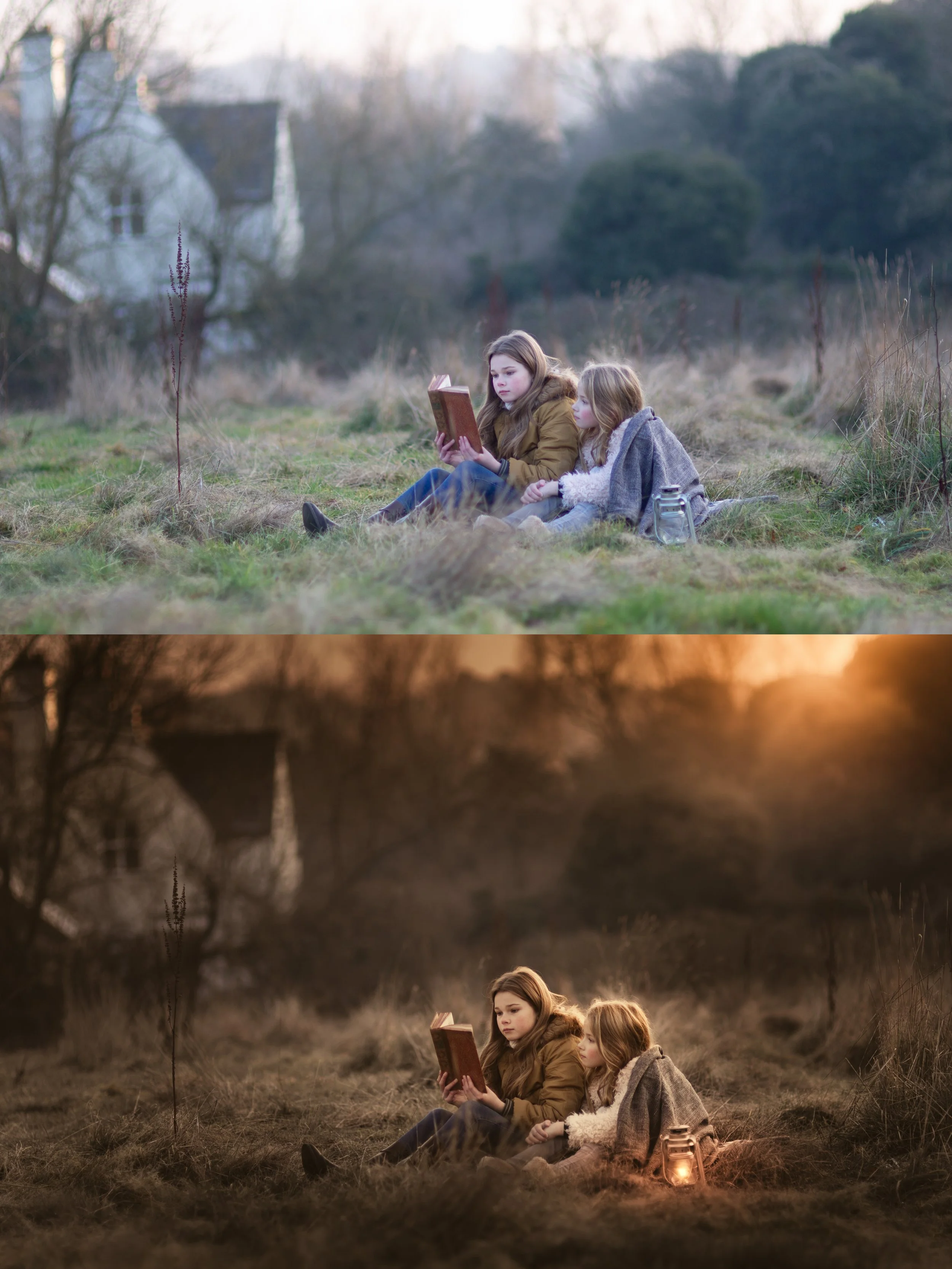
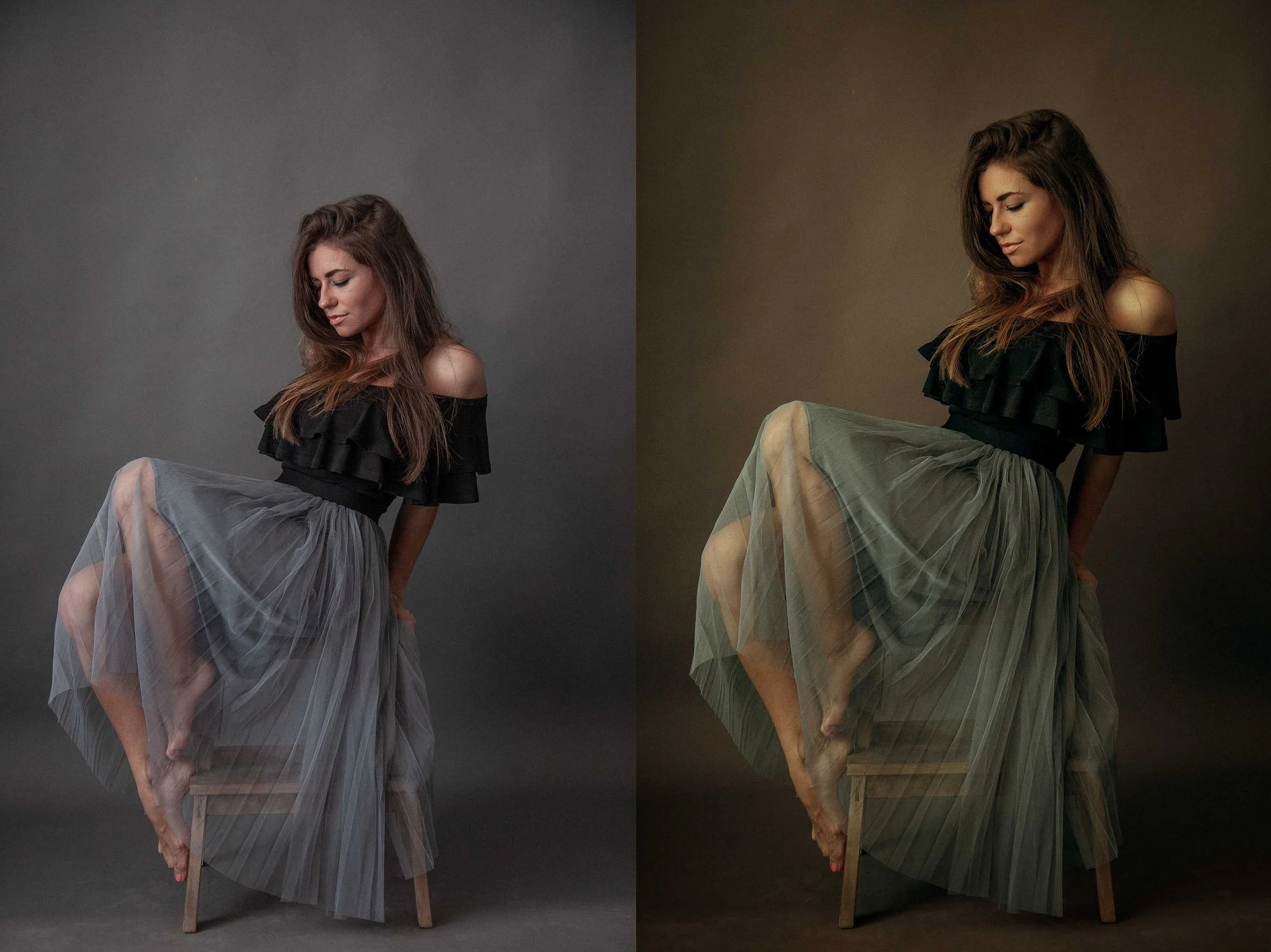
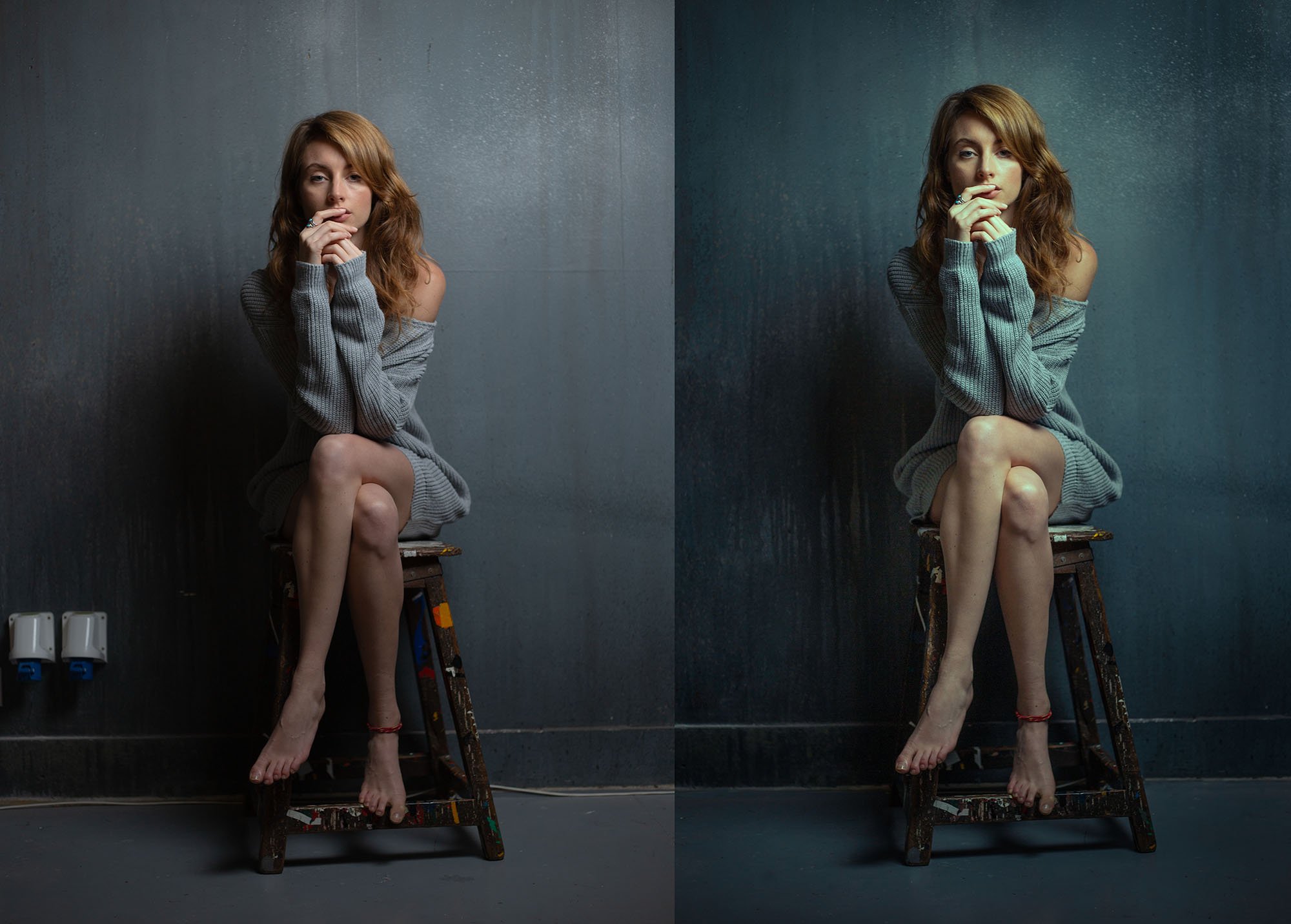
This one teaches you the artistic concepts and then shows you how I do it over 14 edits, using the same tools you have access to in Lightroom and Photoshop.
I've been editing portraits professionally for over fifteen years, hundreds of weddings, hundreds of commissioned portraits, studio and outdoor work across every imaginable condition.
The tools I use are exactly the same ones you already have.
I'm not doing anything technically complicated.
What's different is the way I apply those tools and the concepts behind what I am doing.
That difference is what this masterclass teaches.
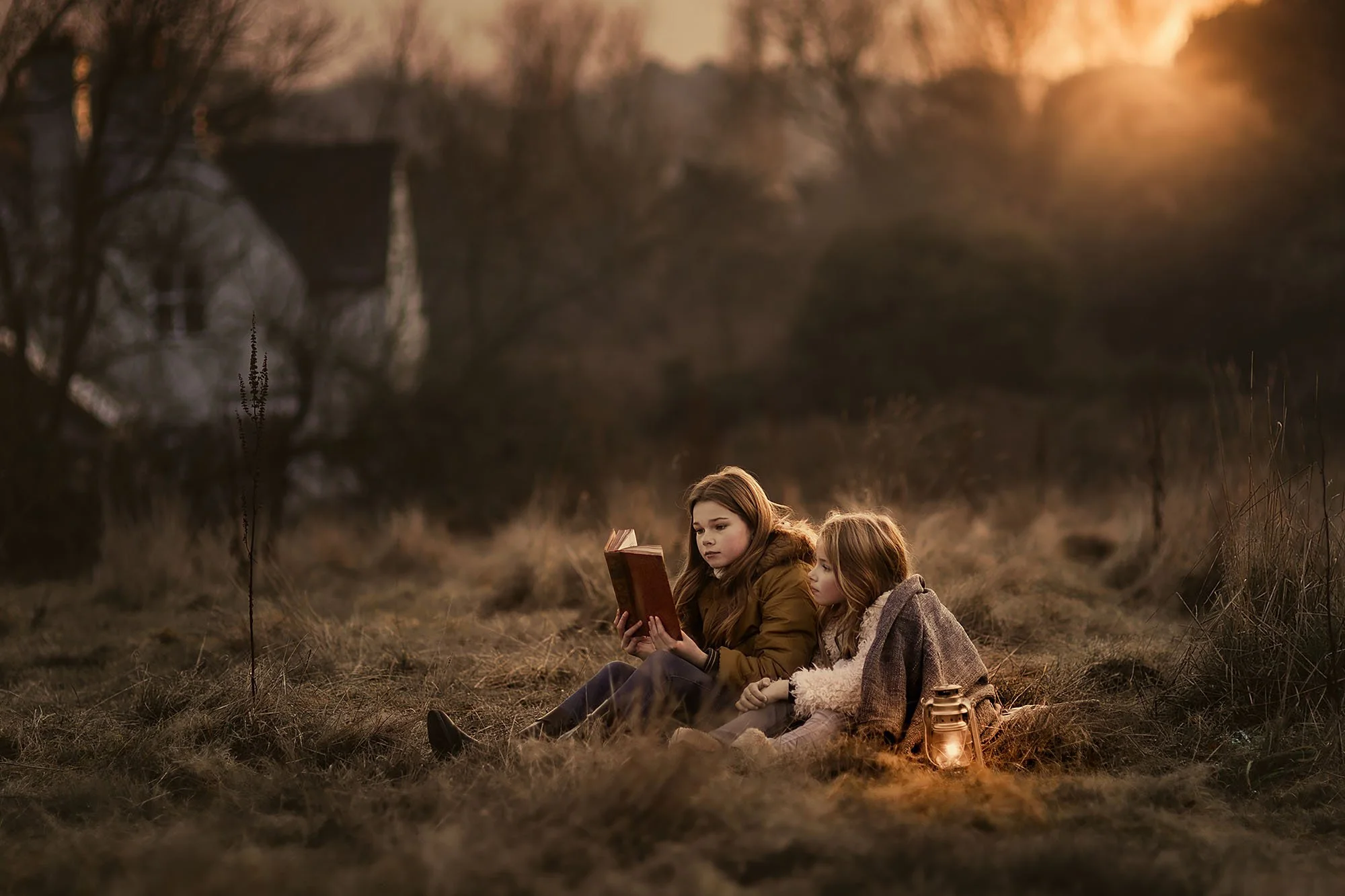
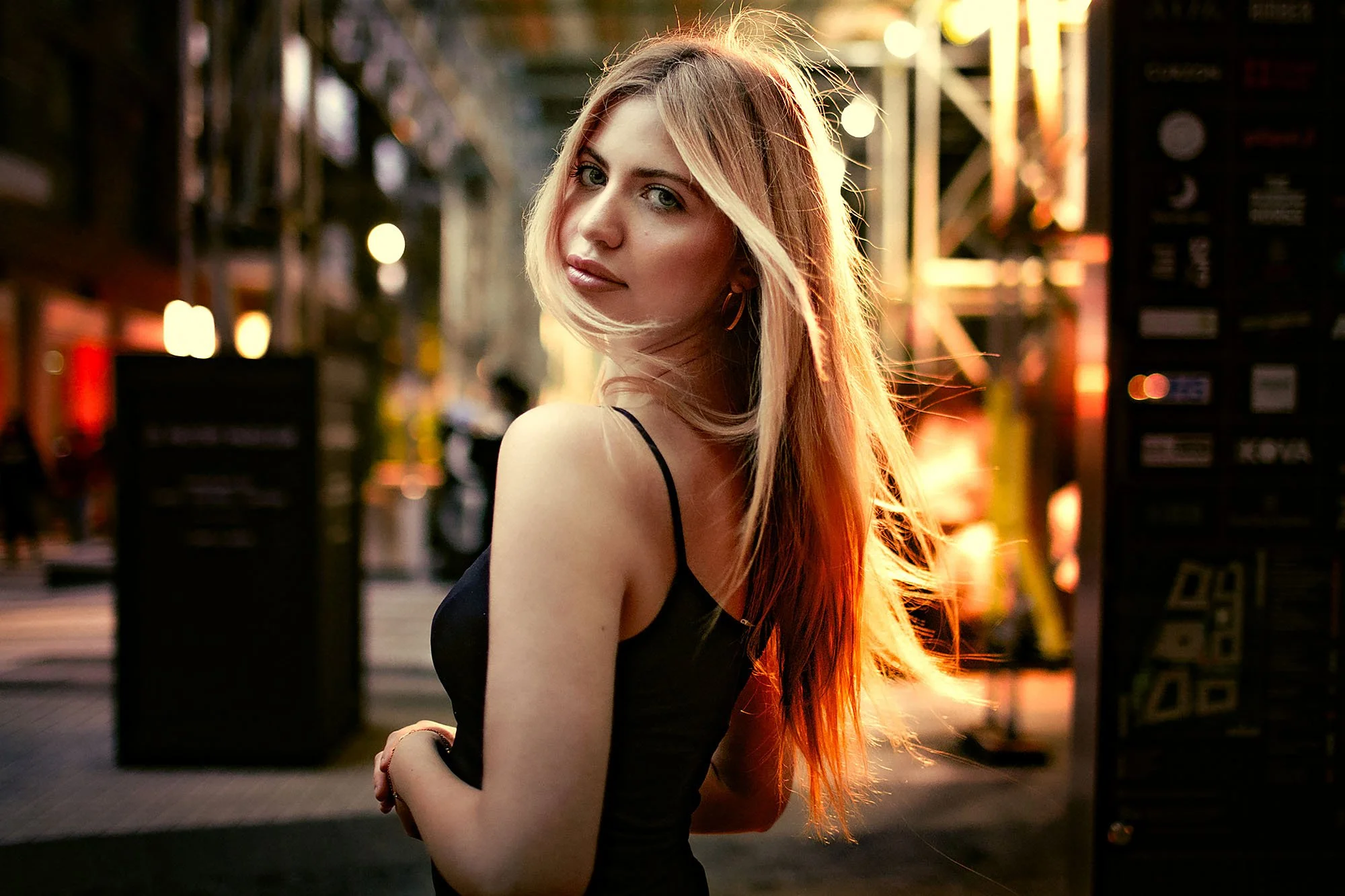
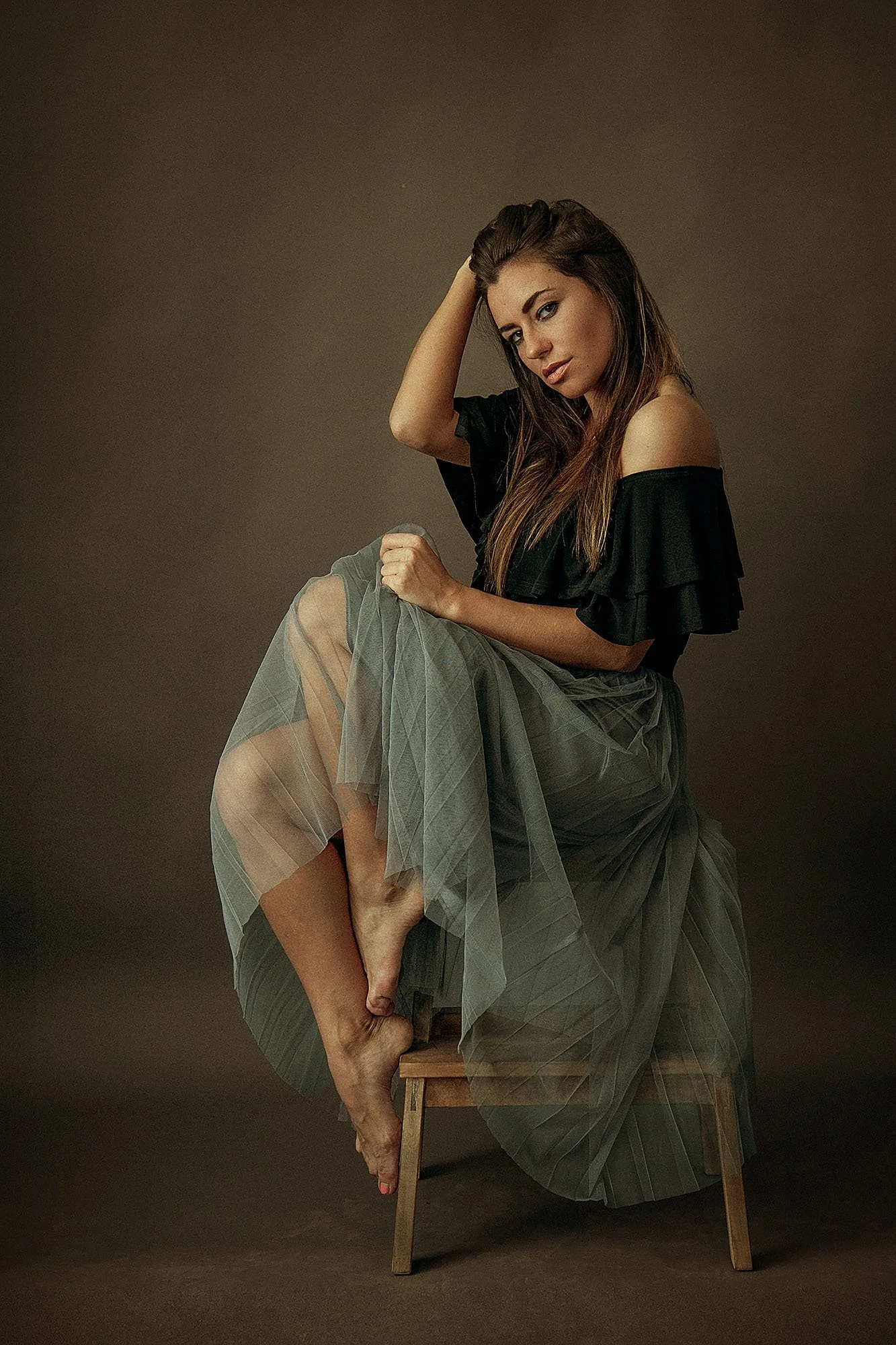
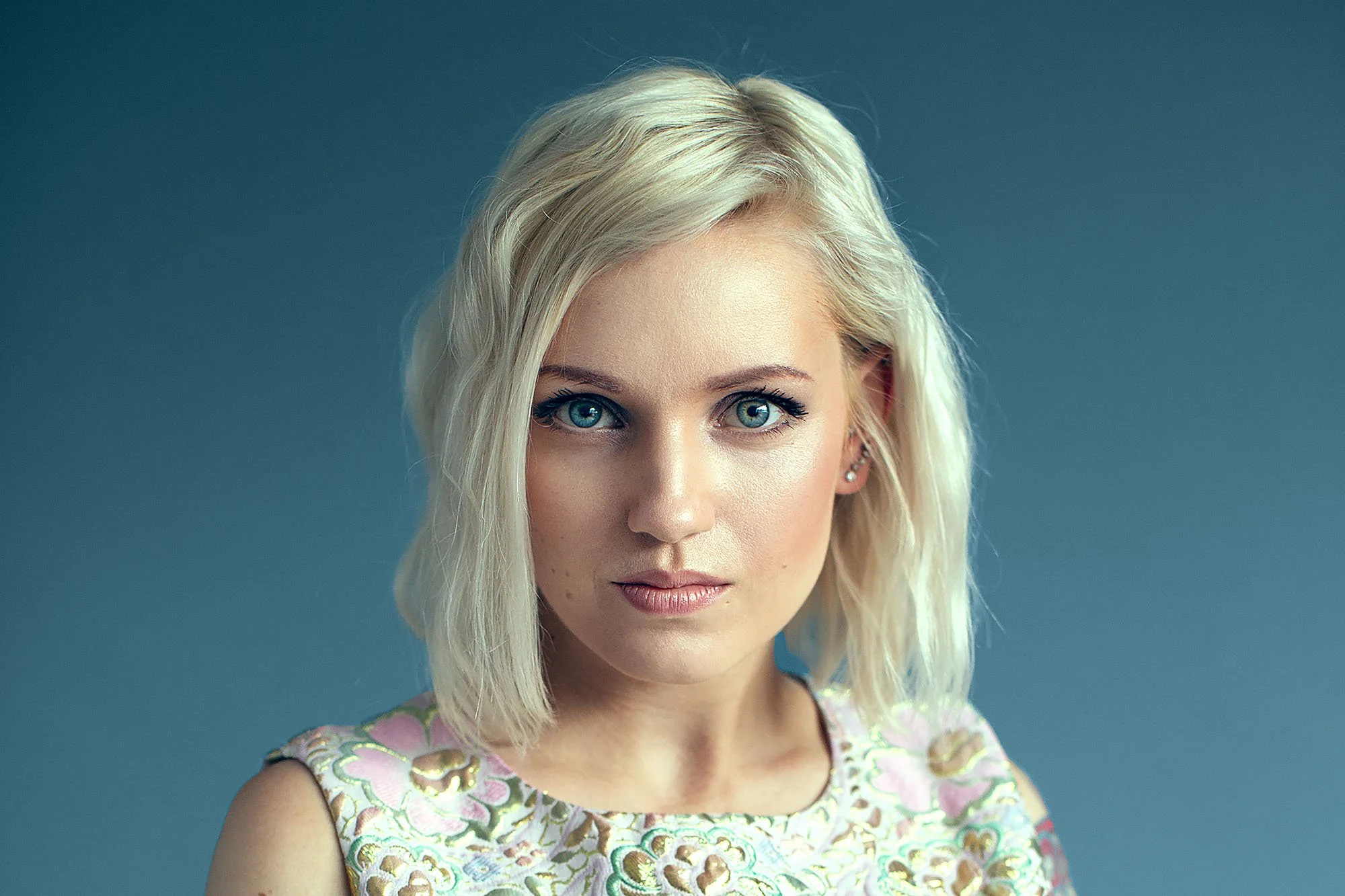
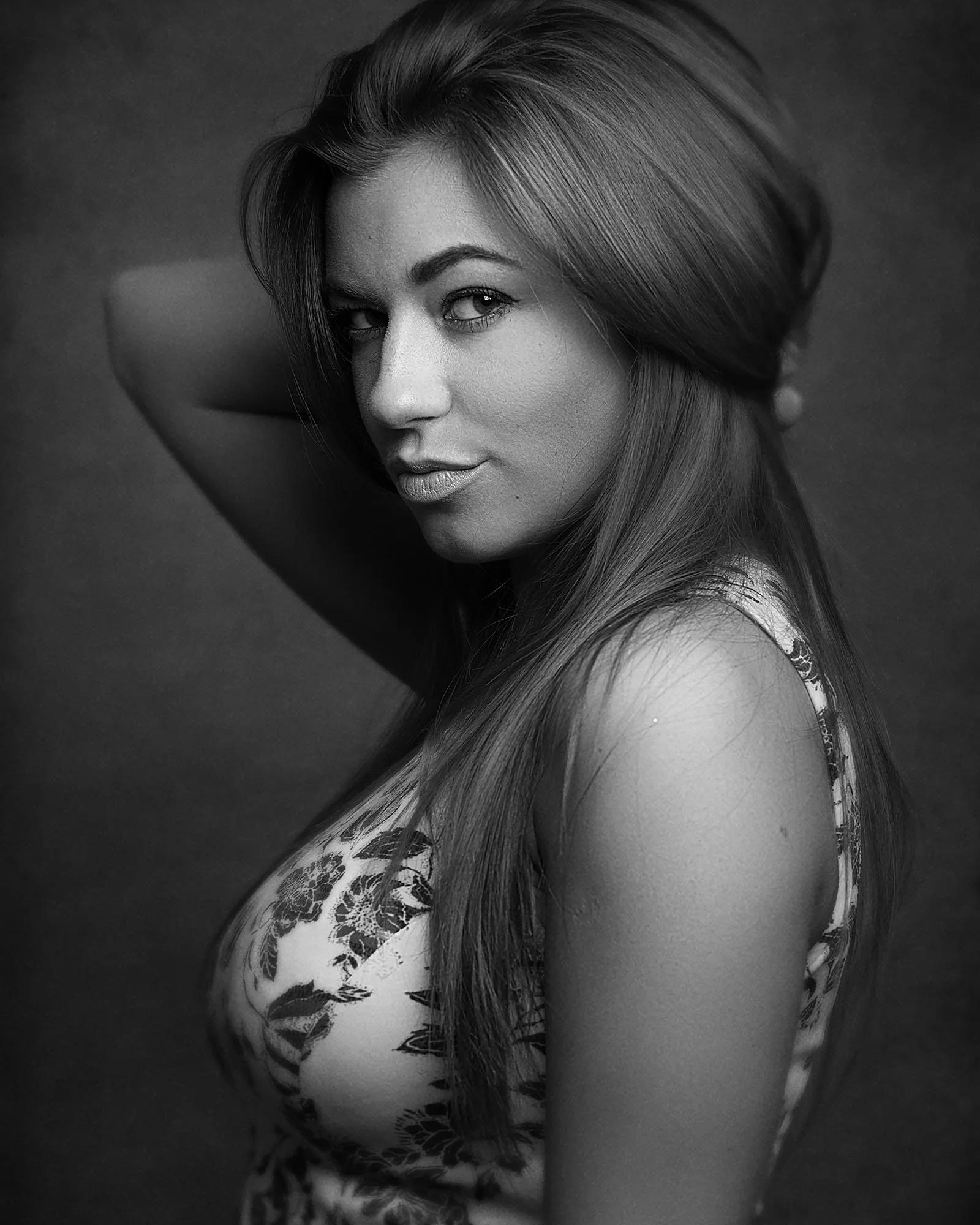
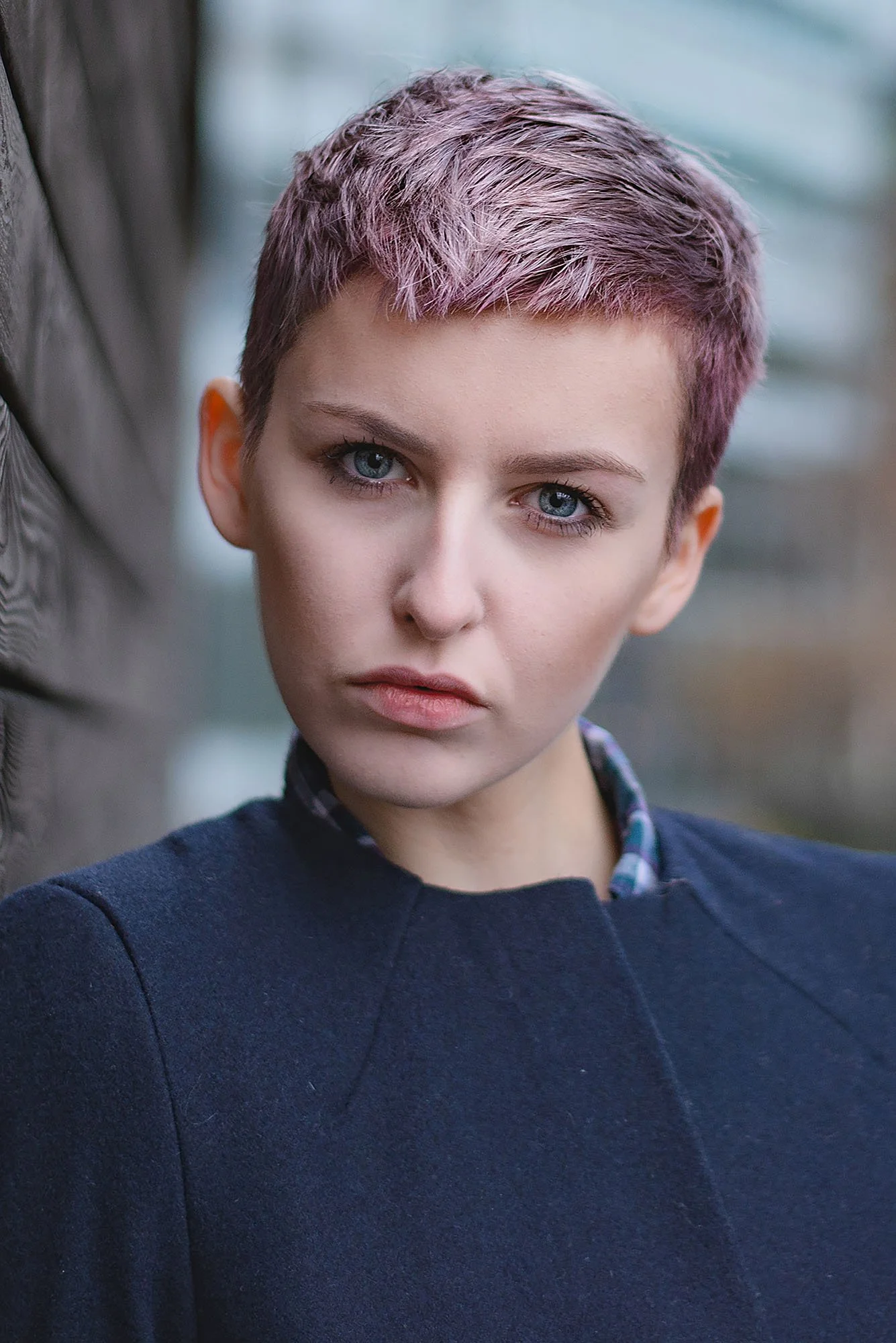
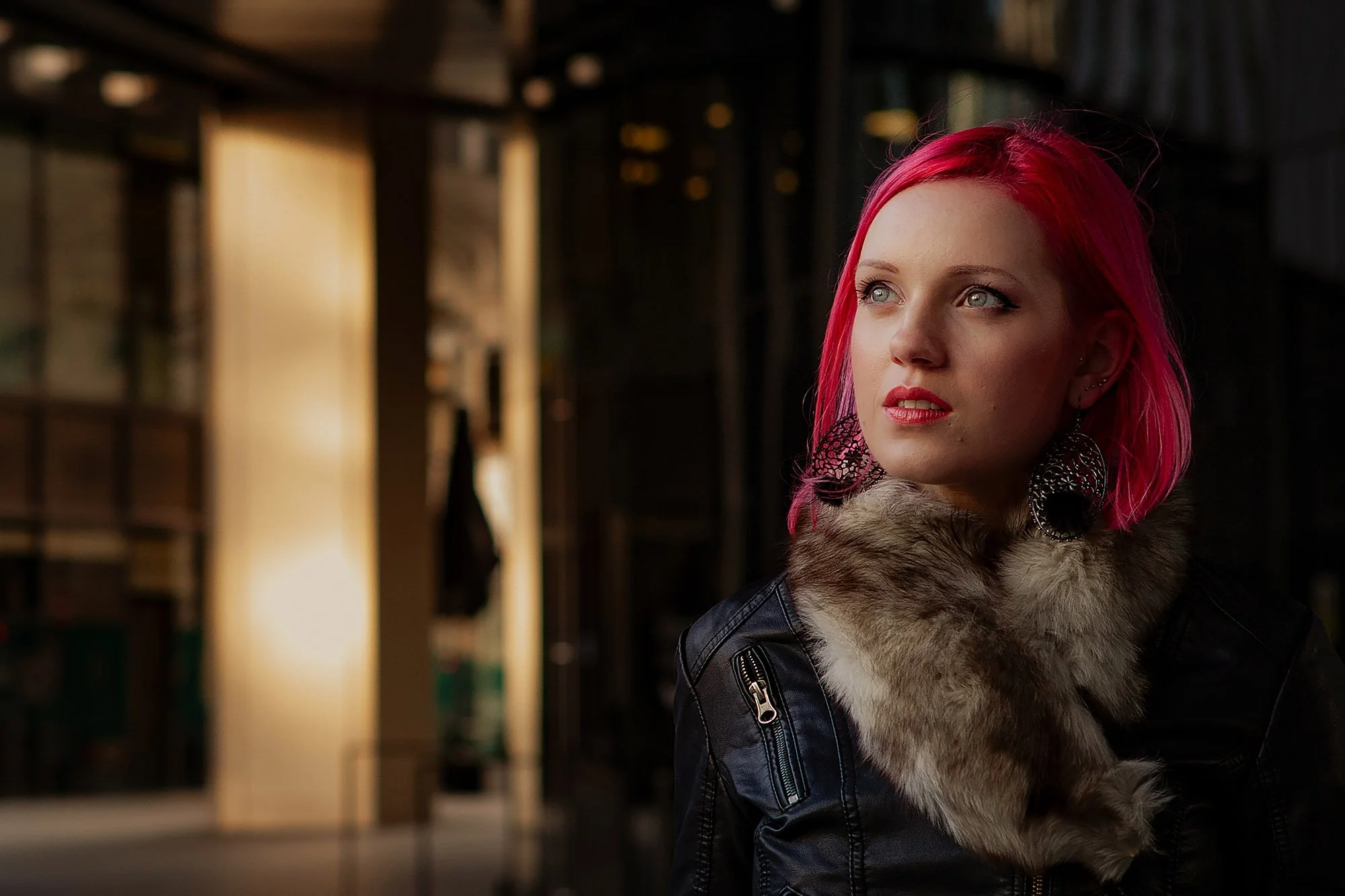
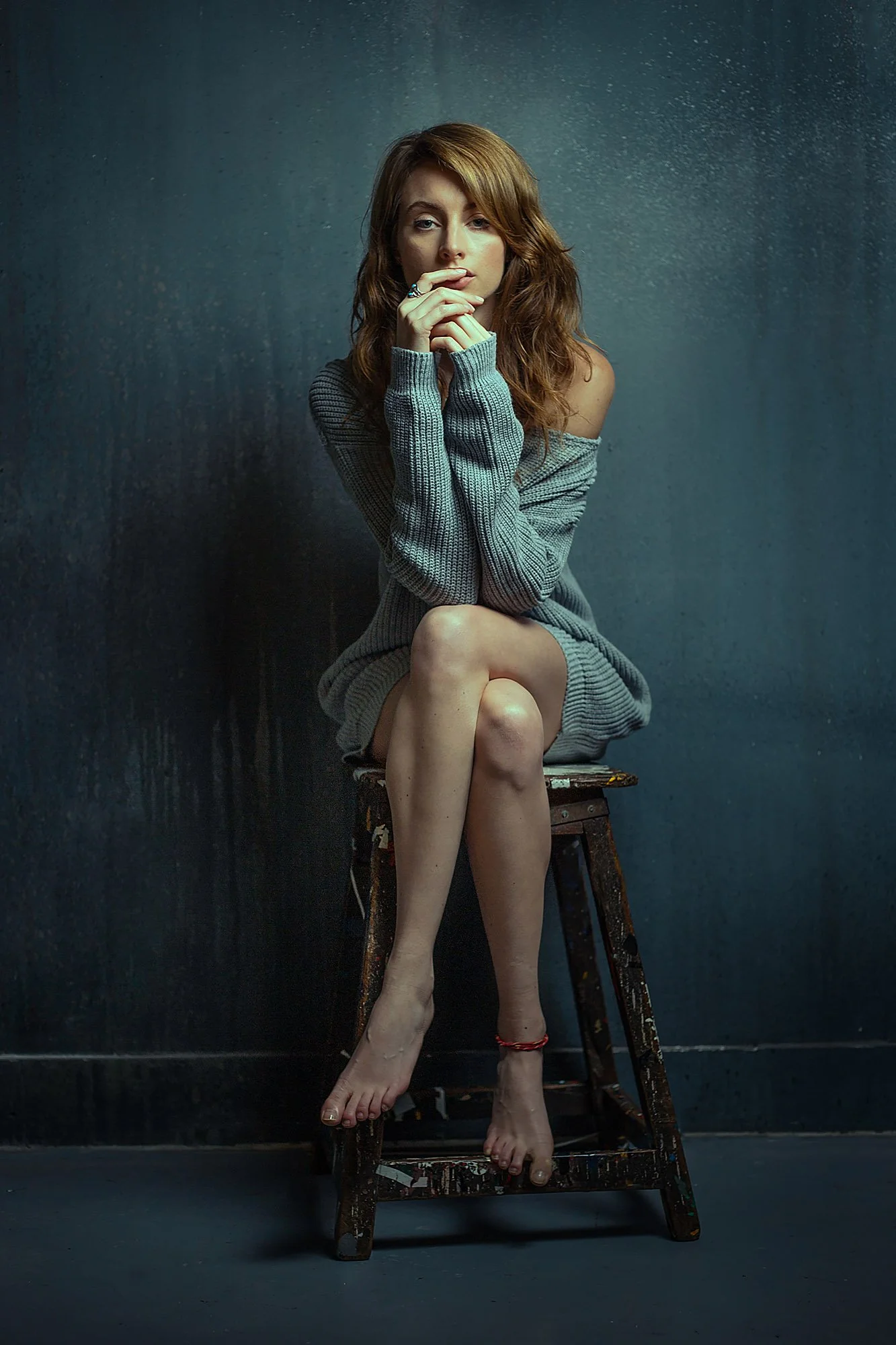
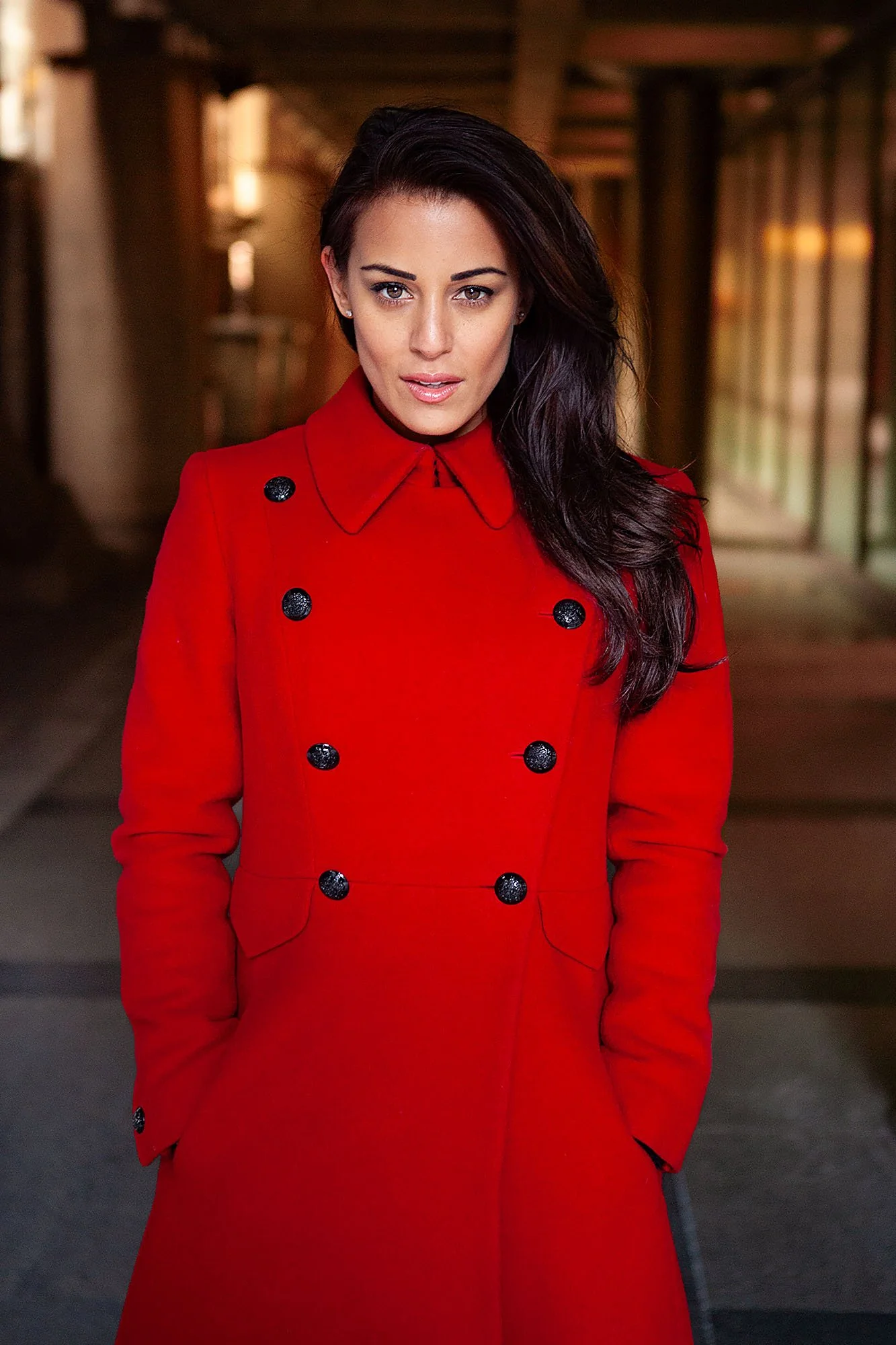
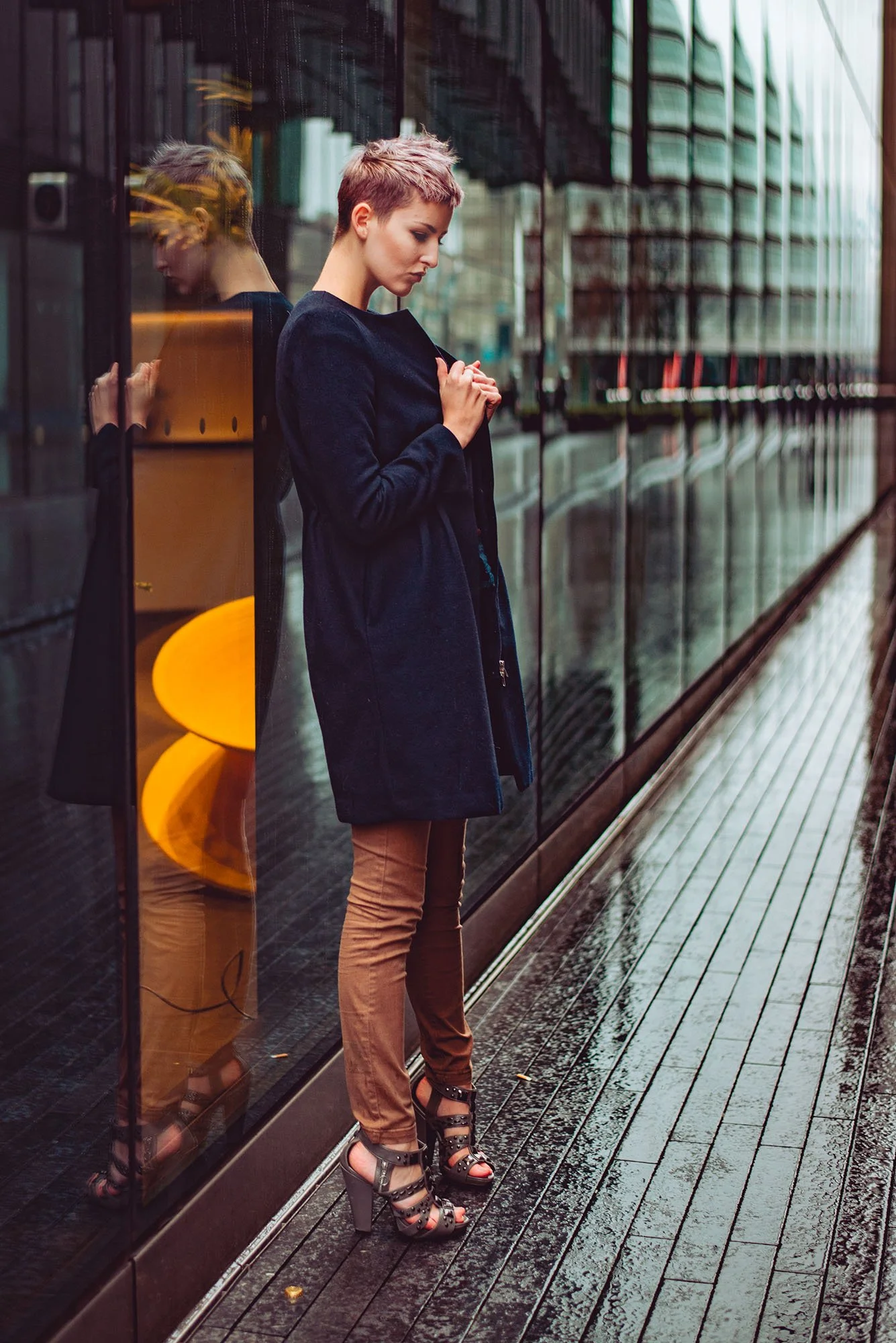
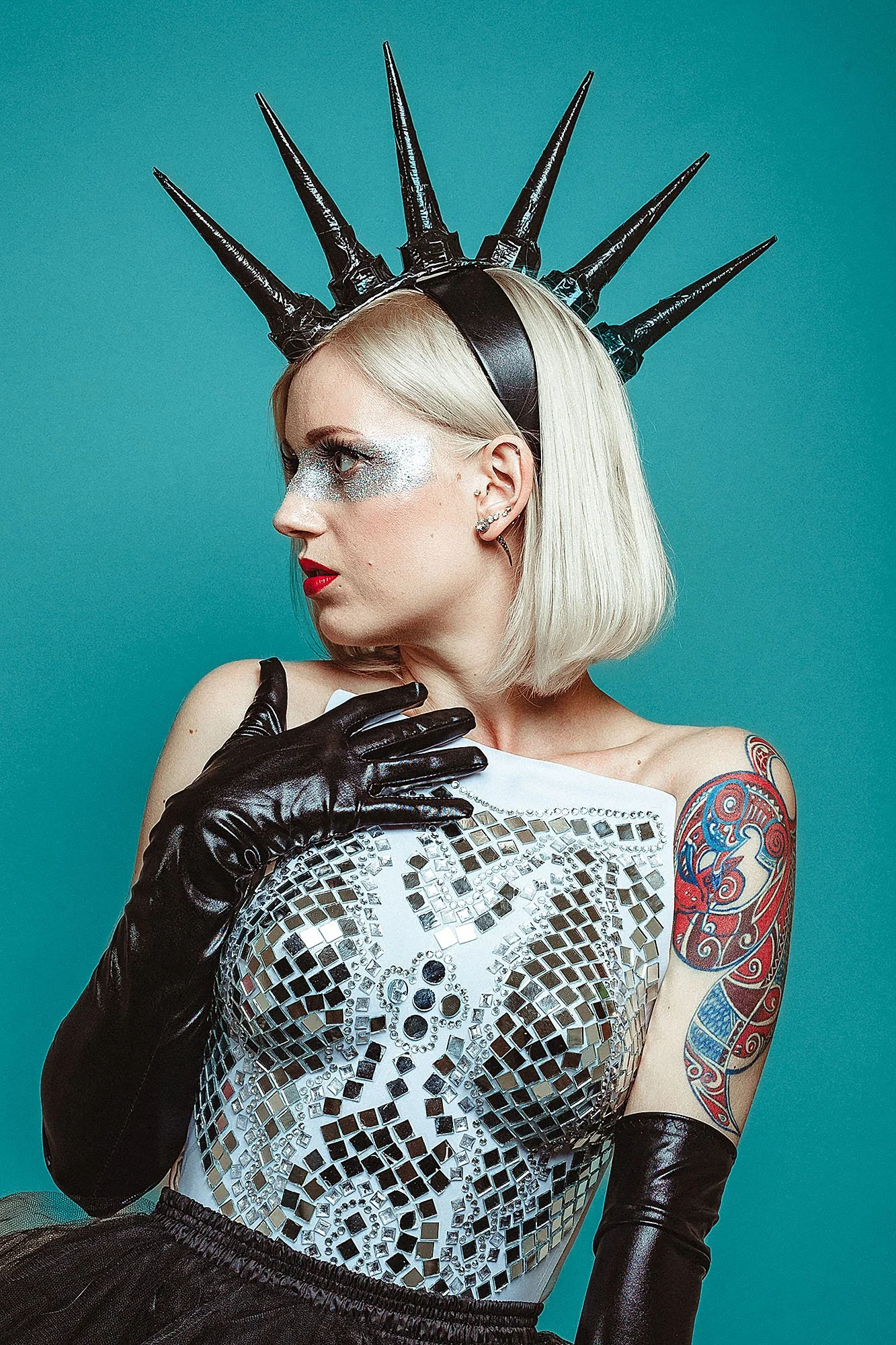
What You'll Learn
The concepts that change how you edit, permanently
Before we touch a single image, we cover the principles that underpin everything:
How to reshape light in the edit
How to create depth in a flat image
How to subdue and enhance colour to create mood
How to add atmosphere to your pictures
How to transform your backgrounds
These aren't abstract concepts. Every one of them is something you'll apply to your own images immediately.
Skin editing that looks like skin
Skin is the hardest thing to edit in a portrait.
We cover how to approach a basic skin edit in Lightroom because we don’t always want to spend hours editing skin, but we want it to look natural.
Then go deep in Photoshop for the kind of careful, considered work that separates a finished professional portrait from one that's been retouched.
Fourteen fully worked edits, studio and outdoor
This is the core of the masterclass.
Fourteen complete portrait edits worked from raw file to finished image, across studio and outdoor conditions, at varying levels of difficulty.
You watch the full edit from start to finish while I explain everything that I’m doing and why.
You see every decision, not just the end result.
And because we cover the thinking behind each one, not just the steps. You'll be able to apply the same logic to your own images immediately.
The edits range from a clean base edit that teaches you how to think about any portrait, through batch editing for efficiency, to cinematic and fine art approaches that push the tools further.
Studio edits, outdoor natural light, and ambient night work.
Different moods, different challenges, same underlying principles.
What's included
Fourteen video edits in Lightroom and Photoshop, working from raw files across studio and outdoor conditions
A full section on editing concepts and principles
Dedicated skin editing modules for both Lightroom and Photoshop
A studio preset pack to use as a starting point for your own studio work, and how to use it.
Taught entirely in Lightroom and Photoshop, no plugins, no third-party tools, nothing you don't already have
Raw files aren't included; portrait editing changes with every subject, so your own images are always the best classroom.
Portrait editing is the part of photography that almost nobody teaches properly.
There are courses that show you presets. Courses that walk you through sliders. Courses that give you a look to copy without explaining why it works.
This isn't any of those. This is how I actually edit, the thinking, the decisions, the principles that make a portrait feel like something rather than just look ordinary.
Taught across fourteen real edits, with the full reasoning behind every choice.
If you find my YouTube videos useful, you'll find even more depth and detail here.
If you've ever finished an edit and known something was missing, this is where you finally understand what it is, and how to fix it.
Instant access. Lightroom and Photoshop. Studio and outdoor portraits.
@lerrynhawke3375
“If anyone's on the fence about Martin's masterclass, I've learned sooo much from the studio portrait editing alone, well worth the cash!!!! Nicley put together course, not a lot of "filler" content if any.. especially helped my post lighting game.”