Portraits that feel like something, in any light.
Watch me take a whole evening shoot from flat RAW to finished, decision by decision. Then edit the same files yourself.
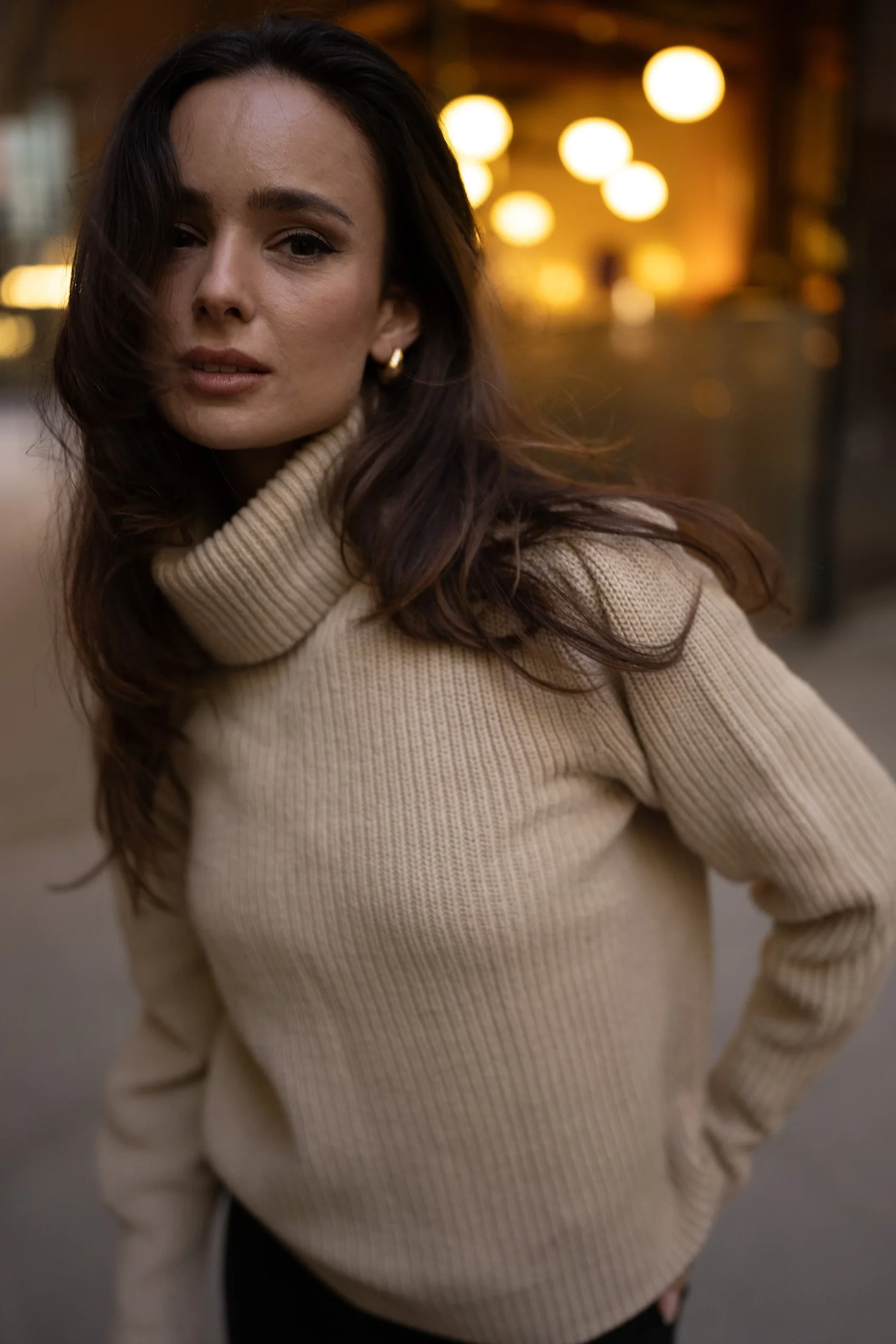
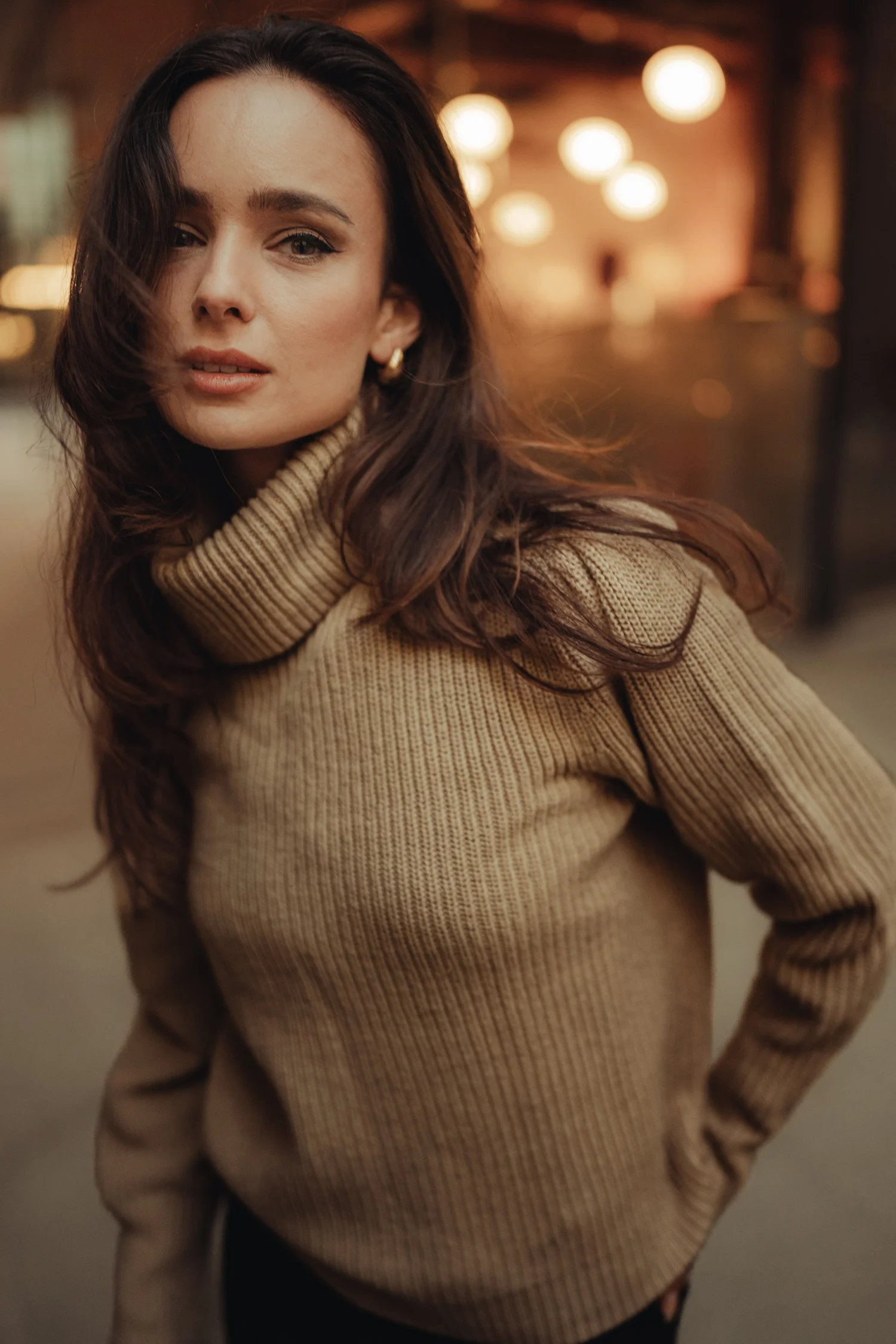
Mood and atmosphere that holds up across a whole shoot.
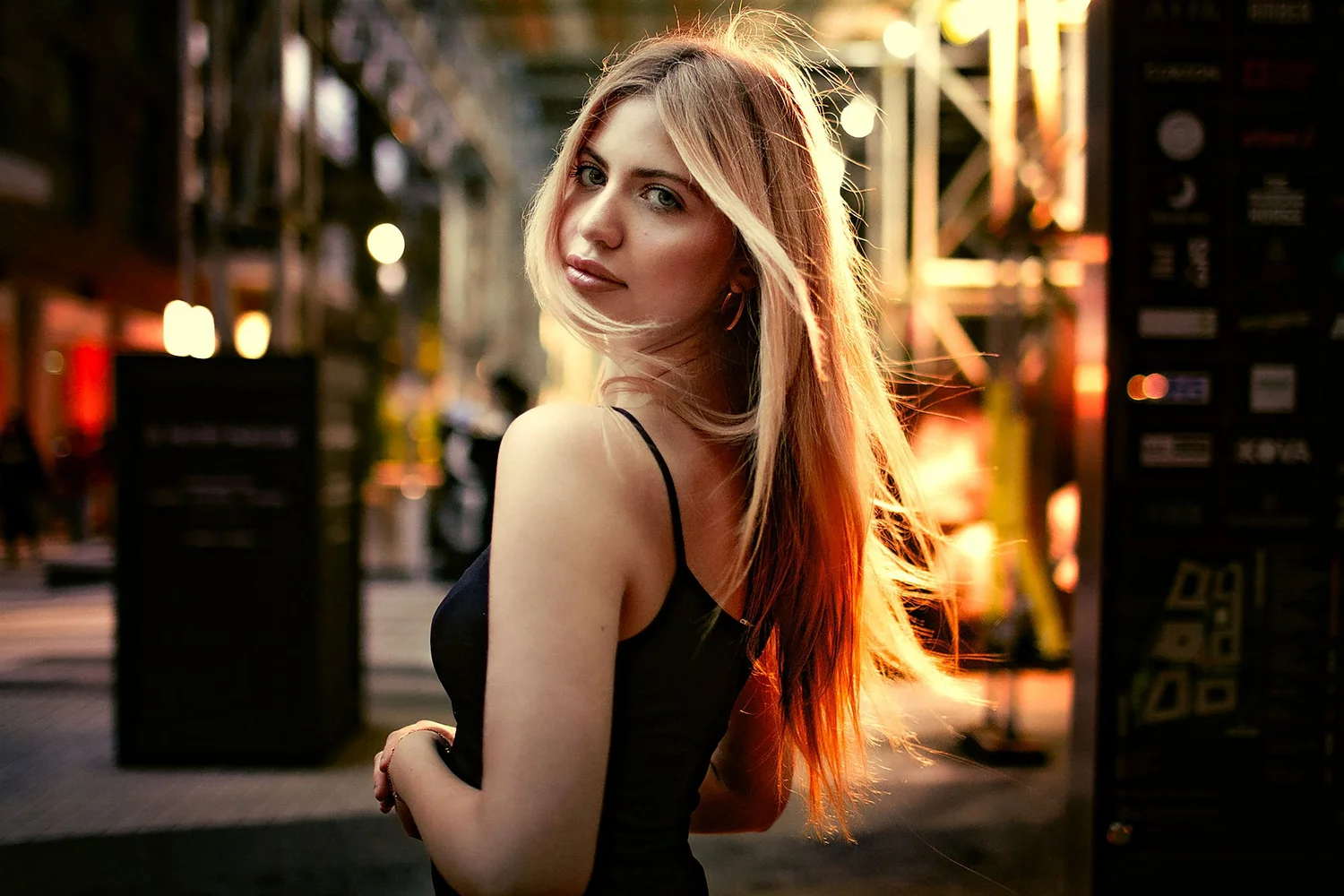
I'll show you how to take a portrait from a flat RAW file to a photograph that feels like something, with the light, colour and skin all working together. Then how to carry that same feeling through a whole shoot: dusk, late daylight, shop windows, neon and flash.
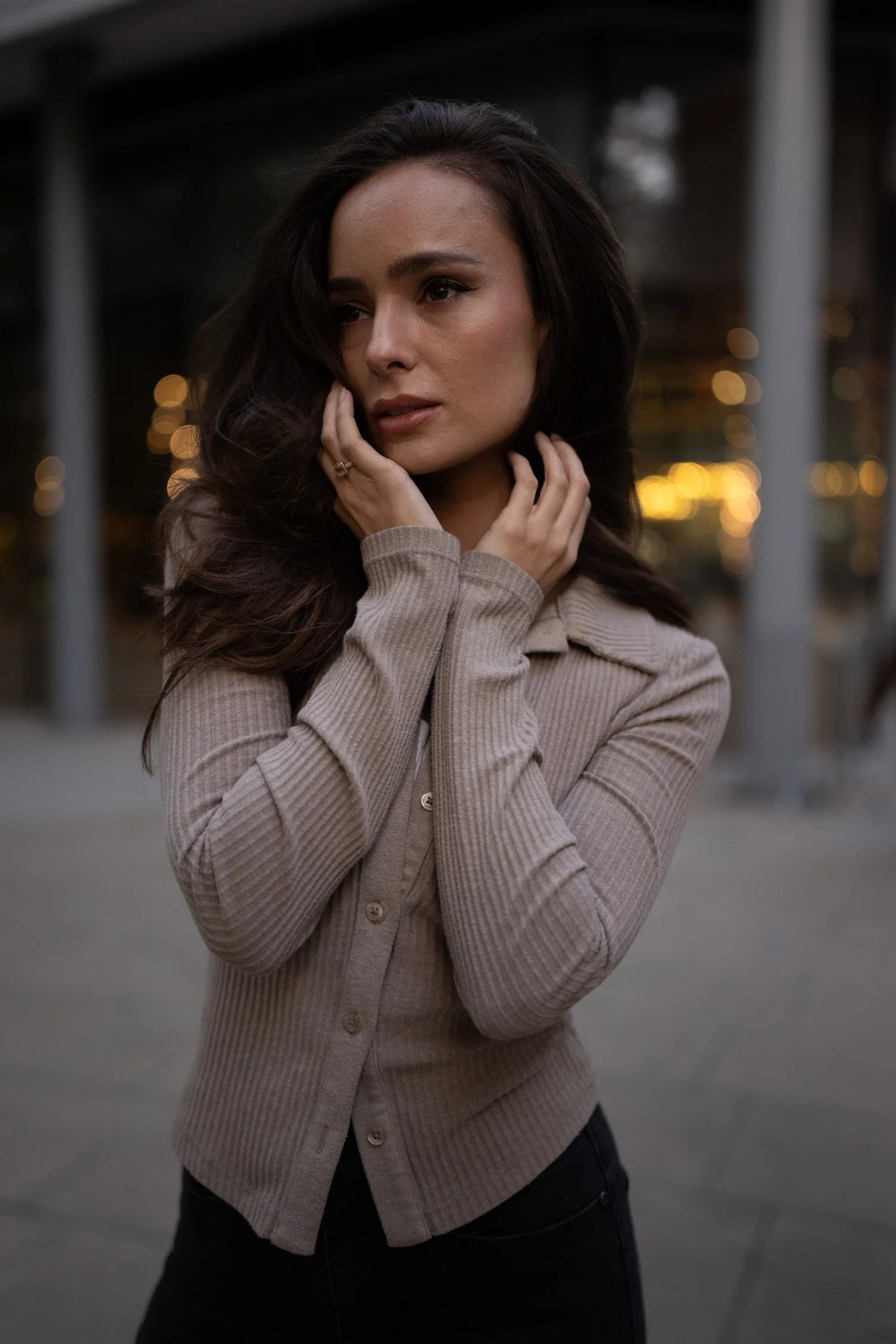
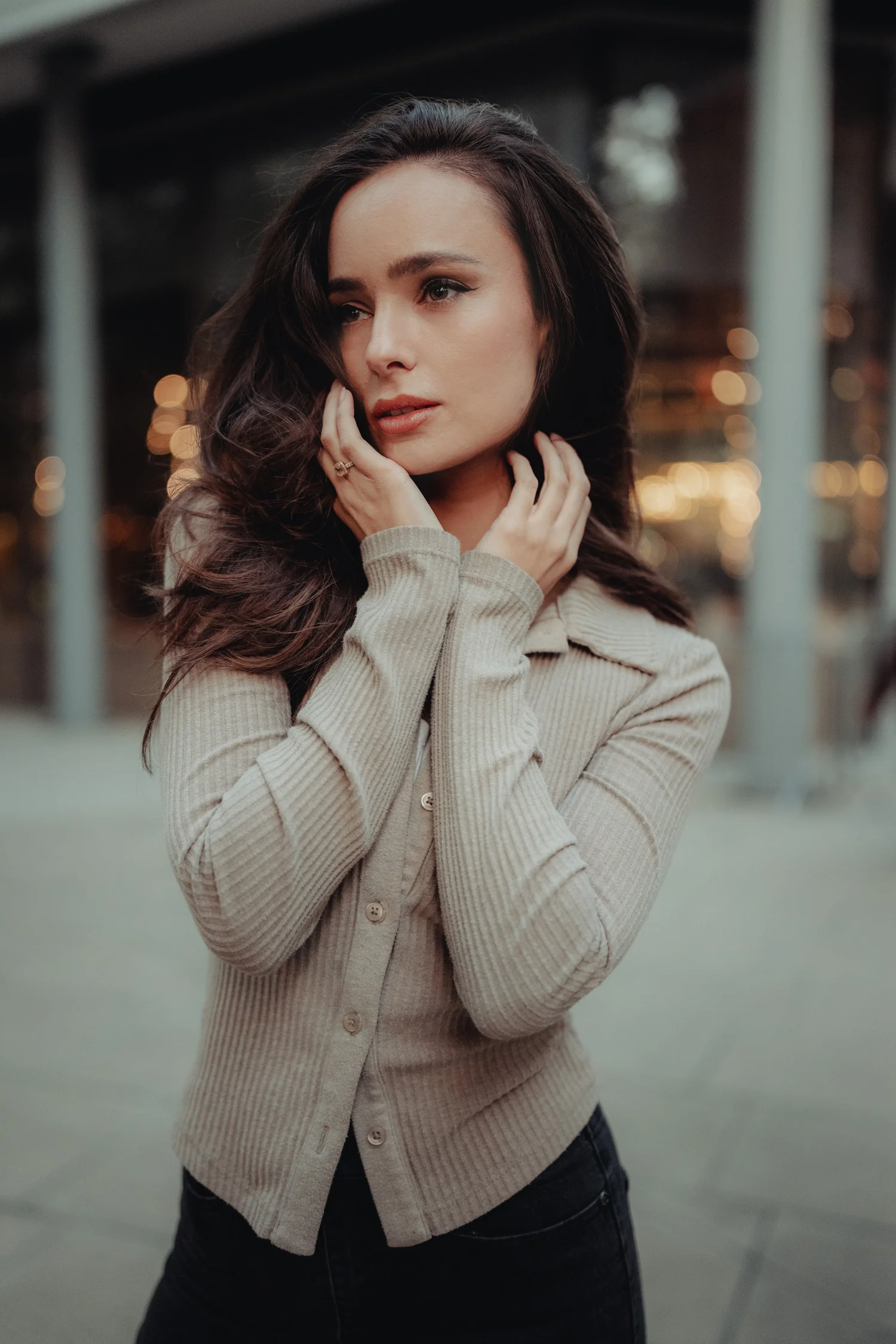
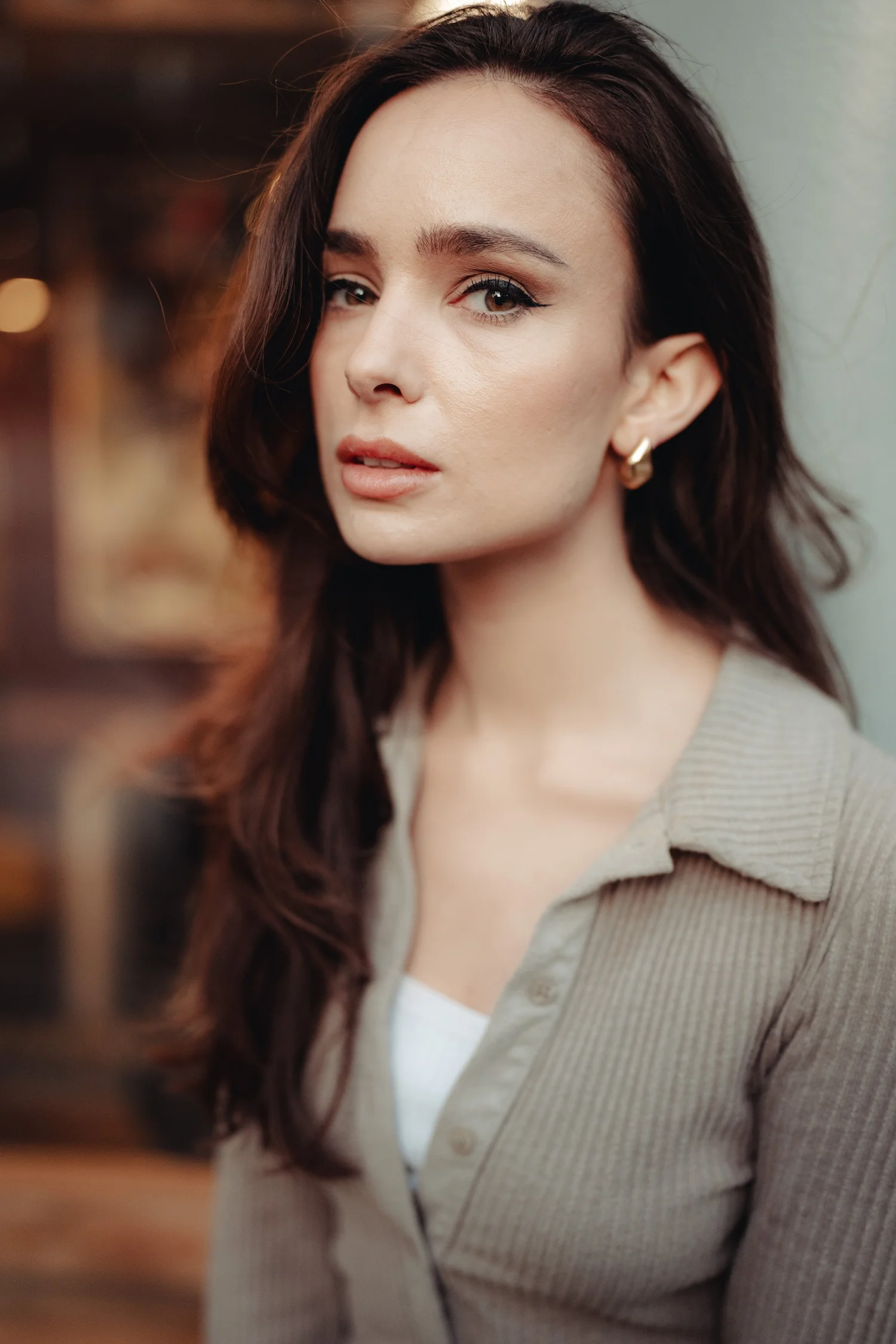
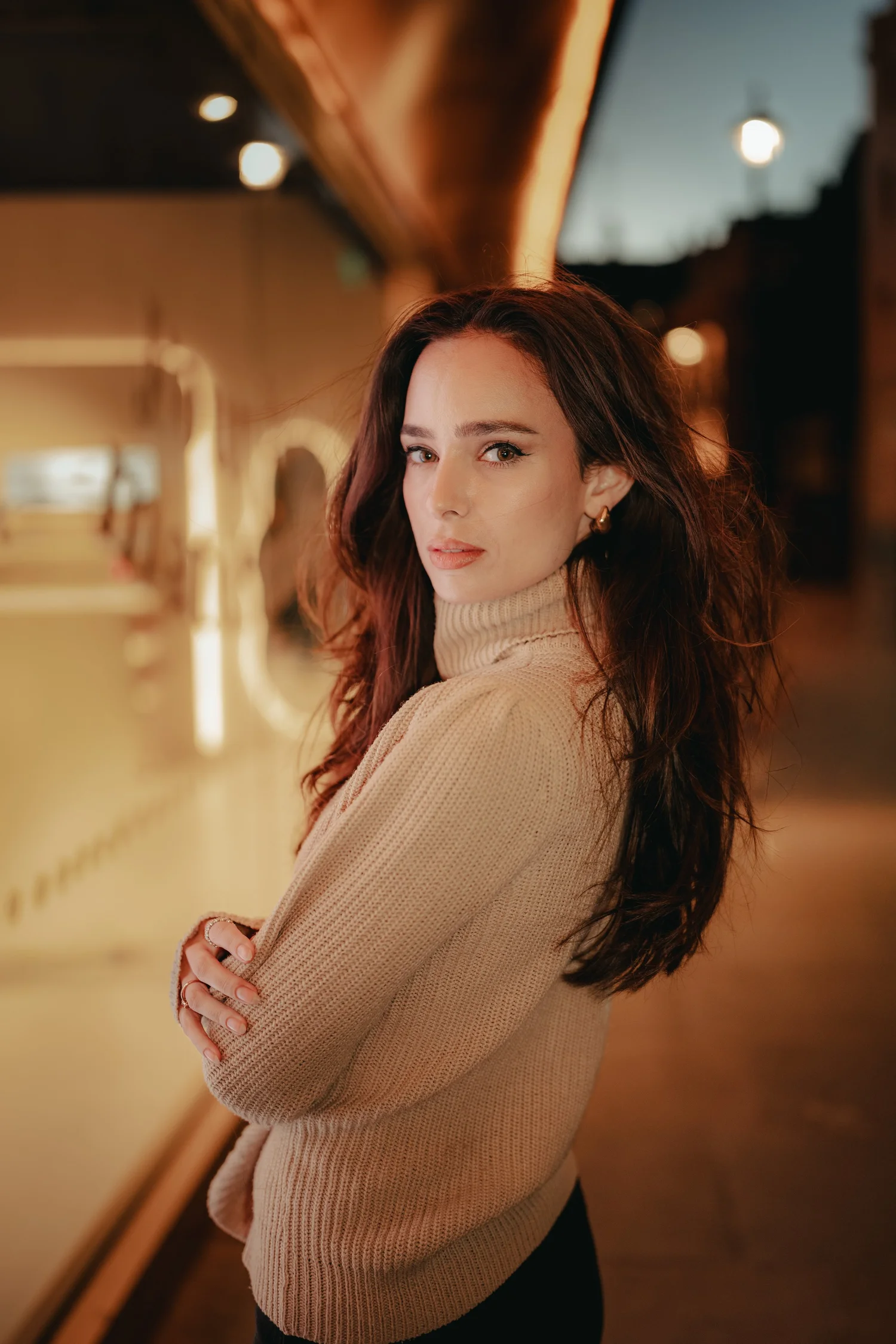
Every photo of Emma on this page is in the workshop, with its RAW file. Watch me edit it, then edit it yourself.
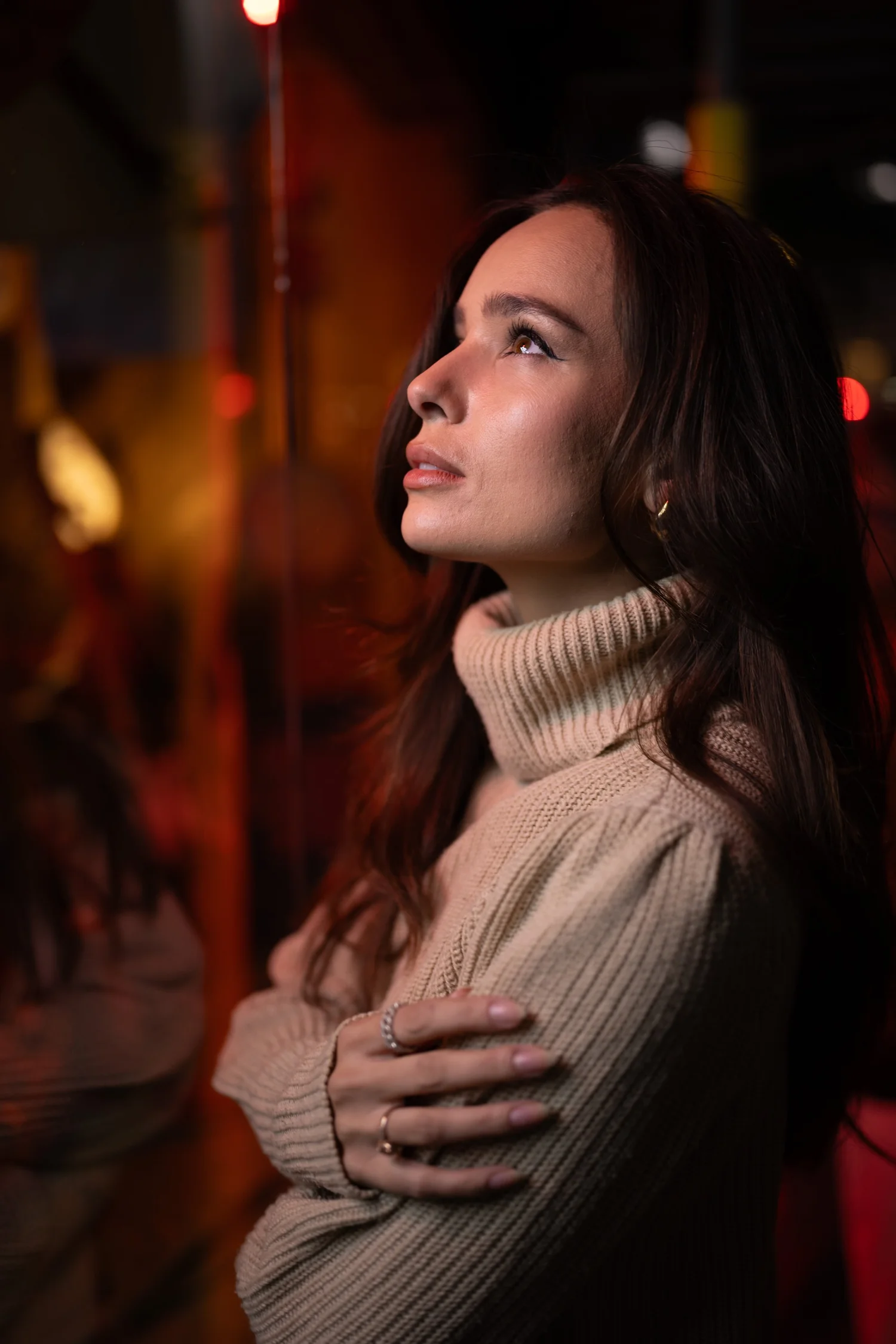
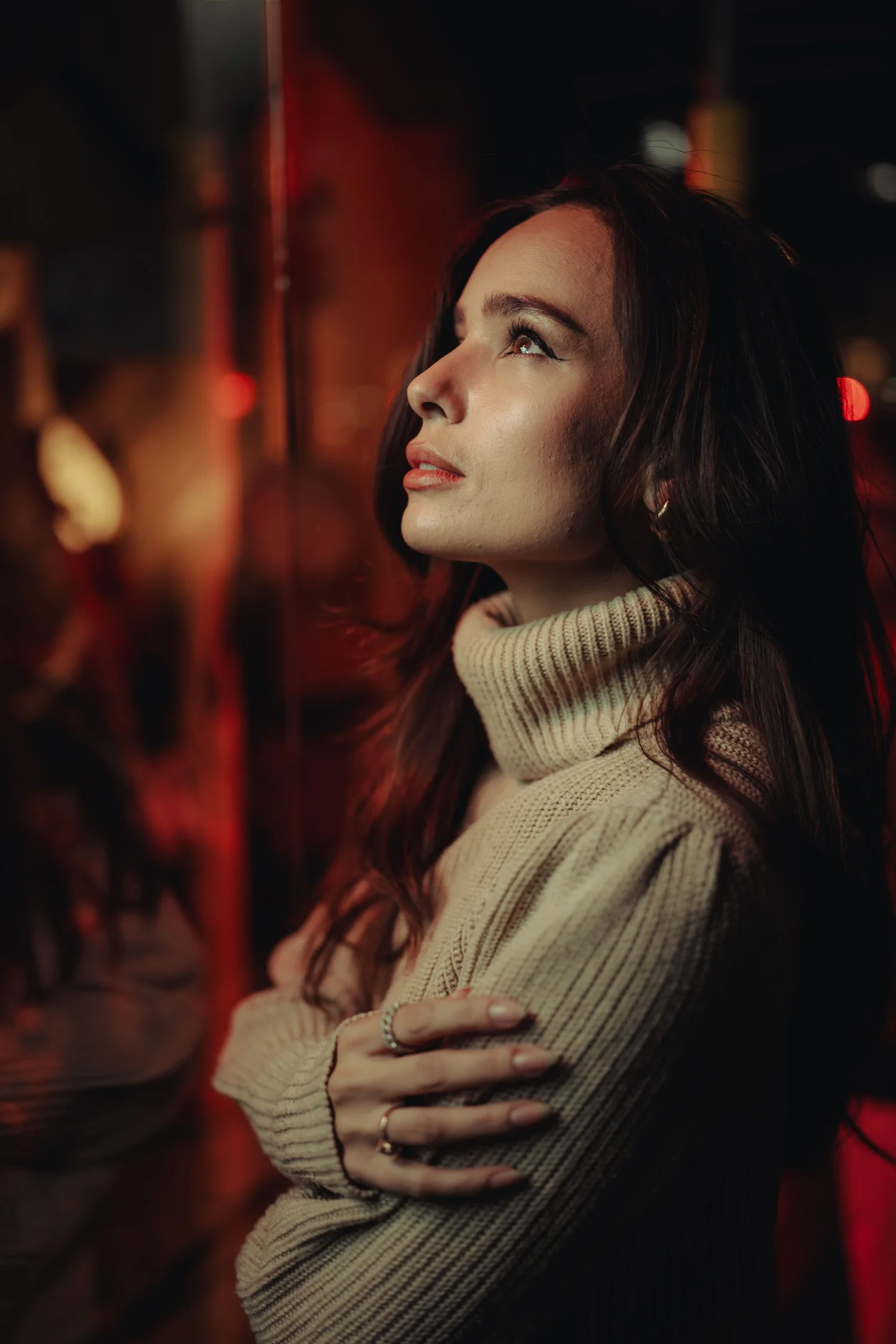
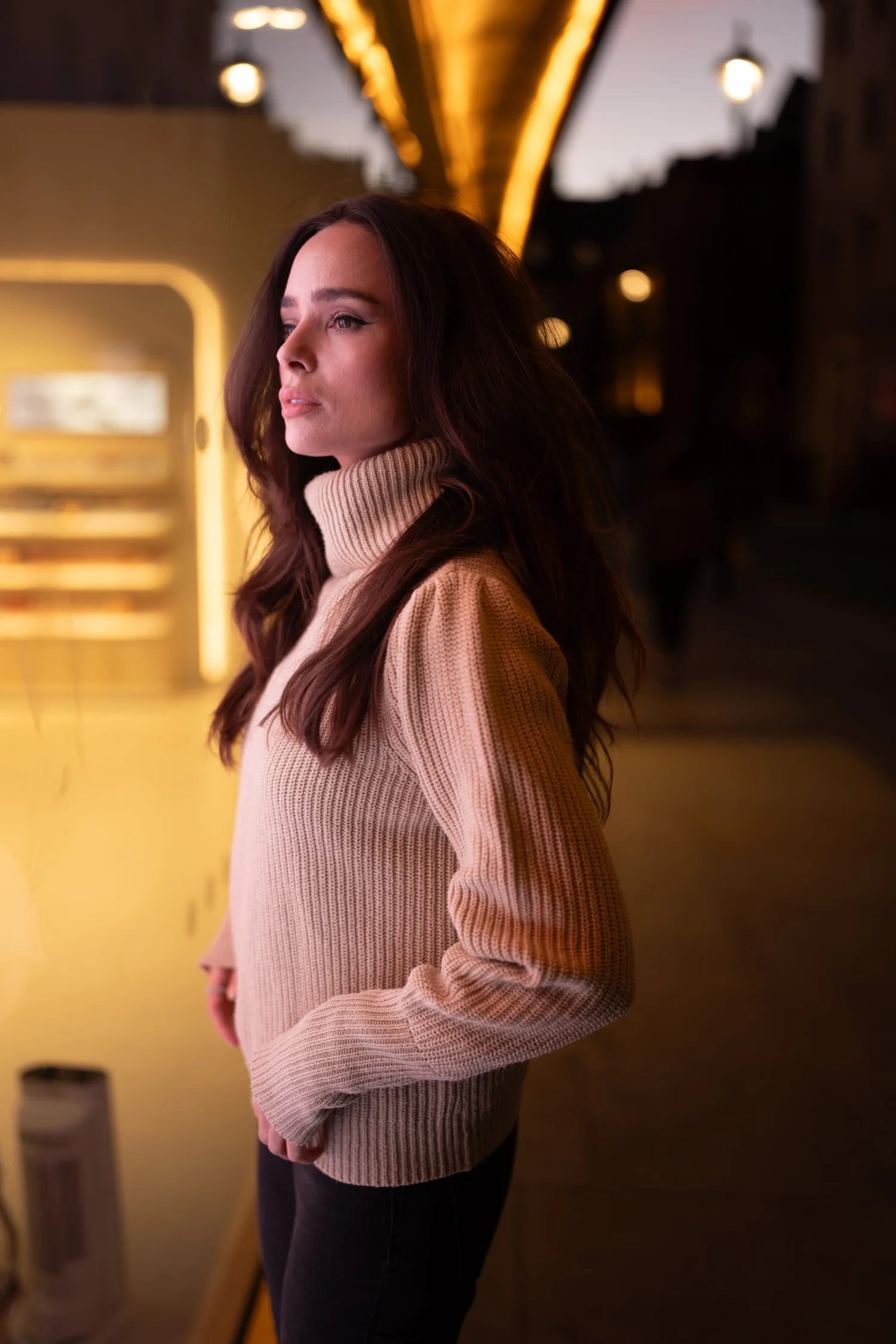
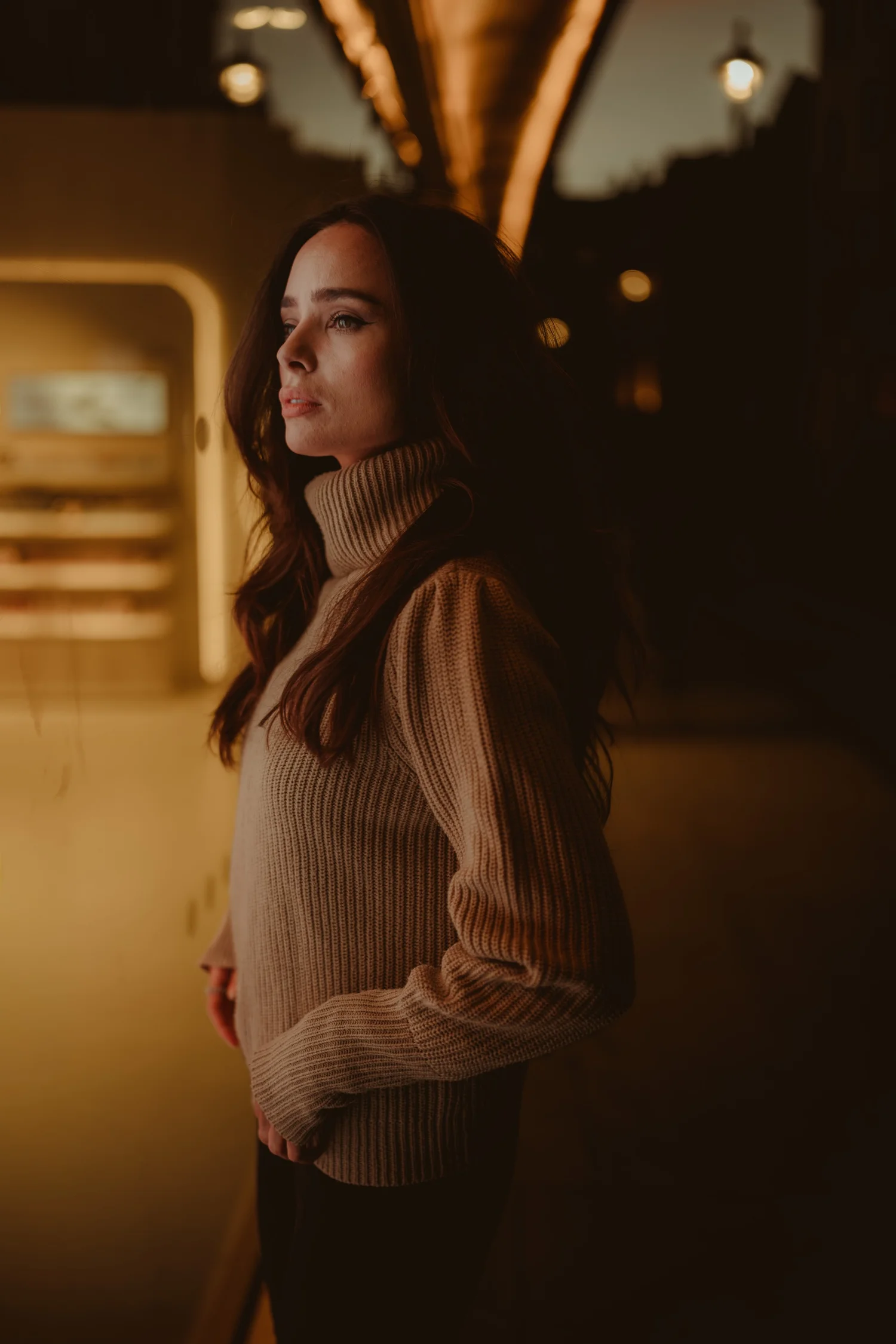
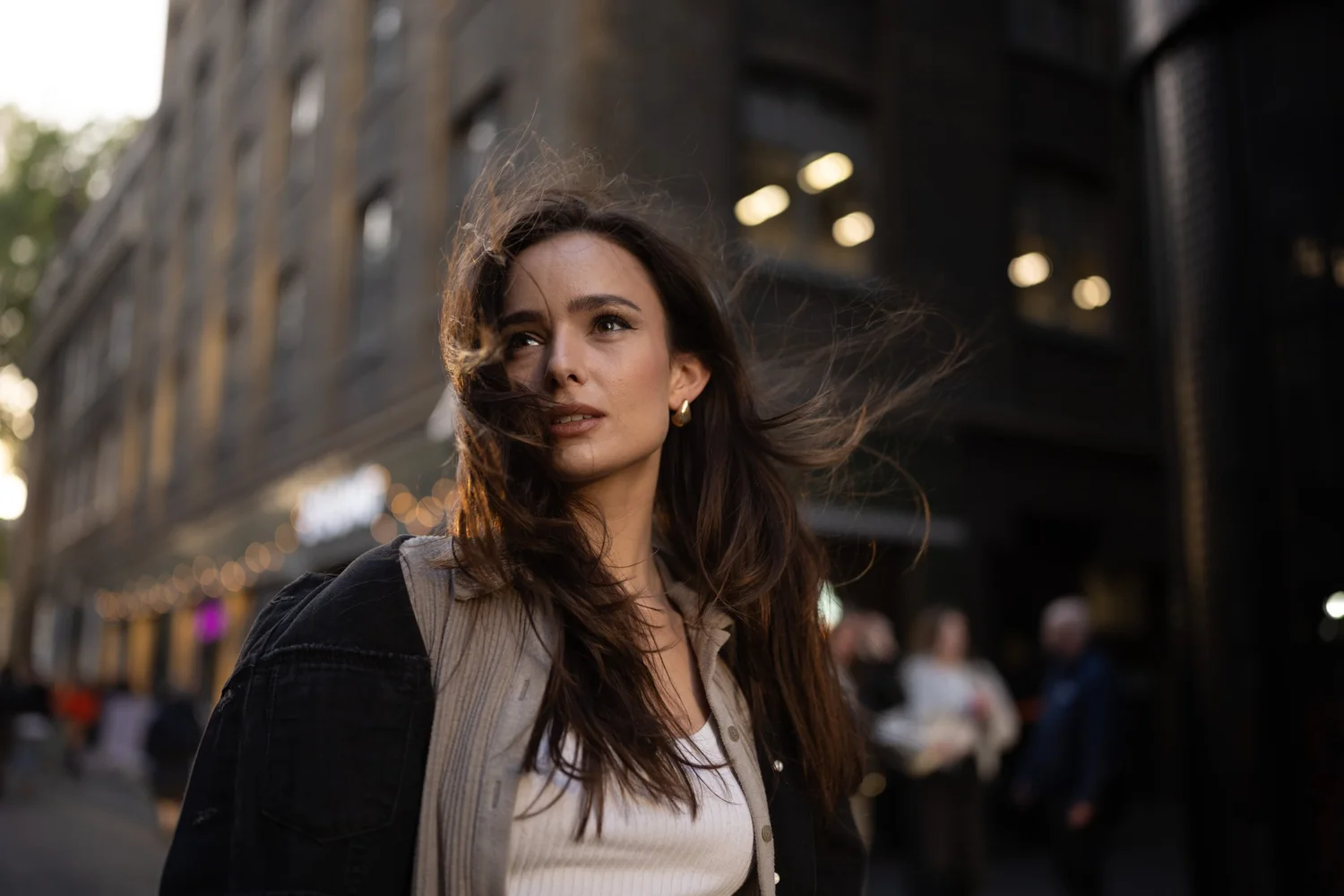
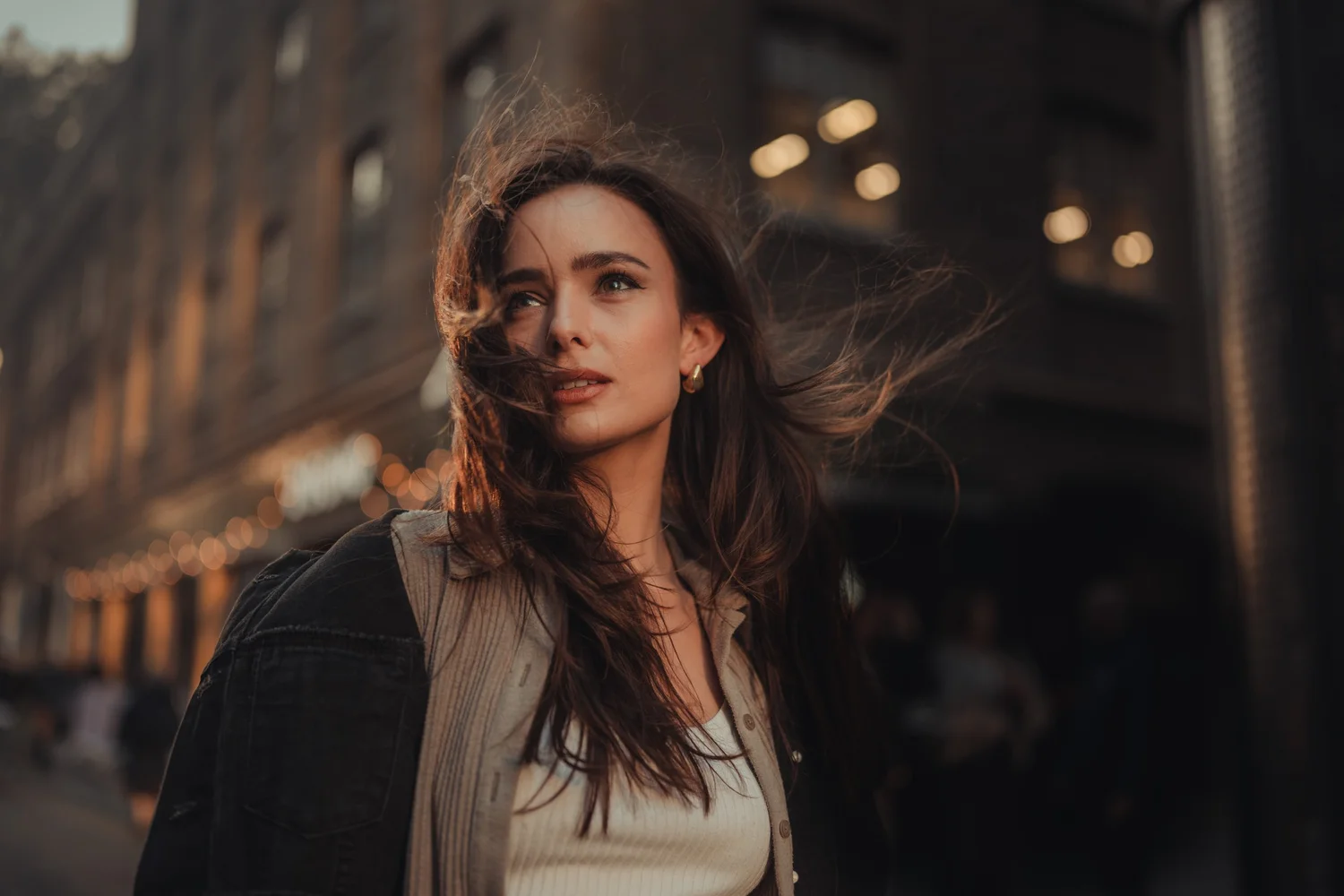
One look. Then the decisions that make each photo.
One look, built once in the master edit, then adapted to every frame by hand with masks, brushes and colour.
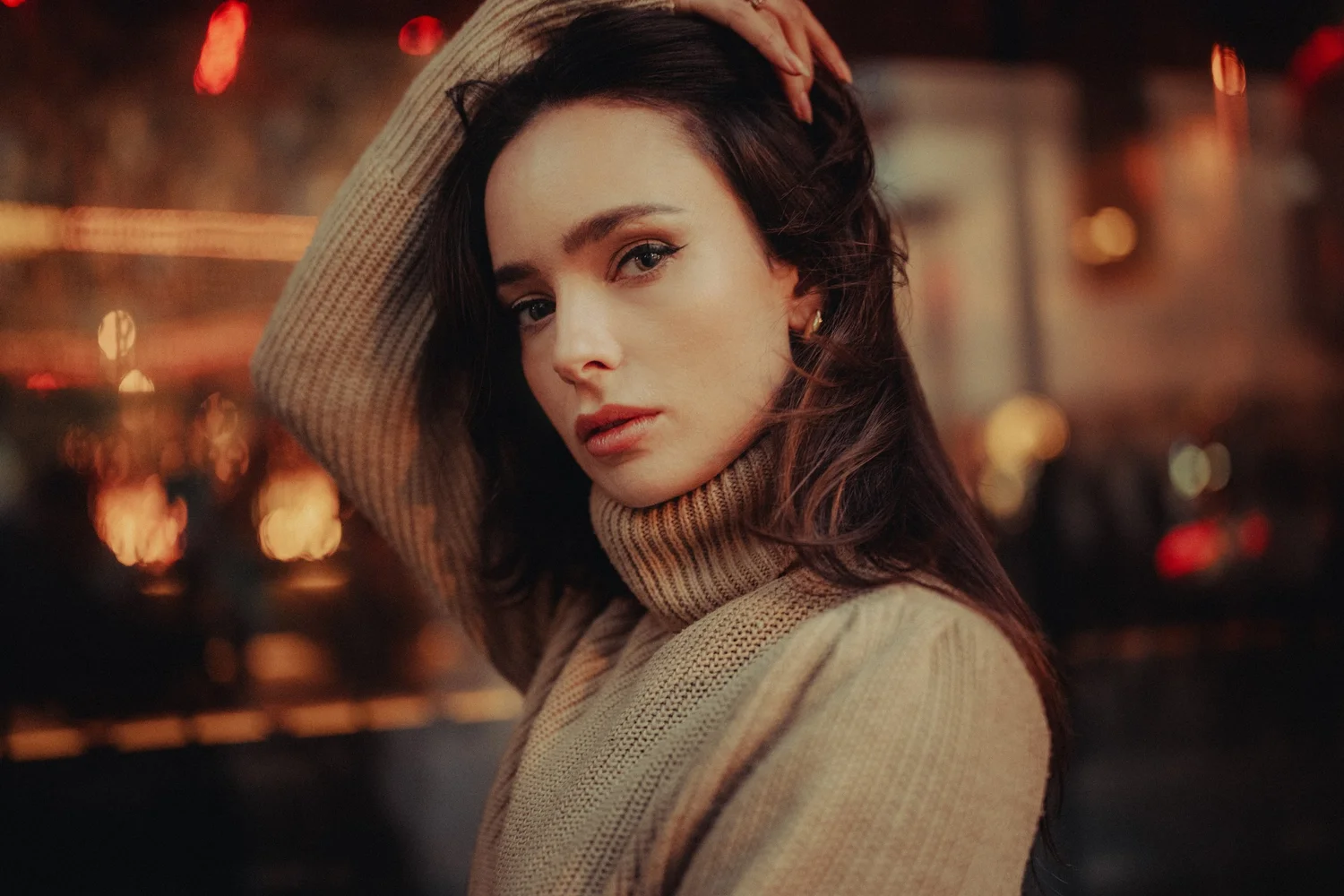
What changes in your own photographs
- You know where a portrait is going before you touch a slider.
- You start seeing when ‘technically wrong’ light makes the better picture, and stop chasing perfect frames that look ordinary.
- You build a look once and carry it through a whole shoot, whatever the light did.
- You shape light and colour with masks and brushes until the photo feels finished, not just corrected.
- Skin looks like it belongs in the photograph, not corrected separately, while the background lights sit back where they belong.
Edit along. Then check your edit against mine.
You get the RAW file for every new photograph, and my finished edits to compare yours with.
Watch a lesson, edit the same RAW yourself, then put the two side by side. It's the quickest way I know to see what you'd have done differently.
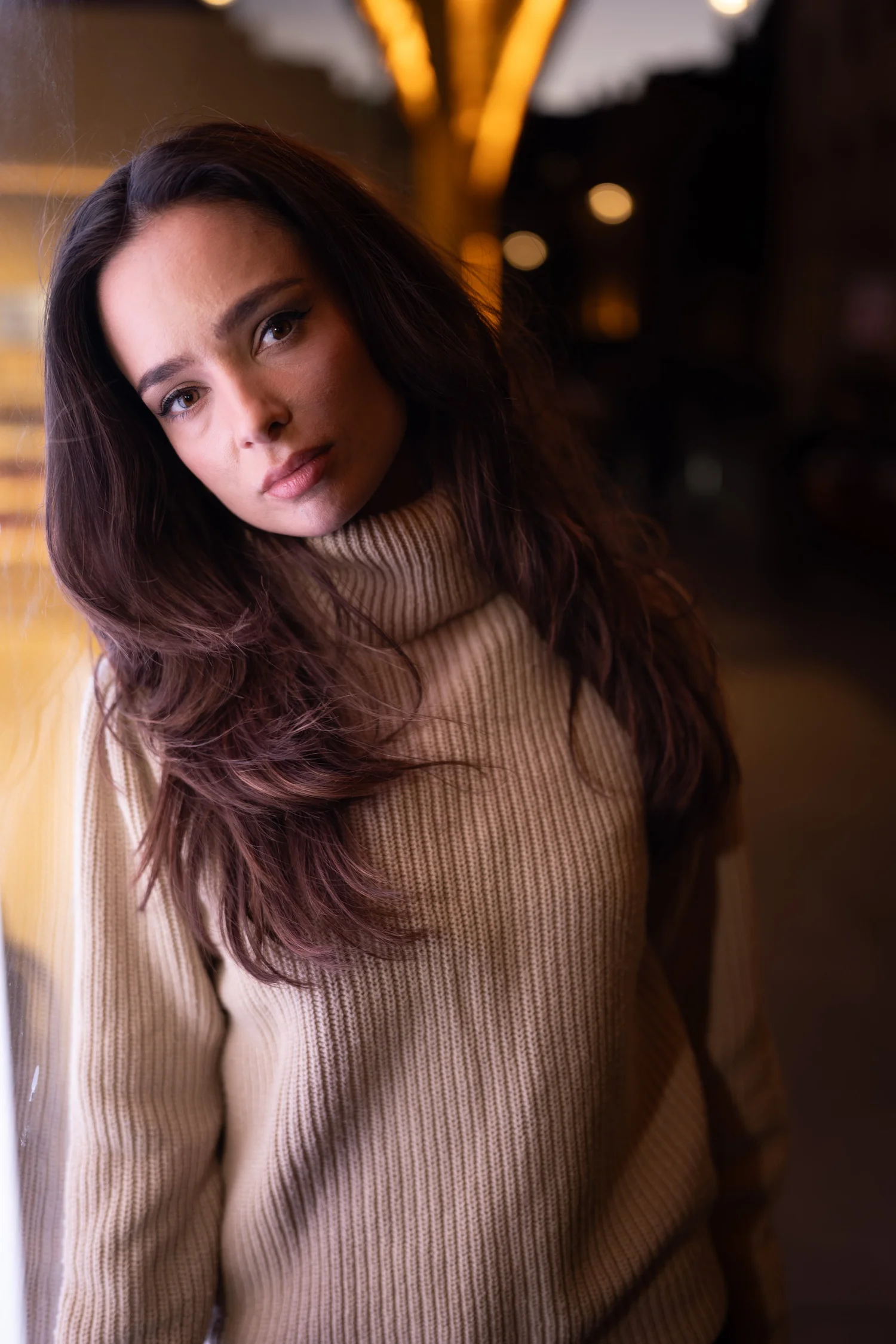
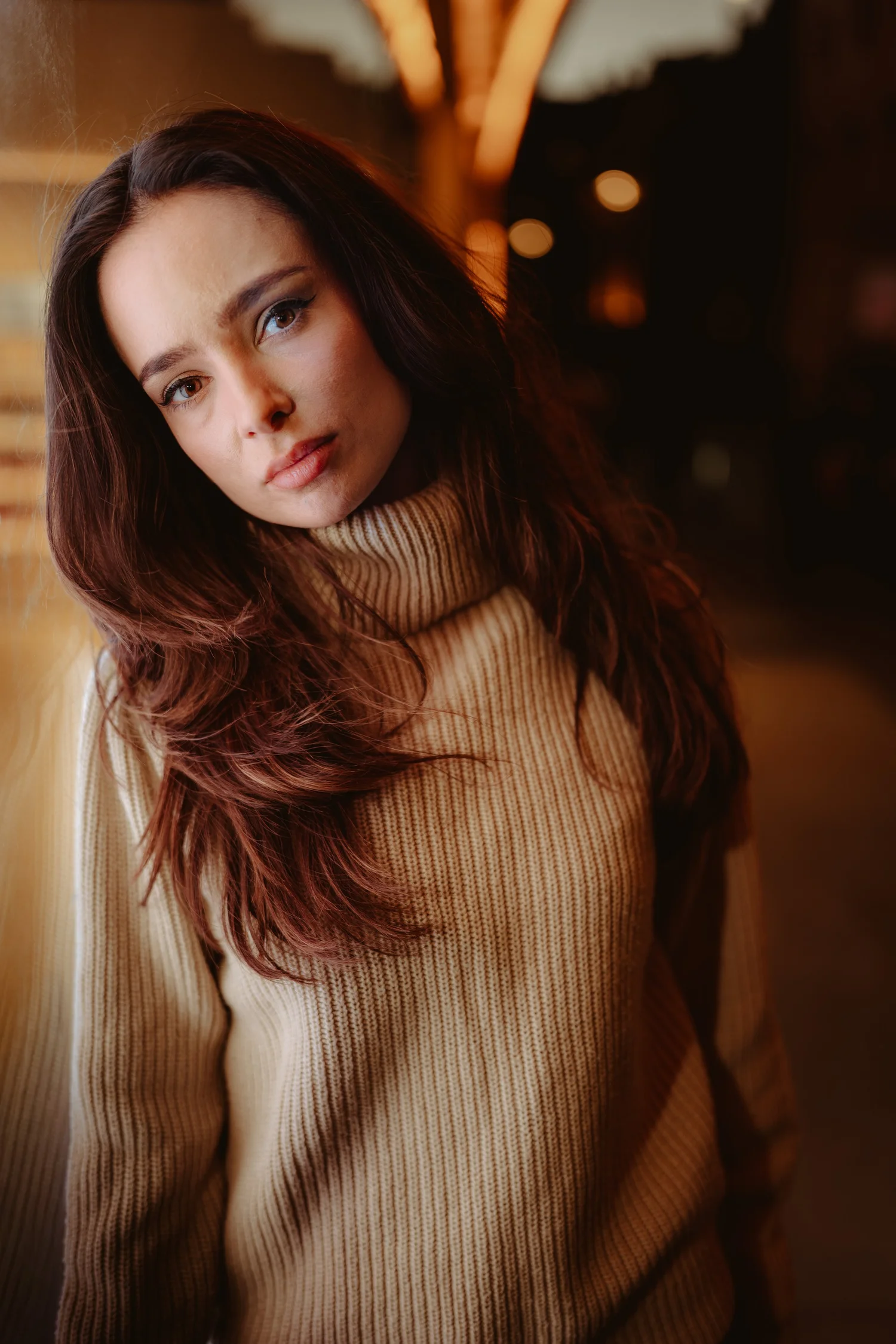
Then watch me read each photo from scratch.
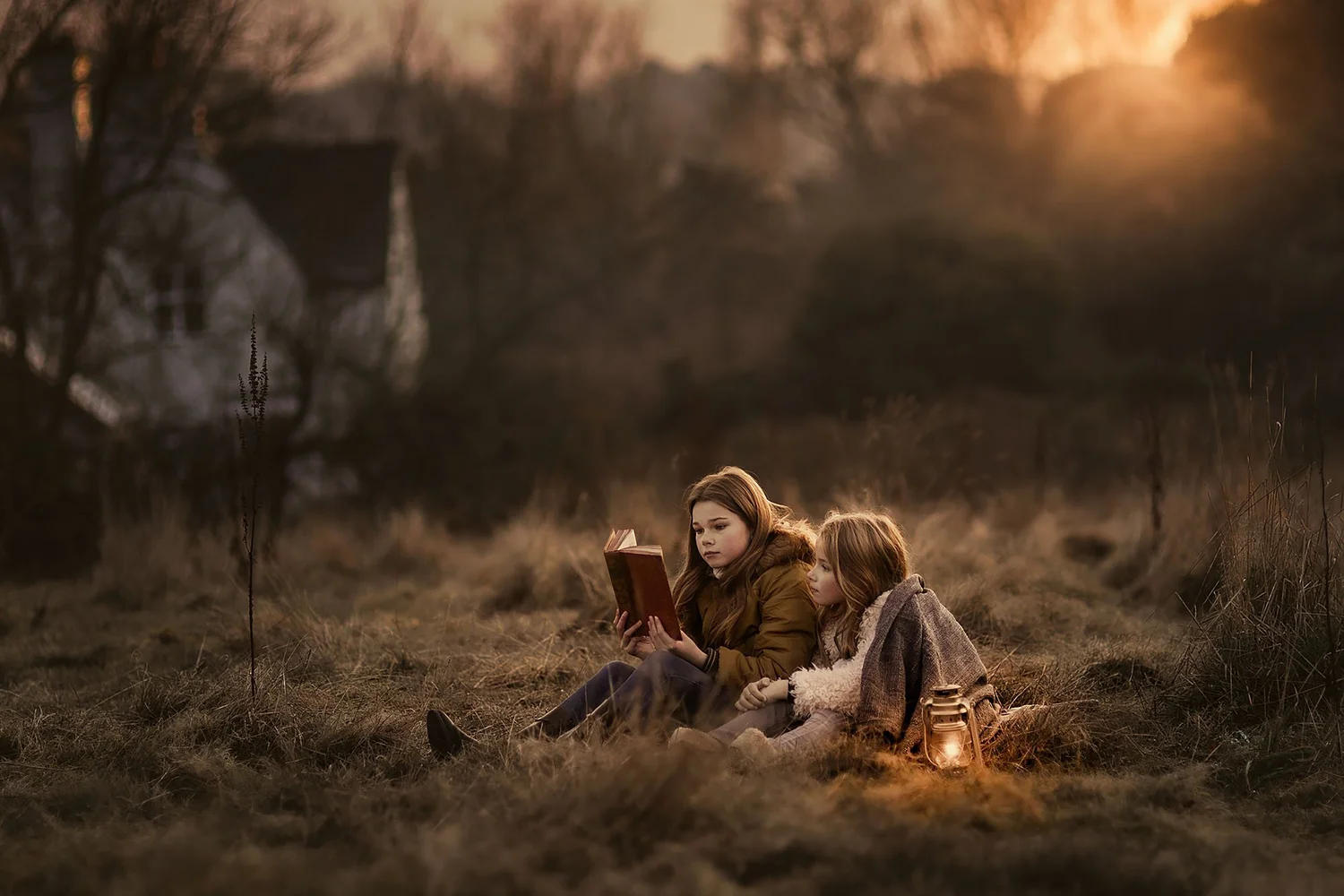
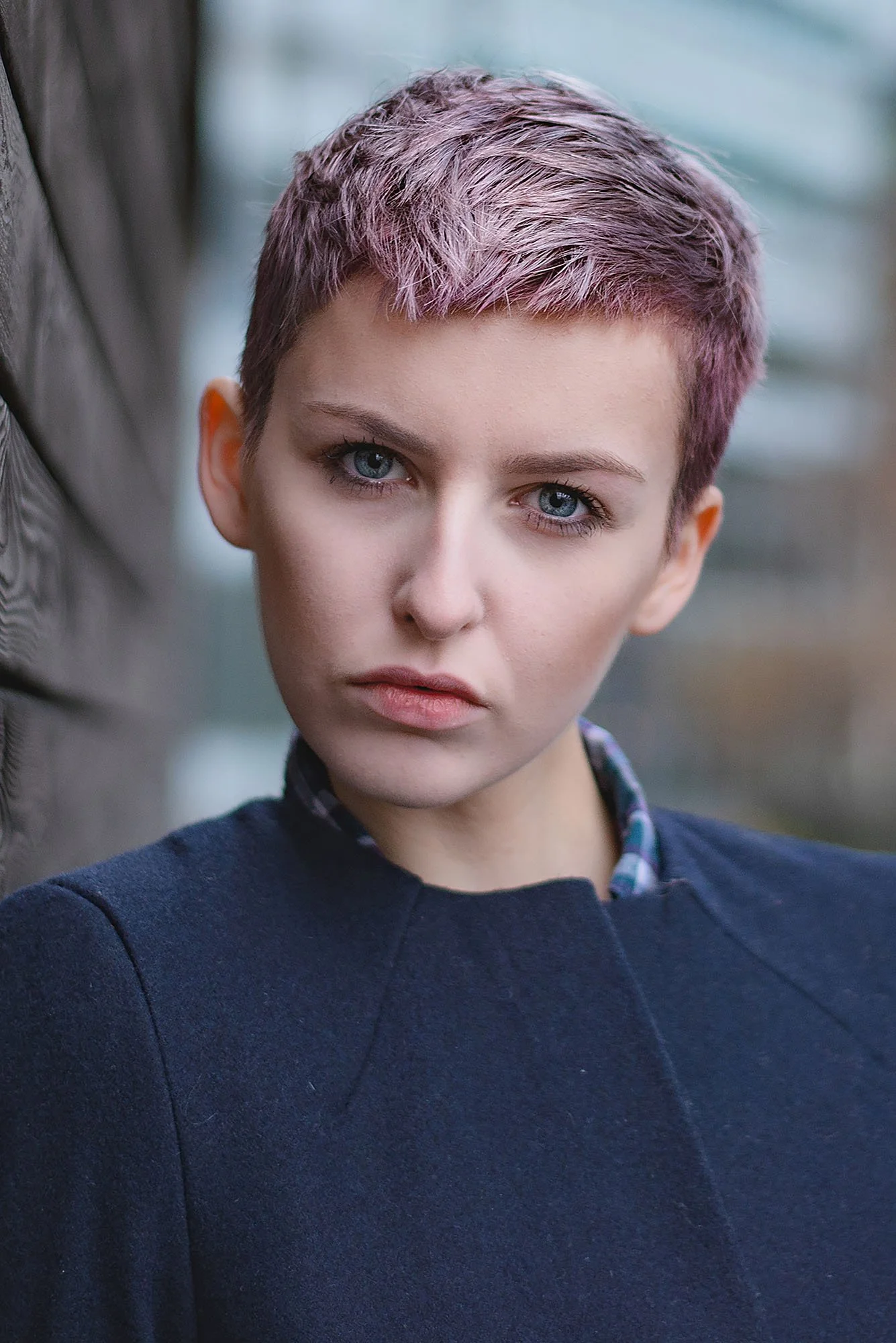
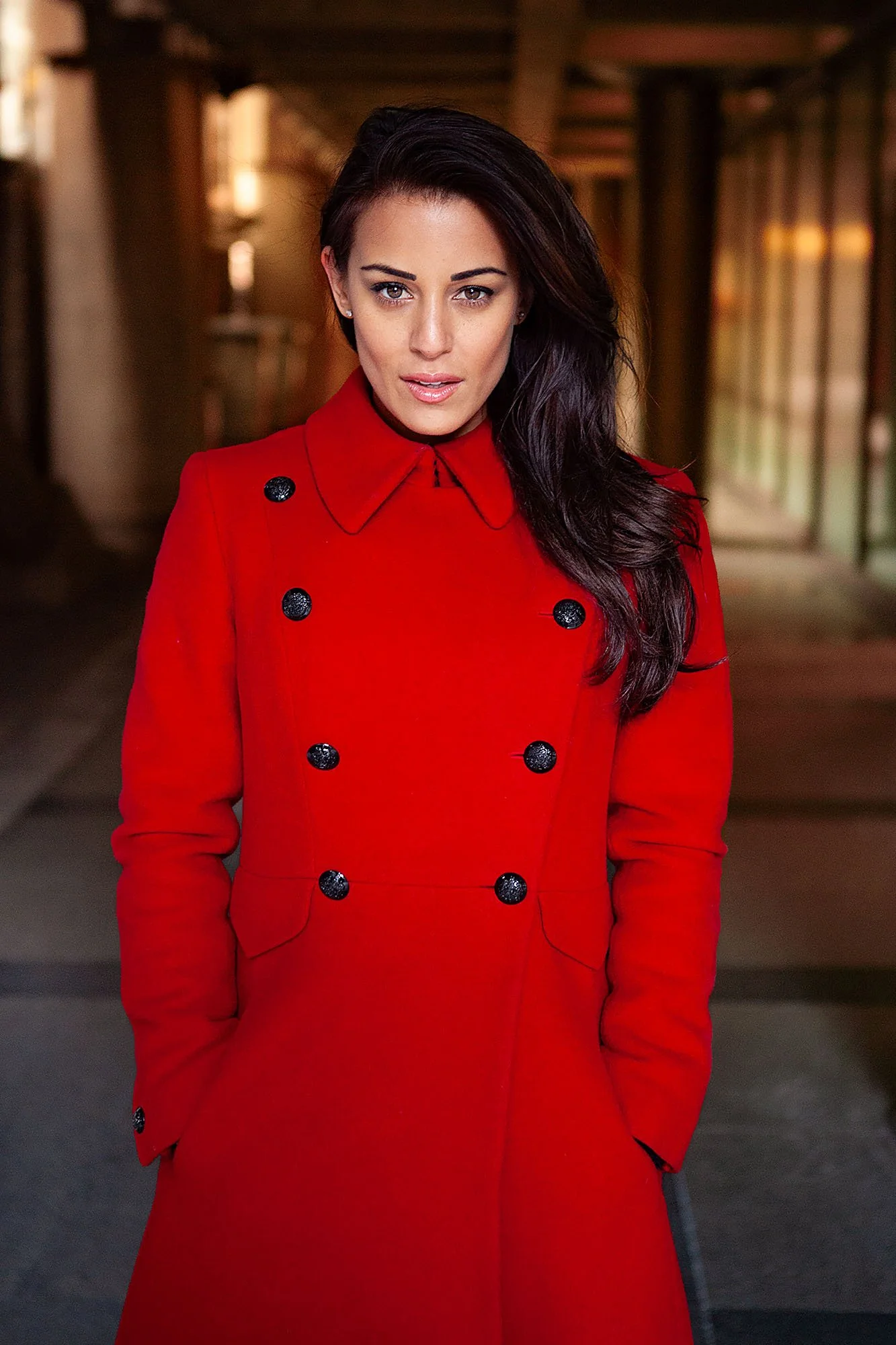
Part one goes deep on one evening. Part two goes wide: six portraits in different light, from golden hour and rain to backlight and night, each built from a blank RAW. They run from easy to hard, with the thinking explained before the harder ones.
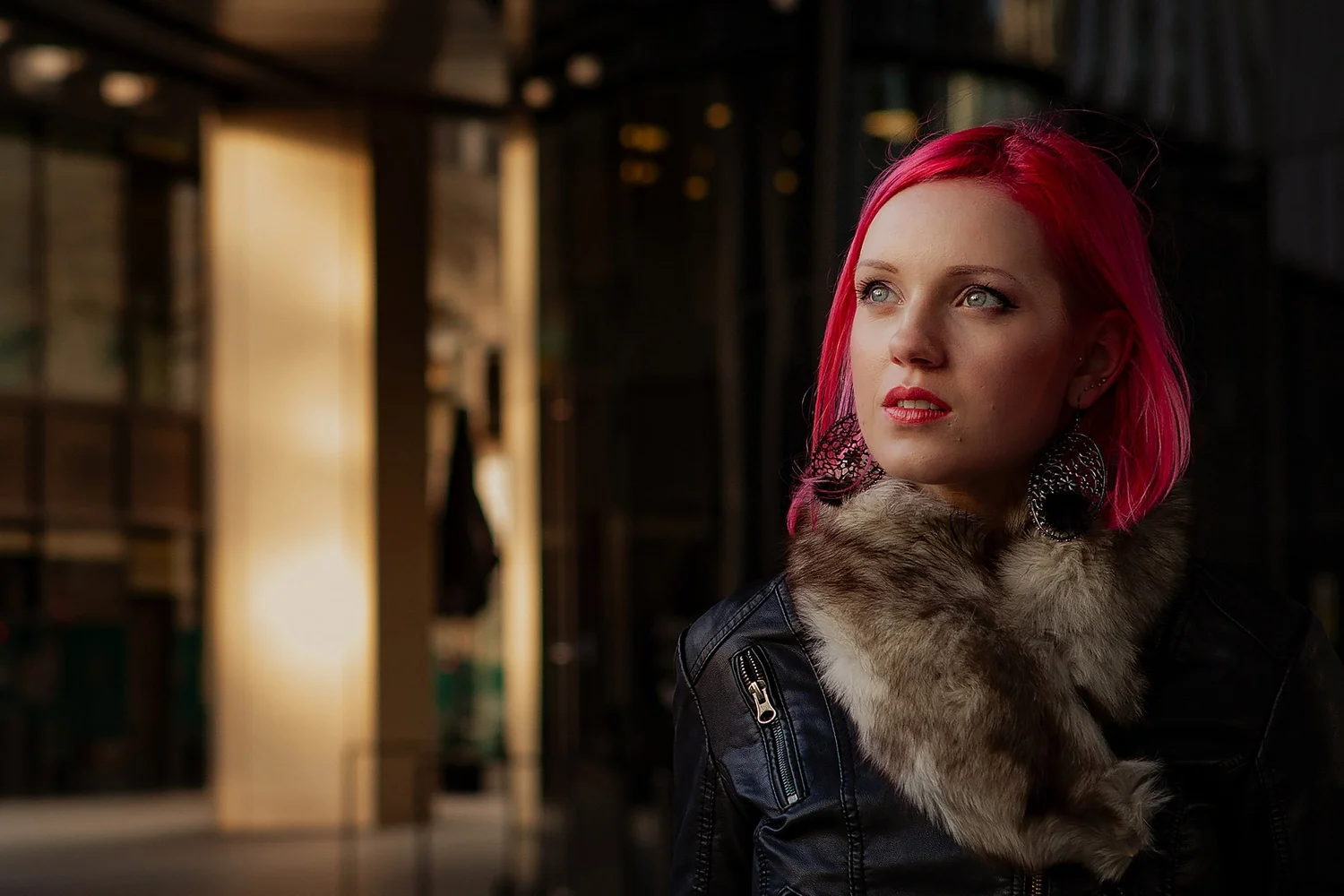
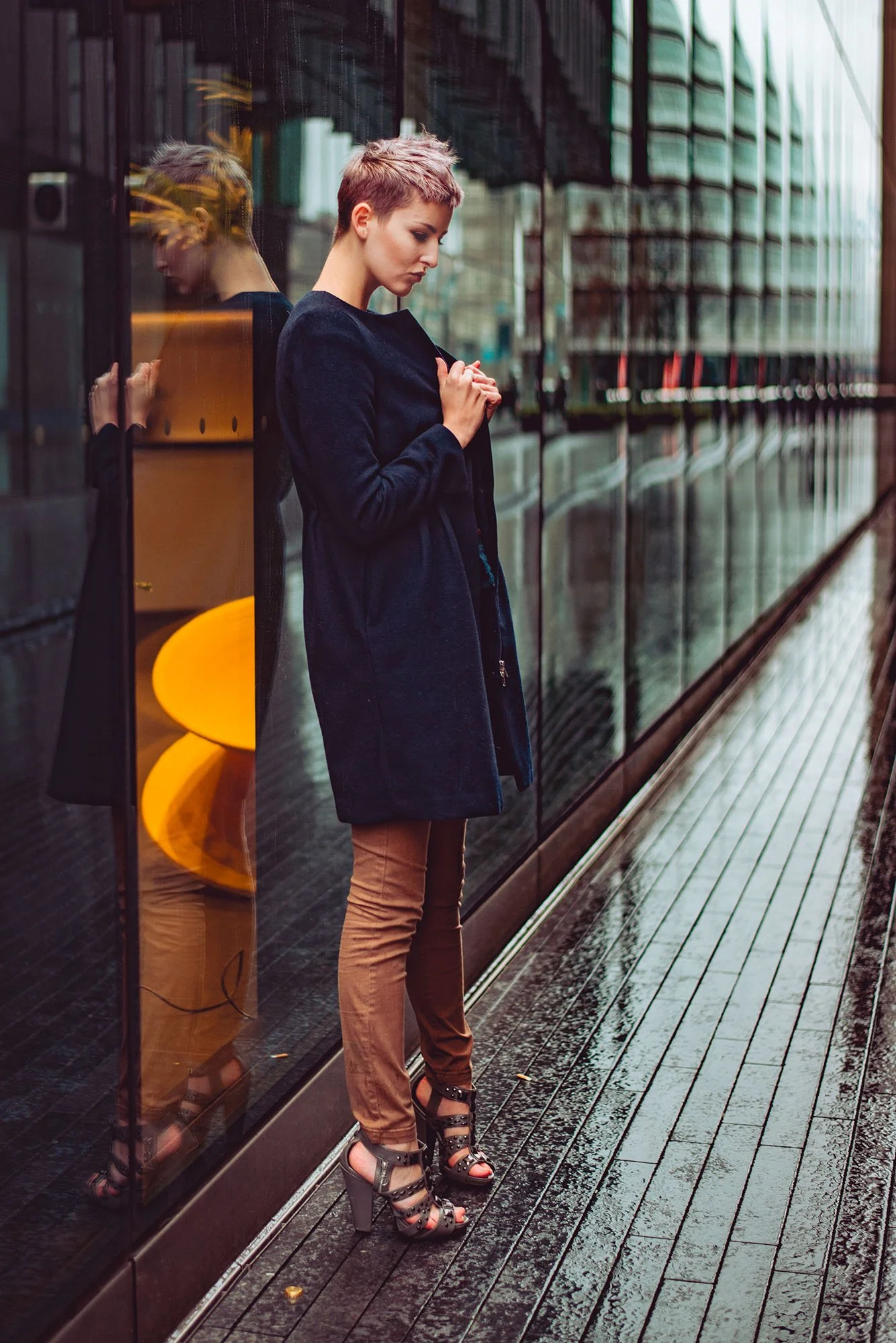
What you won't find on my channel
On YouTube you see highlights. Here you see whole edits, start to finish, including the moments I change my mind. Plus the RAW files, the order to learn it in, and finished files to check yourself against.
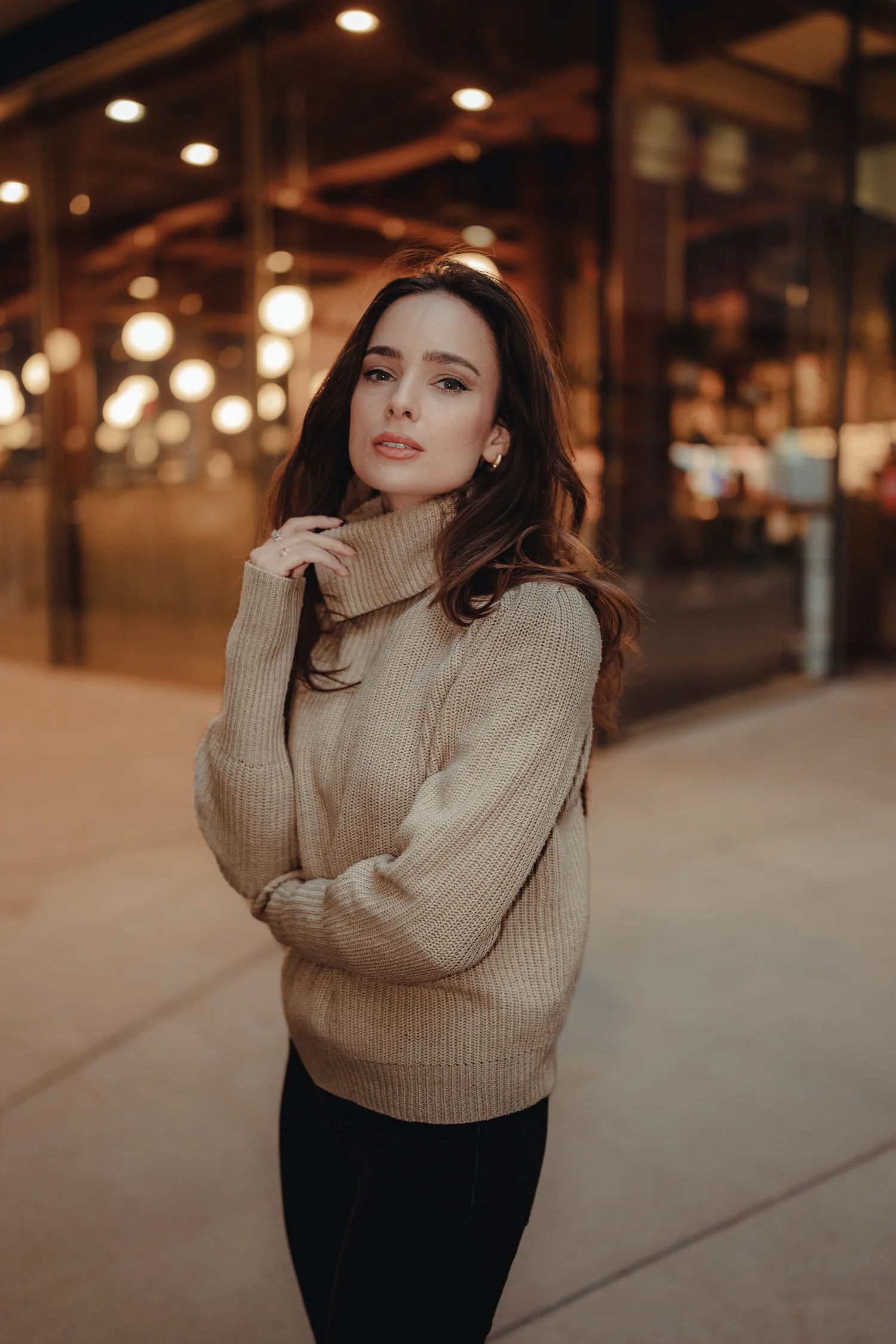
What's inside
Part one: ten photographs, eight lessons
The master edit first, then every other photo from the evening, adapted to its own light.
The key decisions on screen
Short principle cards as I edit, and a recap over the final comparison.
Every RAW file from the new shoot
Plus my finished edits to check yours against.
Skin clean-up in Photoshop
The patch tool and a quick dabbing technique, kept natural.
Part two: six edits from scratch
Easy to hard, across golden hour, rain and overcast, backlight and night, with the thinking explained before the harder ones.
Lifetime access and free updates
Watch on any device. Anything I add later is yours too.
Lightroom Classic and Photoshop
Plus a walkthrough of the Lightroom tools to start from if you want a refresher.
Shooting guidance: 11 lessons
Cameras, lenses and exposure. Coming up with the idea, finding models and locations, and getting a shoot started. Finding natural light by day and ambient light at night. Leading lines and framing.
This is for you if…
- You photograph people outdoors and want your portraits to look the way the moment felt.
- You know your way around Lightroom and want to see the decisions, not copy settings.
- You'd rather understand a look than buy one.
It isn't for you if…
- You're brand new to editing software. Start with the basics, then come back.
- You want a one-click finish.
Start with Outdoor, or get all three
- Ten new photographs across eight lessons
- Every RAW file and my finished edits
- Six edits from scratch (watch-along, no RAWs)
- Lifetime access and free updates
- Outdoor Portrait, Studio Portrait and Landscape
- Every update to all three, included
- $477 bought separately, so you save $118
Already own a workshop? Check your email: what you've paid counts towards the rest.
Questions
What software do I need?
Lightroom Classic and Photoshop. Most of the work happens in Lightroom; Photoshop comes in for skin clean-up in the restaurant window lesson. The thinking transfers to Capture One and others, but you'd be translating the tools as you go.
What level is it for?
It's ideal if you're already comfortable in Lightroom's Develop module. If you need a refresher, there's a walkthrough of the Lightroom tools to start from. After that, I explain every decision as I make it, rather than where each slider lives.
Are the RAW files included?
Yes, for all ten photographs in Part one, along with my finished edits. The six edits in Part two are watch-alongs only, without RAW files.
Can I get this on YouTube?
No. My videos show parts of the process. The workshop is whole edits, start to finish, with the files to follow along.
How long is it?
About four hours in total: the new lessons, the six edits in Part two and the shooting guidance. Go at your own pace, and come back to any of it whenever you like.
I already own the Outdoor workshop. Do I pay again?
No. The new edition is added to your account automatically, free.
How long do I have access?
For life. No renewals, no expiry. If I ever stop offering the workshop, existing customers get download access so you keep the lessons.
What if it isn't right for me?
Email me within 30 days and I'll refund you in full. No forms, no justification needed.
Mood and atmosphere, in any light.
Ten photographs, one evening, every decision explained. Then the same RAW files, for you to edit yourself.
30-day money-back guarantee · Instant access