
Outdoor Portrait Editing Workshop
Outdoor portraits are often harder to edit than they first appear.
Changing light, competing colours, and unpredictable backgrounds can quickly make a strong portrait feel flat or disconnected.
Learn how I turn outdoor portrait RAW files into finished photographs with natural skin tones, cohesive colour, depth, mood, and atmosphere.
Finishing an outdoor portrait is learnable.
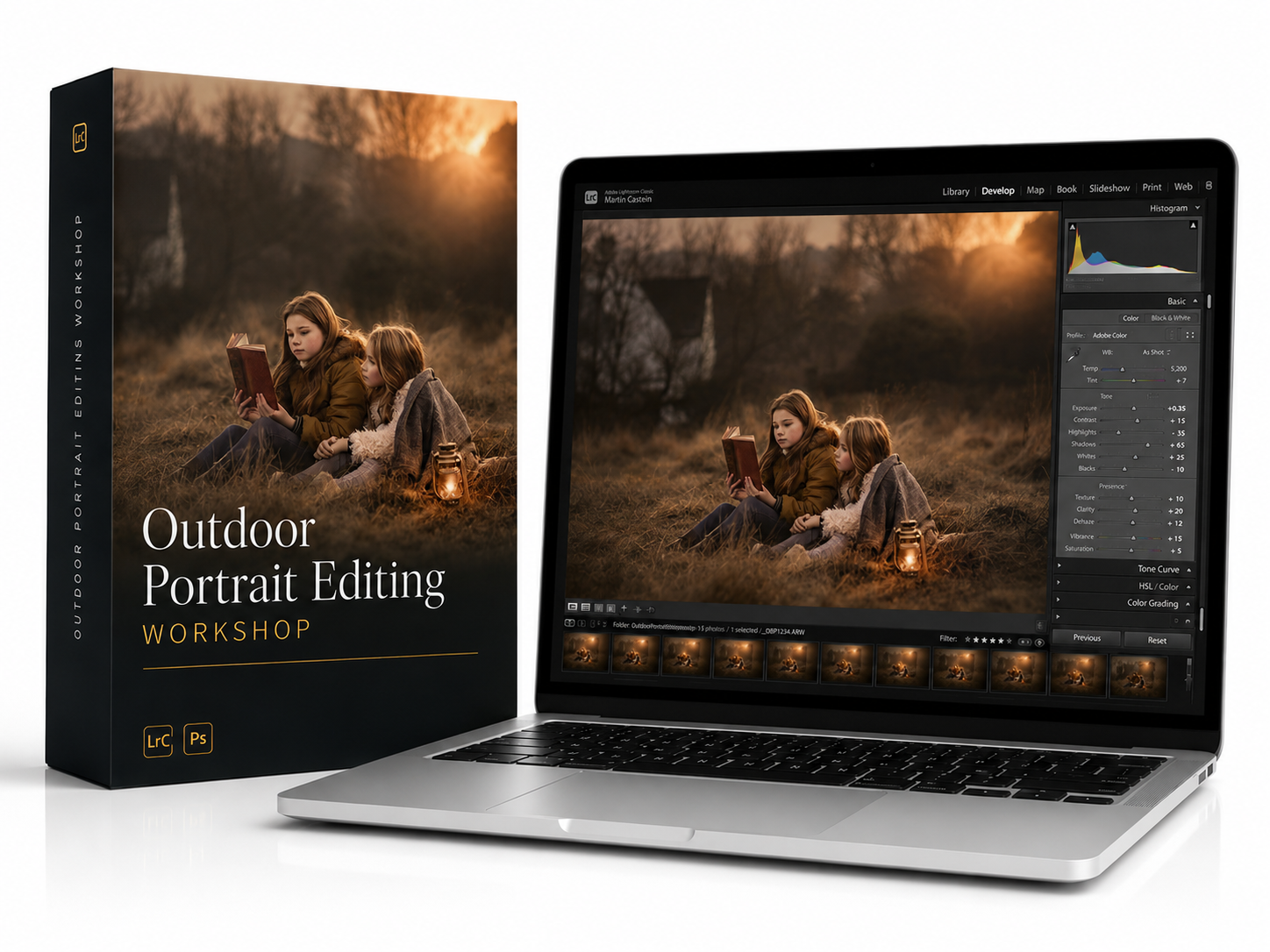
Outdoor Portrait Editing Workshop
$159
One-time purchase • Lifetime access
🔒 Secure checkout · Instant access
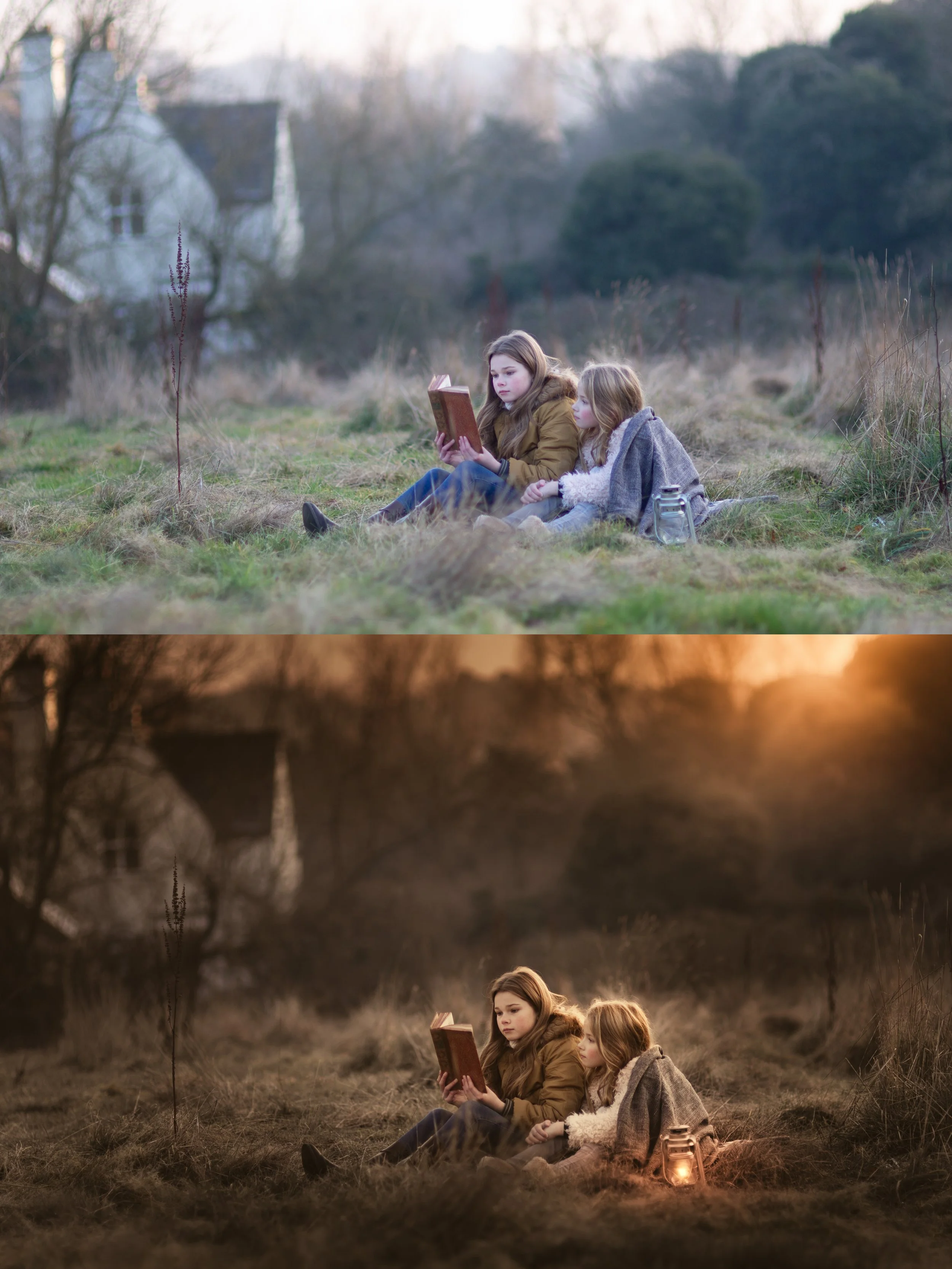
RAW File → Finished Portrait
A RAW file is not the finished portrait. It is the material you use to create one.
A RAW file holds far more than the initial preview reveals, including greater colour, tonal depth, and atmosphere waiting to be shaped.
Outdoors, the light, background, and skin tones all affect one another.
The edit decides whether those elements compete for attention or work together as one finished photograph.
Inside the workshop, you’ll see how I edit this exact portrait from start to finish, balancing skin tones, controlling colour, shaping light, creating depth, and building atmosphere.
This is where the portrait becomes finished.
Every Kind Of Light Needs A Different Approach
In a studio, you control the light.
Outdoors, you work with whatever the location gives you: warm evening light, flat overcast skies, backlighting, harsh contrast, or mixed artificial light at night.
Each condition creates a different editing problem.
That is why a preset or fixed set of slider values cannot reliably finish every outdoor portrait.
The missing skill is learning to read the light and colour already present, then allowing that to guide the edit.
Inside the workshop, you’ll see how I handle different lighting conditions, keep skin tones natural, control distracting colour, create separation, and give each portrait a clear visual direction.
These are repeatable editing principles you can understand, practise, and apply to your own photographs.
Not a formula to copy.
A way to recognise what each portrait needs.
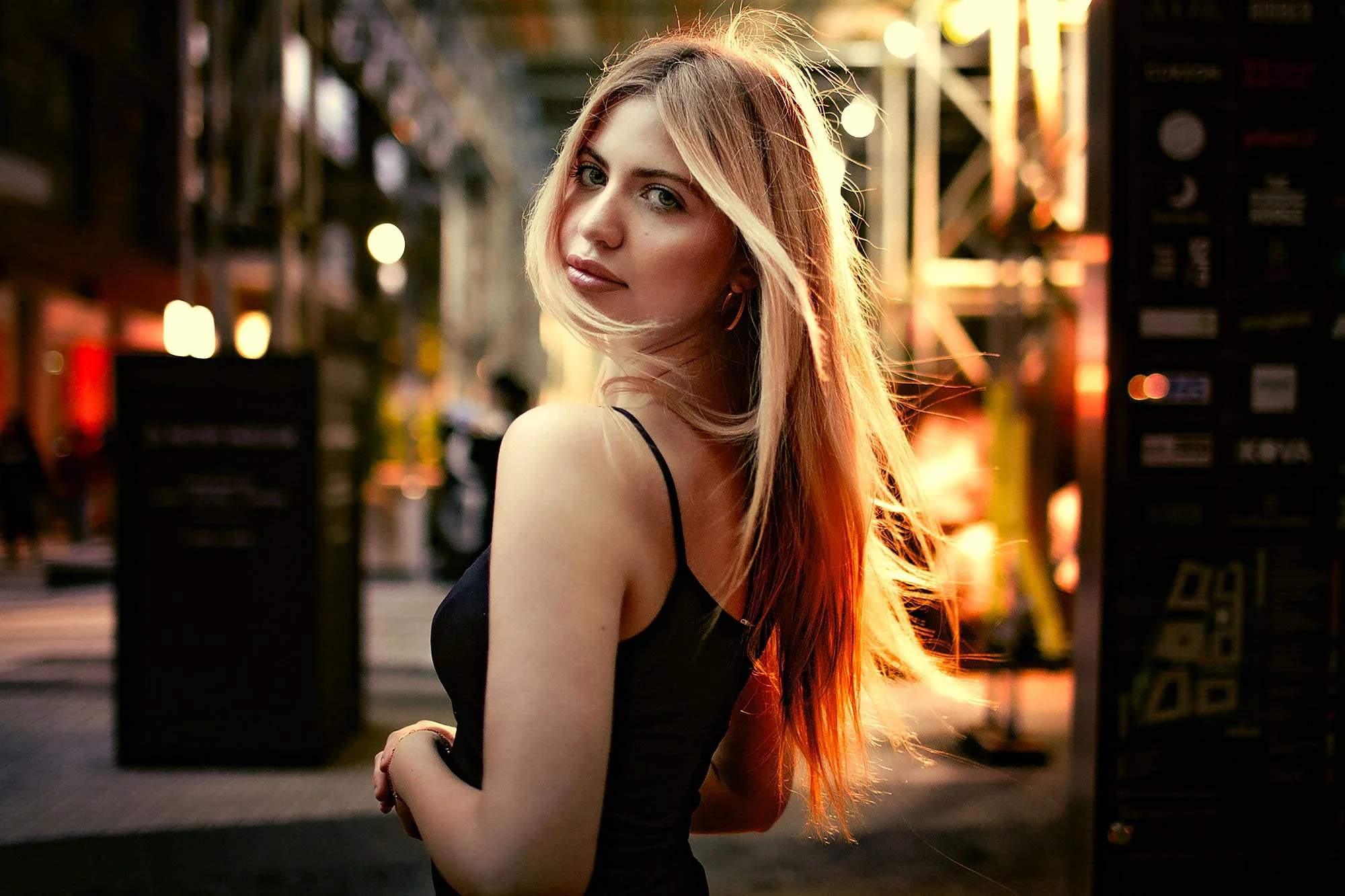
Inside The Outdoor Portrait Editing Workshop
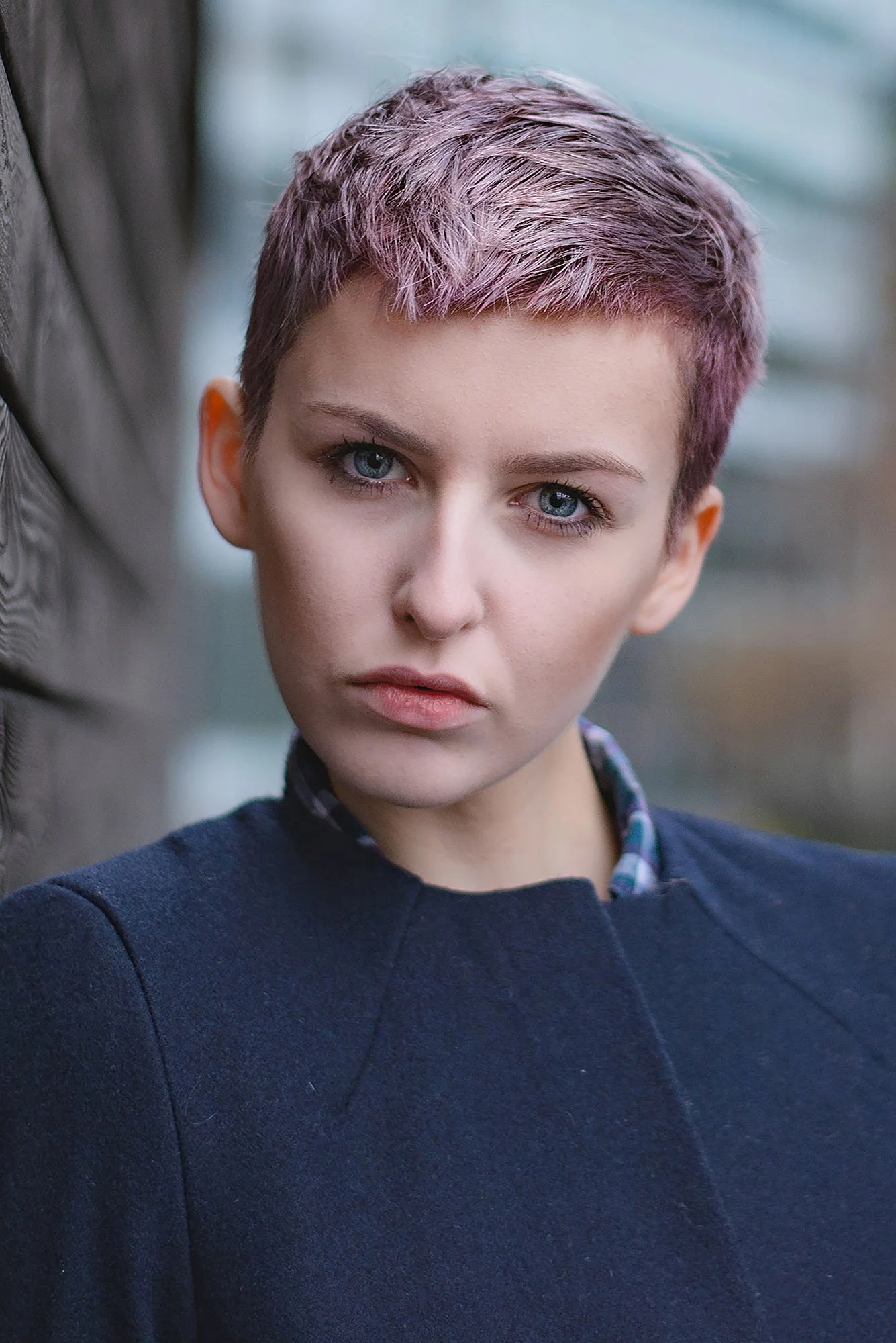
6 complete outdoor portrait edits
Watch portraits develop from RAW file to finished photograph in a range of conditions.
Different lighting situations
Learn how I approach golden hour, overcast light, backlighting, urban colour, and mixed artificial light at night.
Natural skin and cohesive colour
See how I balance skin tones with the surrounding light, background, and colour palette.
Every edit built from scratch
No presets or fixed recipes. See how I make decisions based on what each individual portrait needs.
Shooting and planning guidance
Learn about camera settings, exposure, finding locations, working with models, lighting, and composition.
Lifetime access
Learn at your own pace and revisit the lessons whenever you need.
Six Complete Outdoor Portrait Edits
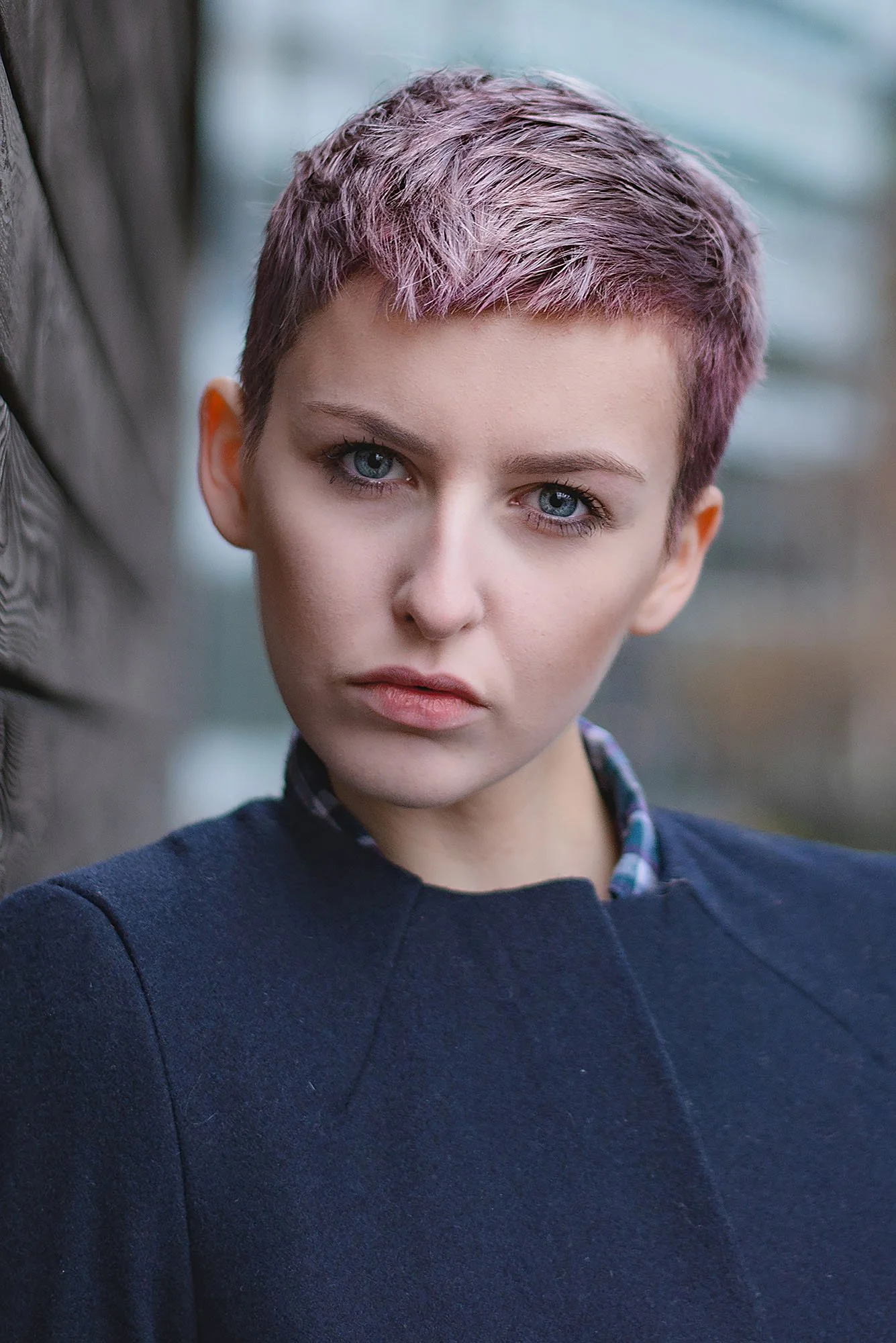
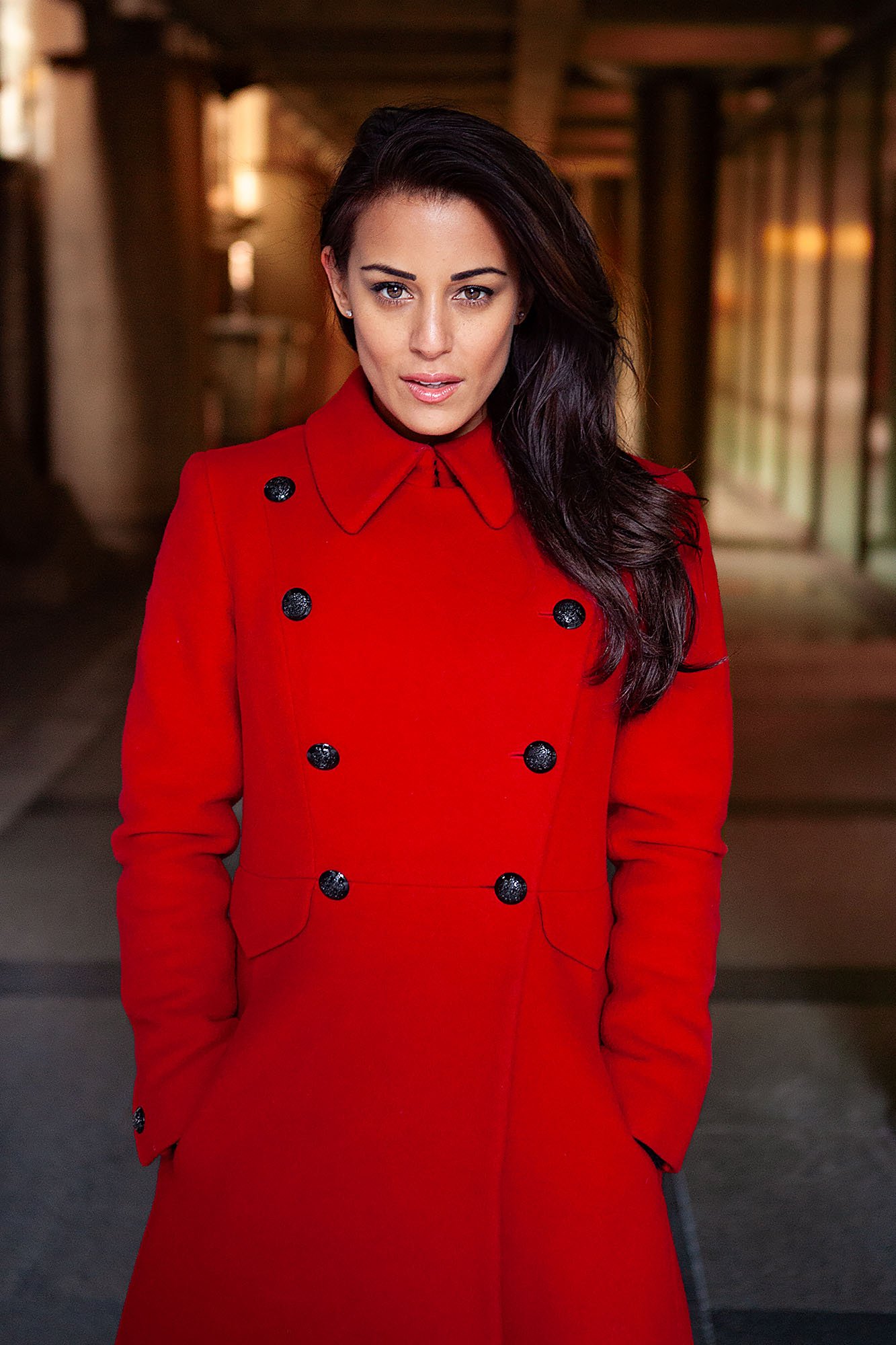
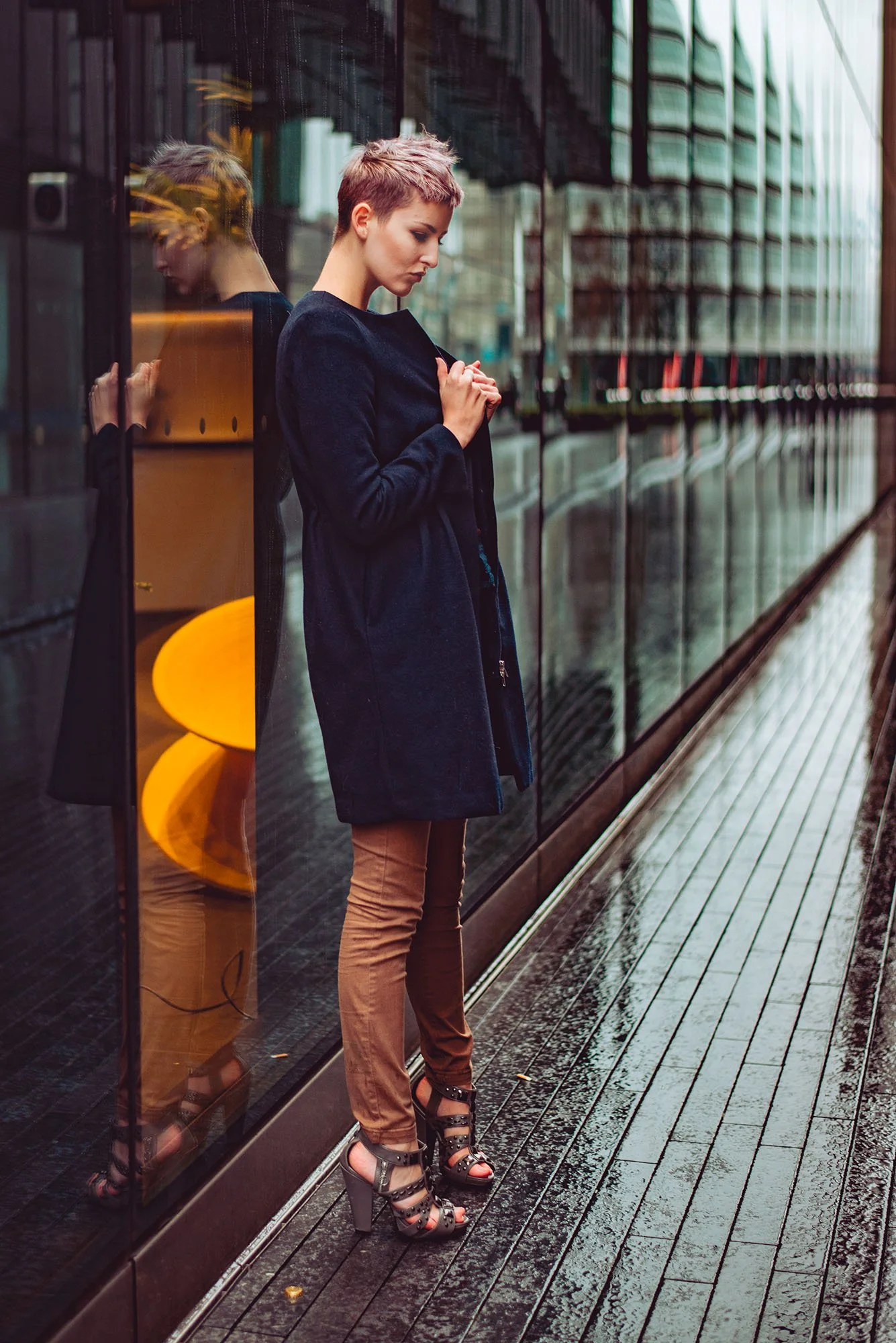
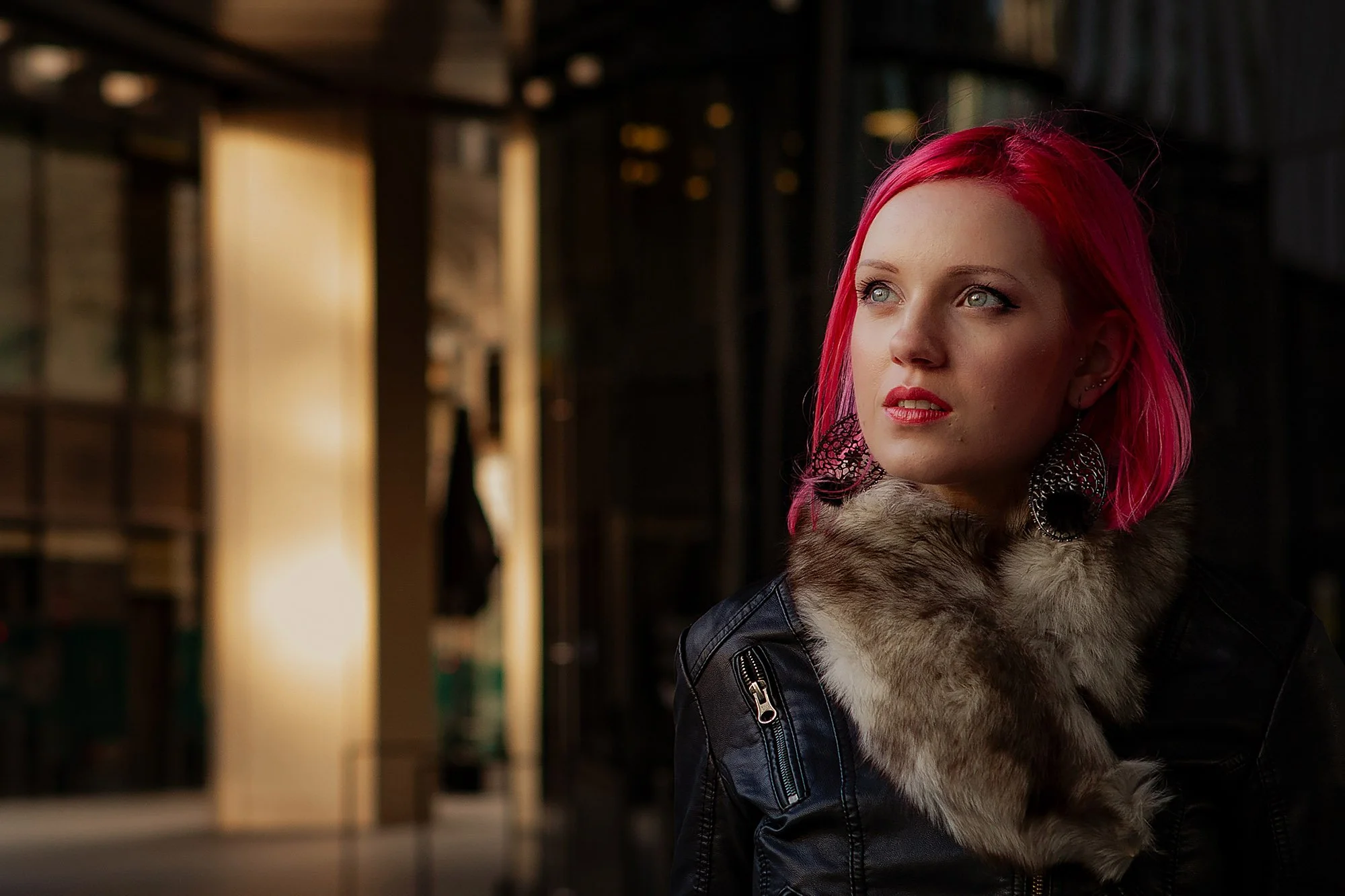
Watch each image go from RAW file to finished photograph, with every major editing decision explained along the way.

This Workshop Is For You If…
✓ Your outdoor portraits often look flatter or less atmospheric than the location felt.
✓ You struggle to keep skin tones natural when the surrounding light changes.
✓ The colours in your subject, background, and location do not always work together.
✓ You know the basic Lightroom tools but still feel unsure what each portrait needs.
✓ You want to handle golden hour, overcast, backlit, and mixed artificial light more confidently.
✓ You want to build each edit intentionally rather than relying on presets or filters.
Ready to start the workshop?
Get instant access to the Outdoor Portrait Editing Workshop and watch six complete edits from RAW file to finished photograph.
You’ll see how I approach changing light, skin tones, colour, depth, backgrounds, and atmosphere across a range of outdoor conditions.
$159
Instant access · Lifetime access
Frequently Asked Questions
What software is used in this workshop?
Lightroom is used throughout the editing demonstrations.
You’ll see the sliders, masks, colour controls, and adjustment tools I use as I work through each portrait.
Do I need to be an experienced editor to follow this?
No.
The workshop does not assume advanced editing knowledge. I explain how I assess each portrait, decide what it needs, and build the edit from there.
It is designed to replace guesswork with a clearer, more intentional editing process.
Are RAW files included?
No.
The purpose of the workshop is to teach you how to assess and edit your own outdoor portraits rather than reproduce the same result on one of mine.
You’ll still see every demonstration develop from the original RAW file through to the finished photograph.
Are presets included?
No.
Every edit begins from scratch so you can see how the lighting, colour, subject, and location guide the decisions.
The aim is to give you an approach you can apply to different portraits and lighting conditions, rather than a fixed look that only works on certain files.
What lighting conditions are covered?
The workshop includes portraits created in golden-hour light, overcast conditions, backlighting, urban environments, and mixed artificial light at night.
You’ll see how each kind of light creates a different editing problem and how I adapt my approach accordingly.
Does the workshop cover skin tones?
Yes.
You’ll see how I keep skin tones natural while working with warm light, cool surroundings, mixed colour, and difficult highlights.
The aim is to make the skin belong within the finished photograph rather than look separately corrected.
Is this workshop only about editing?
Editing is the main focus, but the workshop also covers camera settings, exposure, finding locations, working with models, natural and ambient light, and composition.
These lessons help connect the decisions made during the shoot with what becomes possible during editing.
Will this work if I use Capture One or other non-Adobe software?
You’ll still get value from the principles behind light, skin tones, colour harmony, depth, contrast, and atmosphere.
However, the demonstrations use Lightroom, so you’ll need to translate some of the tools into your own editing software.
How long do I have access?
Lifetime access. No renewals, no expiry.
If I ever stop offering the workshop, I’ll give existing customers download access so you can keep the lessons.
What if the workshop isn't right for me?
If you buy the workshop and genuinely feel it isn’t right for you, email me within 30 days and I’ll refund you in full.
No forms, no justification needed. I’d rather you had the refund than felt stuck with something that wasn’t what you hoped for.
Finish Your Outdoor Portraits With Mood, Depth And Intention
If your outdoor portraits often lose the light, colour, or feeling that made you take them, this workshop will show you how I take an image from RAW file to finished photograph.
Watch six complete outdoor portrait edits across a range of lighting conditions, with every major decision explained along the way.
$159
Instant access · Lifetime access
Want the full editing bundle?
Get Studio Portrait Editing, Outdoor Portrait Editing, and Landscape Editing together in the Complete Editing Bundle.