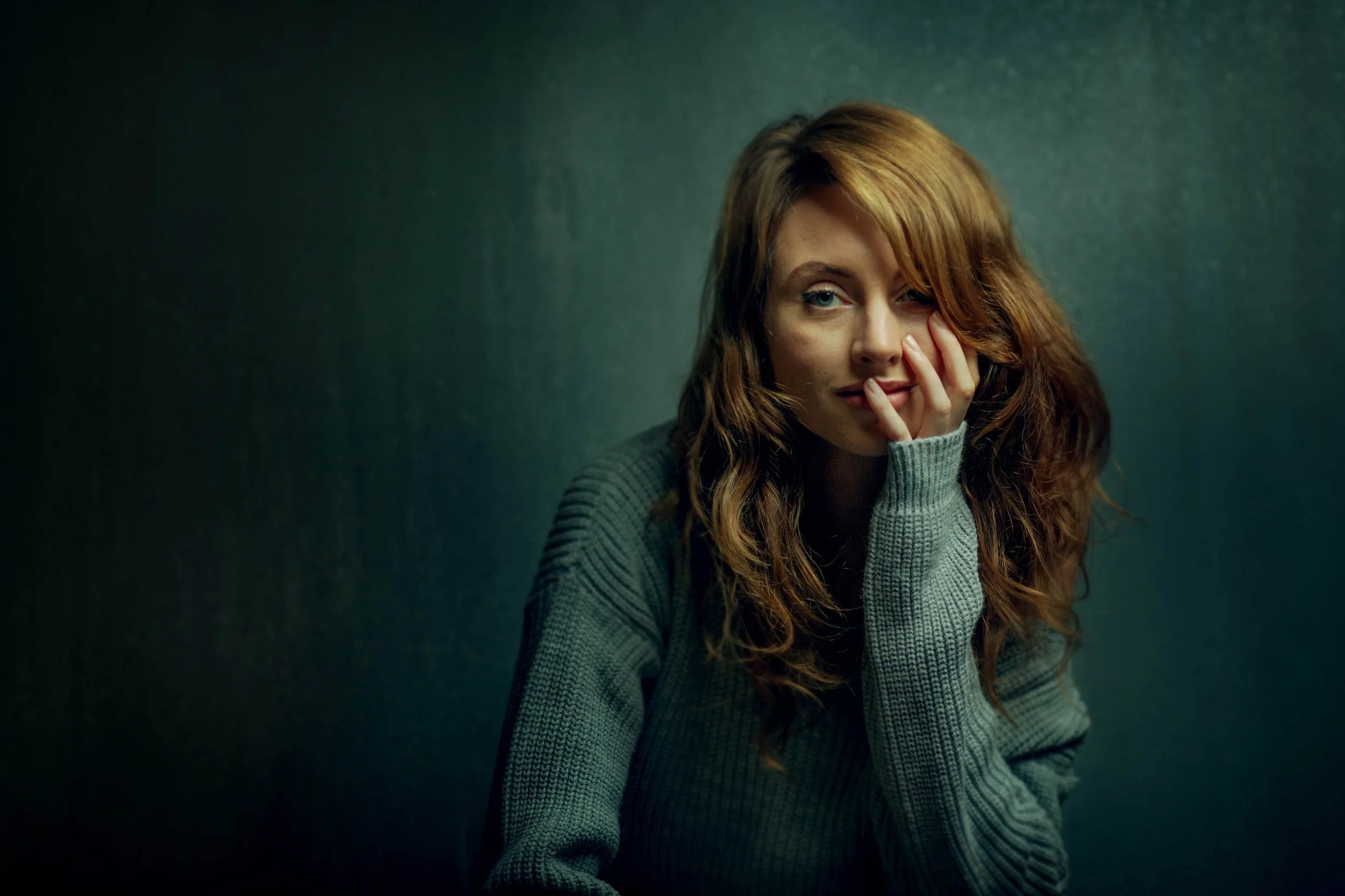
Studio Portrait Editing Workshop
Learn how my studio portraits are edited from RAW file to finished image. Every decision explained.
Lifetime access · Lightroom & Photoshop · 30-day guarantee
If you've spent time looking at my studio portraits, you've probably had one specific thought: I want to know how to make my work look like that.
That's what this workshop is for.
Not editing as a technical exercise where you're chasing the right numbers. Editing in a way that makes the image actually feel like something.
Real-time editing from start to finish. Every decision explained. The complete studio portrait editing workflow.
The Problem
Most photographers edit by guesswork.
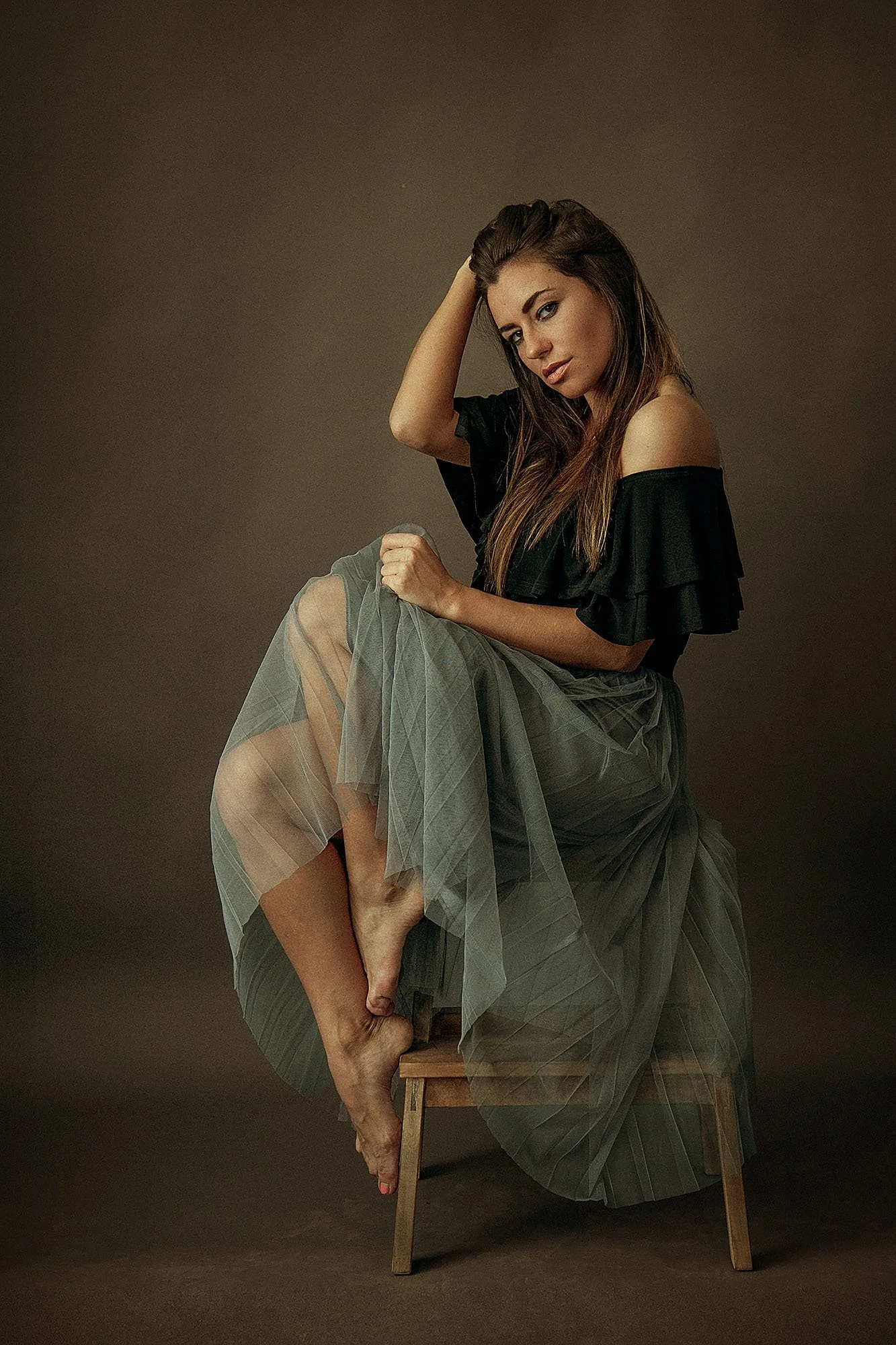
They move sliders, try preset packs, watch tutorials, and the image still doesn't look how they want it to.
It looks fine. But it doesn't feel like anything.
The difference between a technically correct portrait and one with real mood and atmosphere isn't the camera or the lighting.
It's the edit. Specifically, it's whether you knew what you were trying to create before you started.
That's why your images don't look how you want them to, even when everything else is right.
A technically perfect image can still feel like nothing. The exposure is right, the skin is clean, the colours are accurate, and there's just nothing there.
What makes a portrait feel alive is almost the opposite of getting everything perfect. It's putting imperfection back in, deliberately, so the image feels like something instead of feeling sterile.
If someone asked you what mood you were building toward before you opened Lightroom, could you answer that? After this workshop, you'll always be able to.
There are no secret tools. The software is just software.
What changes is knowing exactly what to do with it, and that's what I show you, every decision, in full.
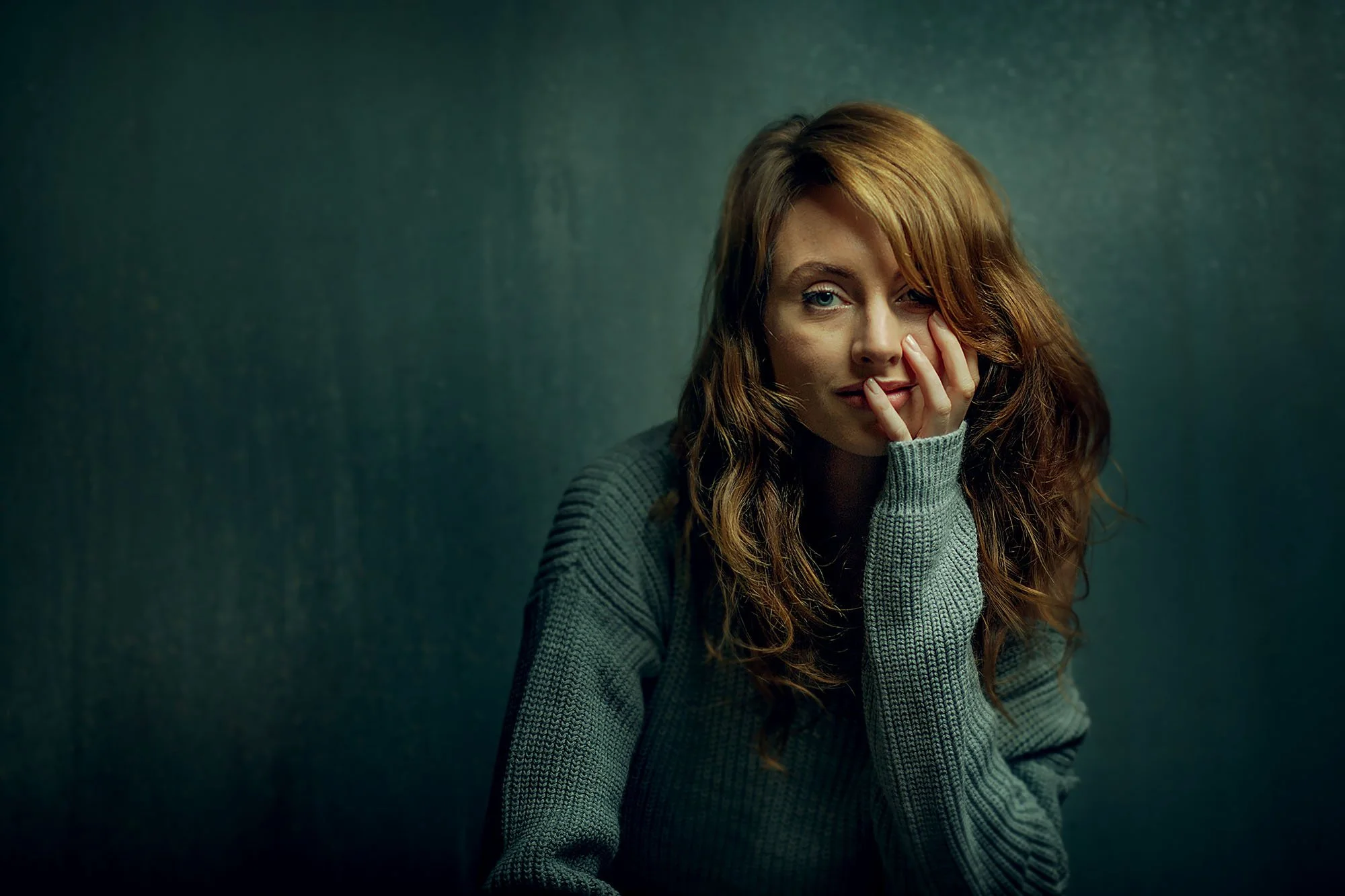
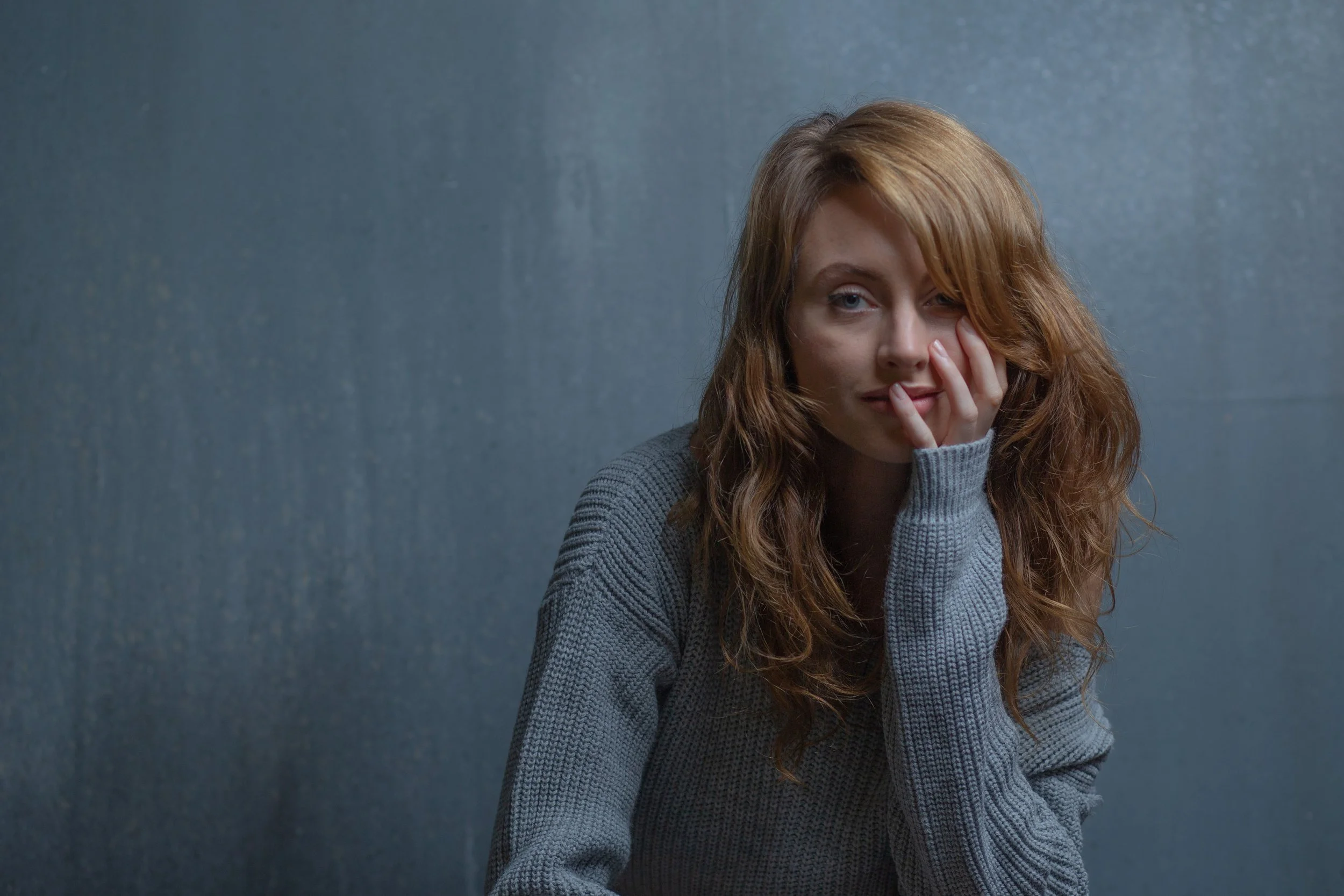
Straight out of camera, then the finished edit. You'll watch this exact transformation, every decision explained.
Learn to think and edit like an artist
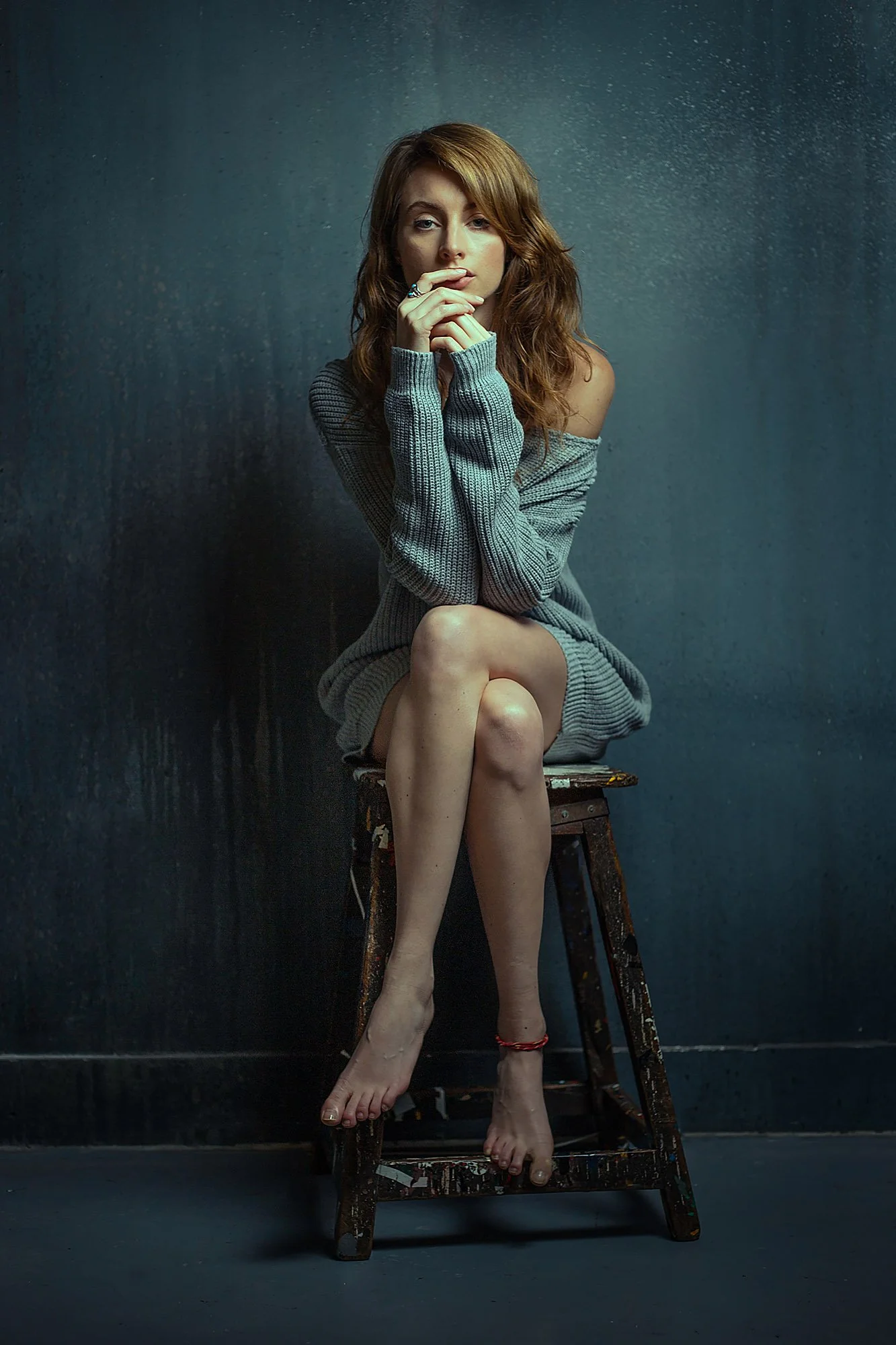
The Workshop
The workshop opens with a theory section: colour, dynamic range, the editing concepts I use throughout.
This isn't padding. It closes any knowledge gaps before the editing starts, so nothing later feels unexplained. Then we move into the main editing section.
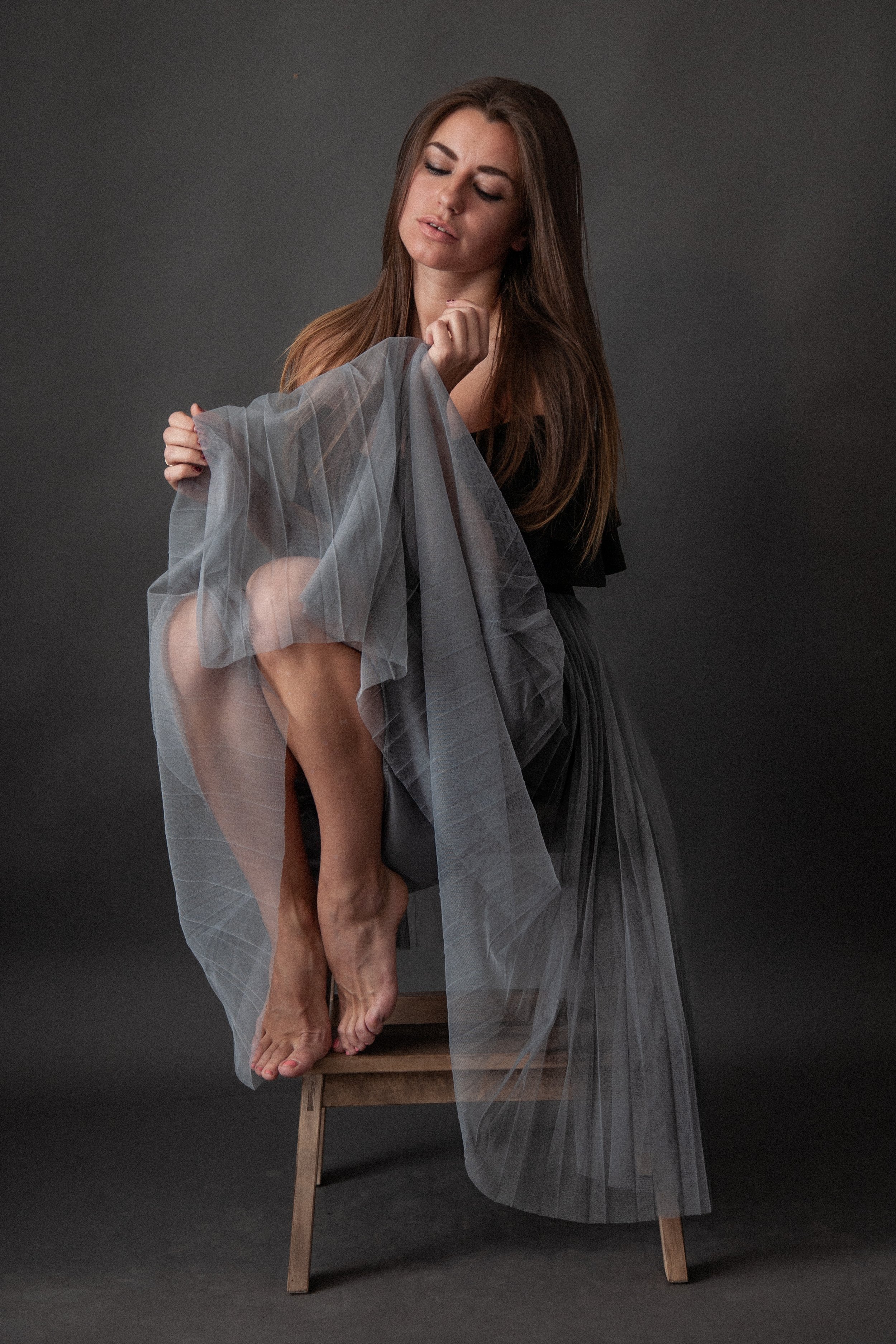
The first edit is deliberately simplified. It introduces the core concepts I use to shape an image, how I change textures, and my fast skin edit, the one I use most often when I need speed across a full shoot.
Then we move on to full edits. Painterly, dramatic, expressive, with a clear sense of mood.
These are the edits you'll watch in the workshop. Each one in full, from RAW to finished.
Some of these edits start from the preset pack that comes with the workshop, the same presets I built from my own work.
Others I build completely from scratch. You'll learn both, so you can move fast when you want to and take full control when the image needs it.
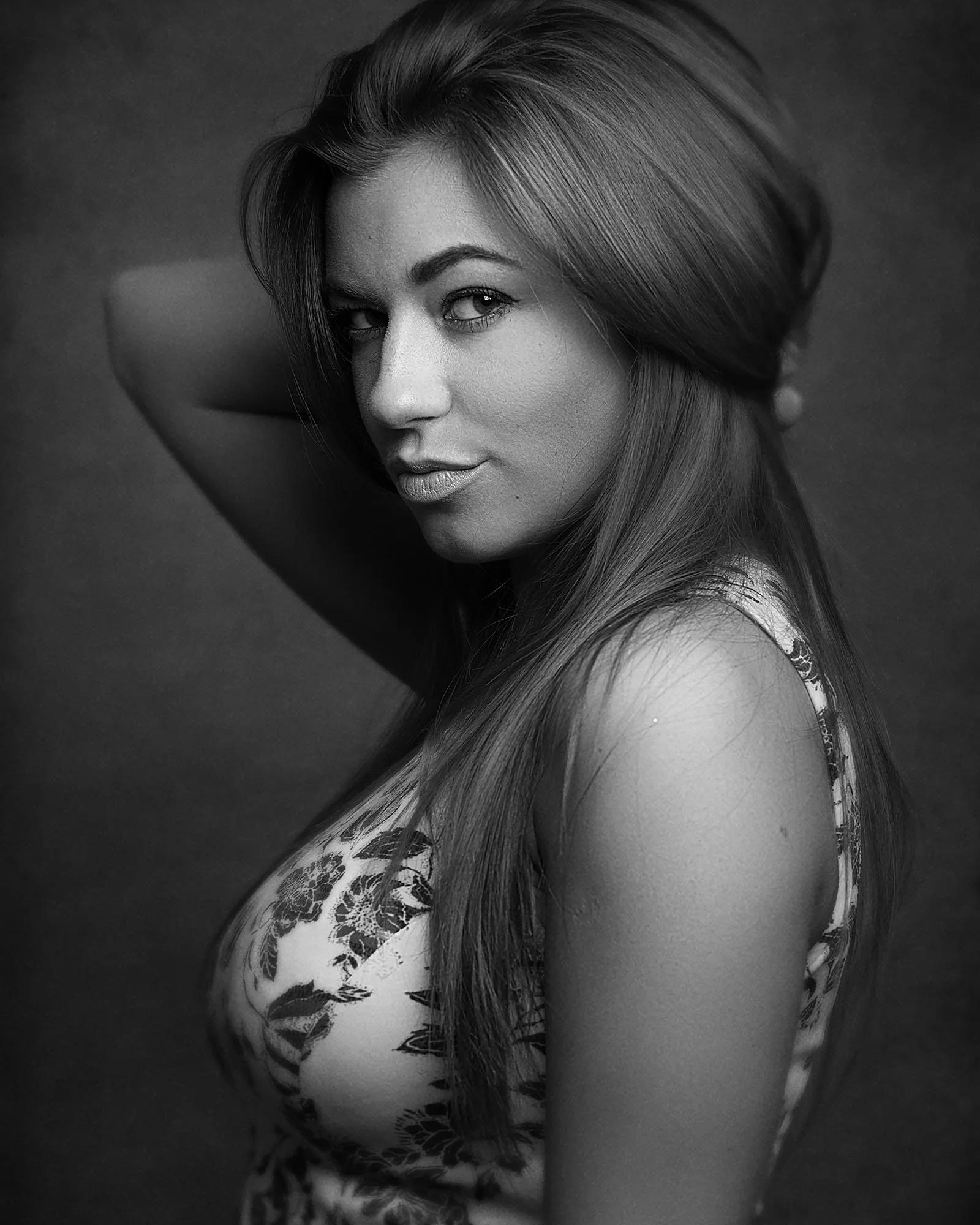
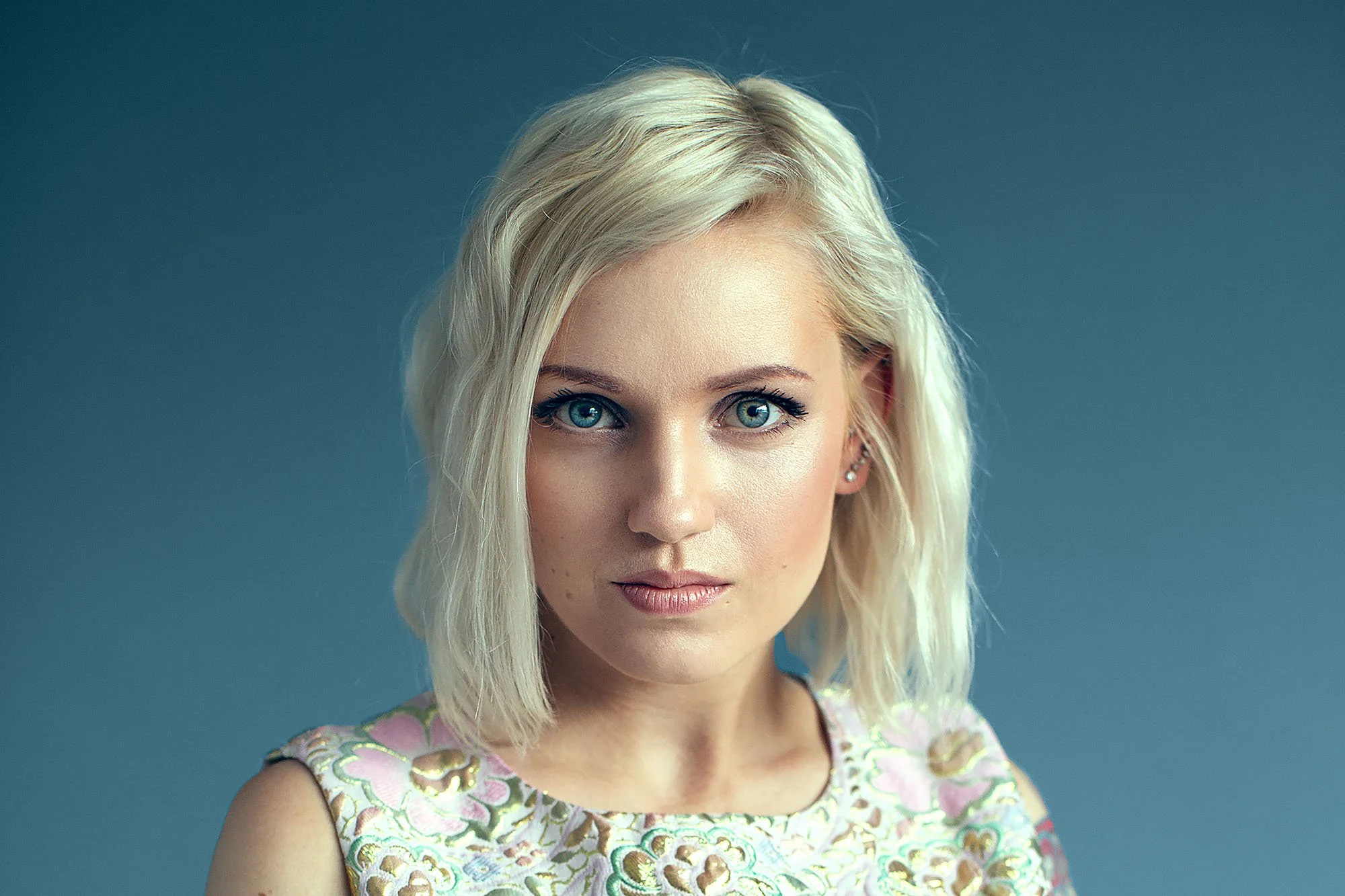
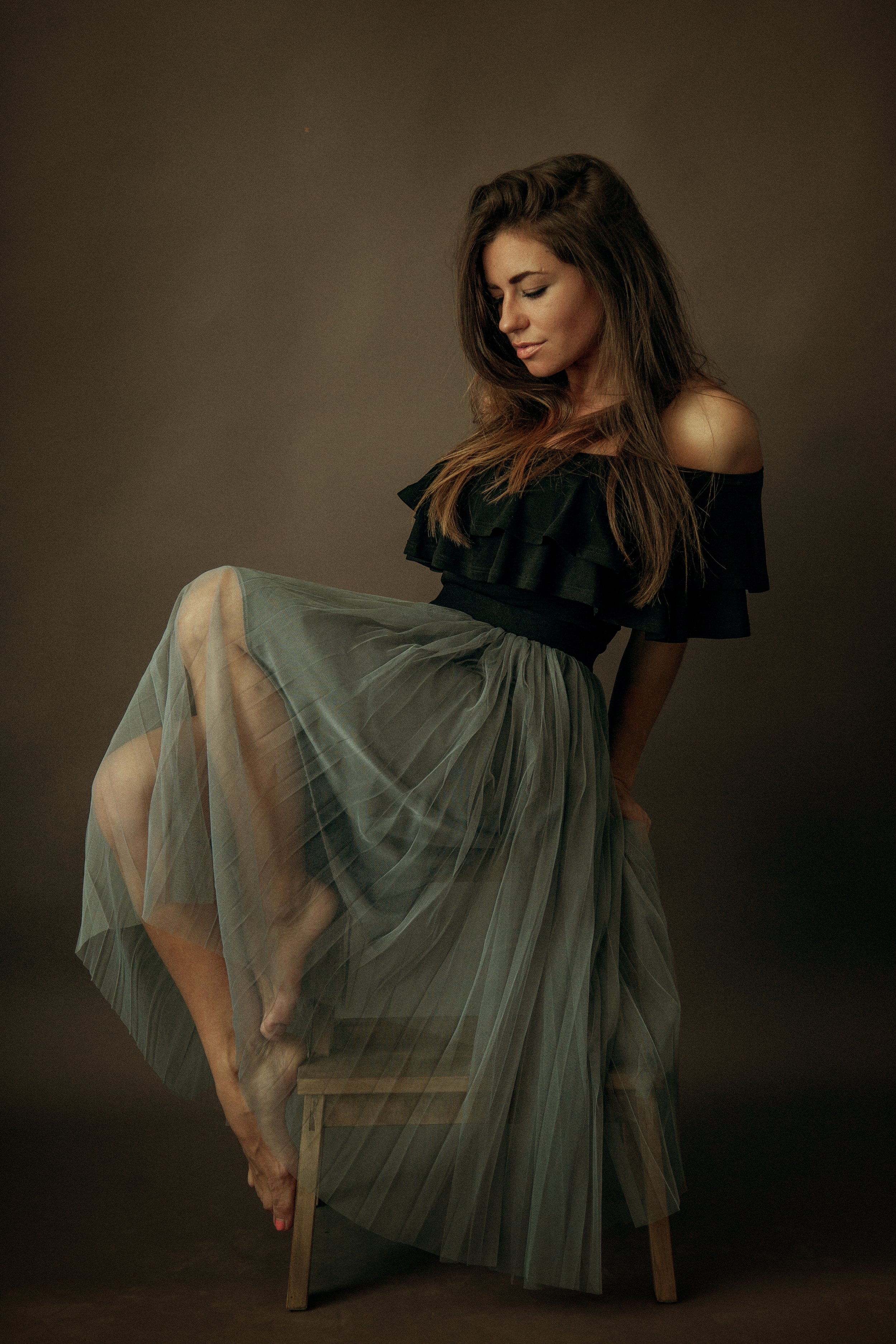
Then with this image, I show you my own way of doing frequency separation for detailed skin edits.
I developed this variation over years of professional work. It's more consistent and it holds up better than the standard method.
I take you through the rest of the full edit too.
One thing a lot of photographers struggle with is keeping edits consistent across a series, especially in Photoshop.
I show you how I apply the same edit from one image to the next, starting in Lightroom and finishing in Photoshop, so a whole series holds together.
This matters most when you're building a body of work that needs to feel like it belongs together.
ENROLL
Studio Portrait Editing Workshop
$159 · One-time purchase · Lifetime access
Everything in this workshop:
The complete editing workflow from RAW to finished image
Two skin editing approaches (Lightroom and Photoshop)
A preset pack built from my actual workflow
Lifetime access, watch as many times as you want
Lightroom and Photoshop throughout
Lifetime access · Lightroom & Photoshop · 30-day guarantee
Want all three workshops?
Things photographers ask
What software is used in this workshop?
Lightroom and Photoshop throughout. You'll see exactly which panels, sliders, and tools I'm using as I work through each image.
Will this work if I use Capture One or other non-Adobe software?
You'll still get value, the thinking behind each editing decision transfers to any software. But the specific tools and panels I demonstrate won't be in your editor, so you'll need to find the equivalents as you go.
Do I need to be an experienced editor to follow this?
You need to know your way around Lightroom basics, opening RAW files, the main adjustment panels. If you're completely new to editing, start with my YouTube channel first. If you've been editing for a while but feel stuck, this workshop is exactly for you.
Are RAW files included to practise with?
No. The workshop teaches the thinking and approach so you can apply it to your own images, not just follow along with mine. Your own images are the best practice material.
How long do I have access?
Lifetime, no renewals, no expiry. If I ever stop offering the workshop, I'll give existing customers download access so you keep the lessons.
What's your refund policy?
30-day money-back guarantee. If it's not right for you, email me within 30 days and I'll refund you in full. No forms, no justification needed.
You wanted to know how my studio portraits look the way they do.
This workshop is the answer.
Real-time editing, every decision explained, lifetime access.
Lifetime access · Lightroom & Photoshop · 30-day guarantee